-
My goal:
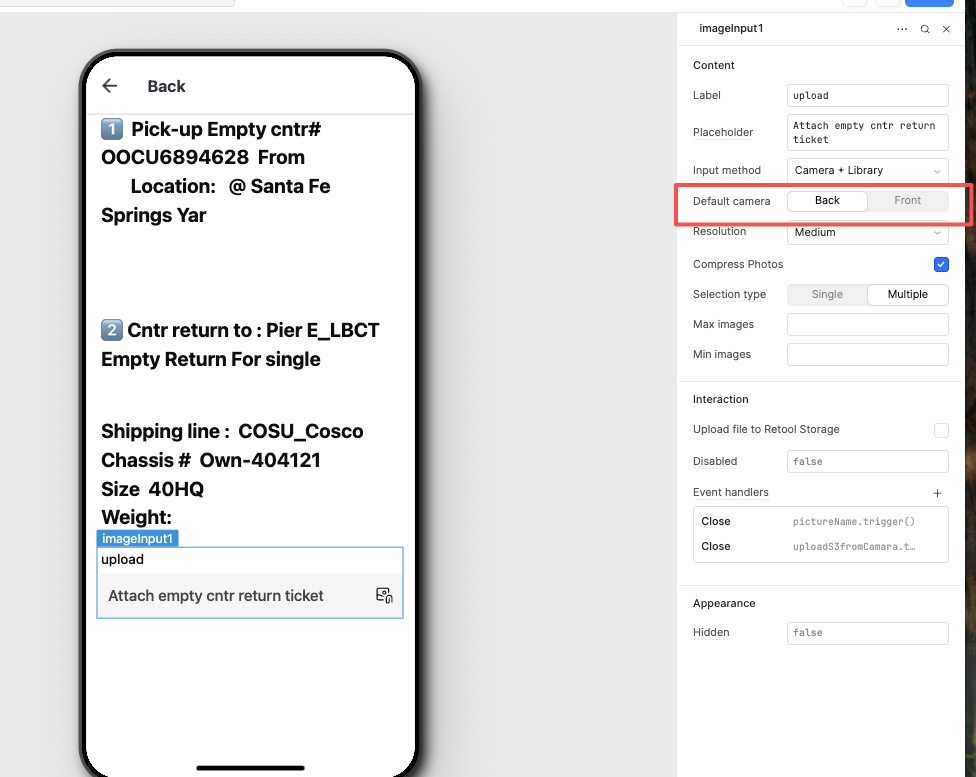
When the user opens the mobile app, automatically activate the rear camera. -
Issue:
When the app is opened, the front camera is displayed and it cannot be switched to the rear camera.
1 Like
Hello @April_Fgt,
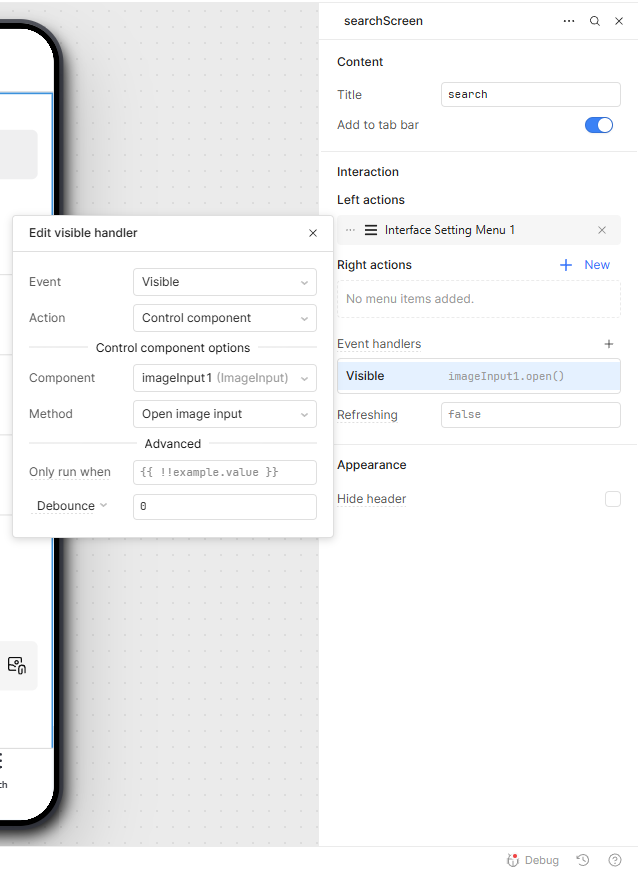
Add a page event handler to automatically activate the camera:
-
In the event handler, set the event to Visible, then select your image input component and choose the Open image input method (see screenshot).
-
In my app, this setup automatically opens the back camera on page load, and it works perfectly.
-
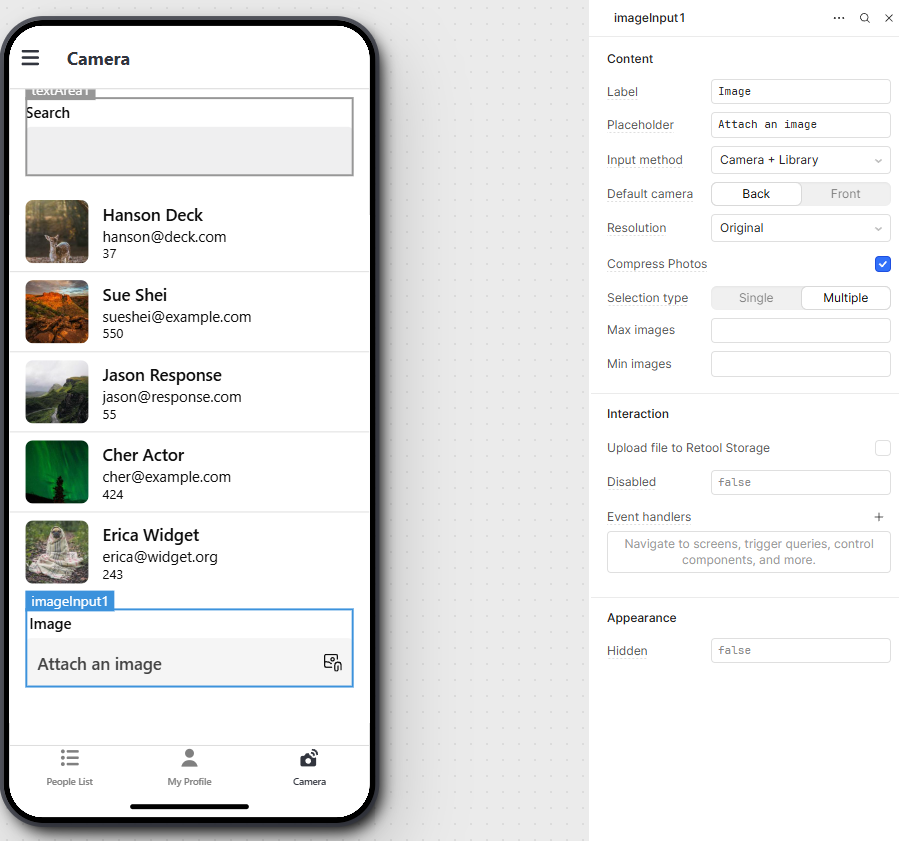
You’ll also have the option to switch to the rear camera, as shown in my screen recording.
2 Likes
Thanks to your detailed and visual guidance, it didn’t work with the rear camera on my side—maybe because I was using the open share link?
But I’ve already found a solution thanks to your instructions.
As shown in the picture, if the method is set to Library only, the mobile side can then select the camera.

2 Likes