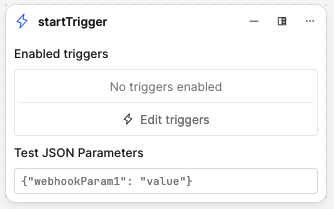
Add some key/value boxes, or another JSON input field to let us add test urlParams values for validating the behavior of our workflow while staying in the Editor.
Hi @khill-fbmc,
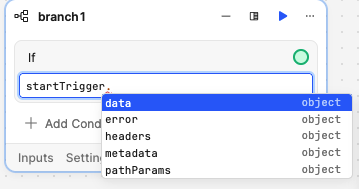
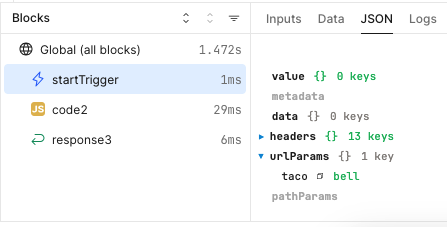
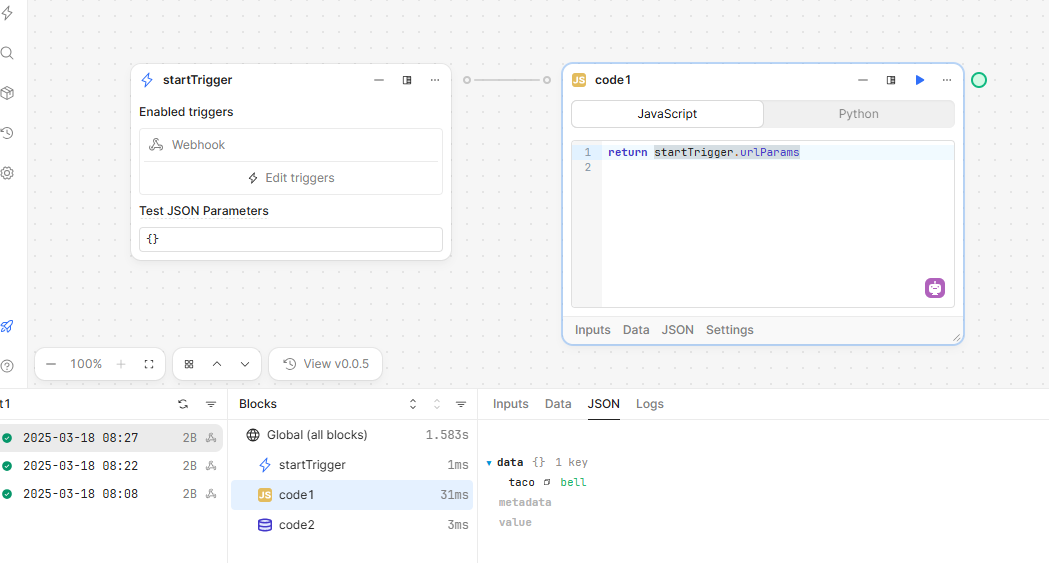
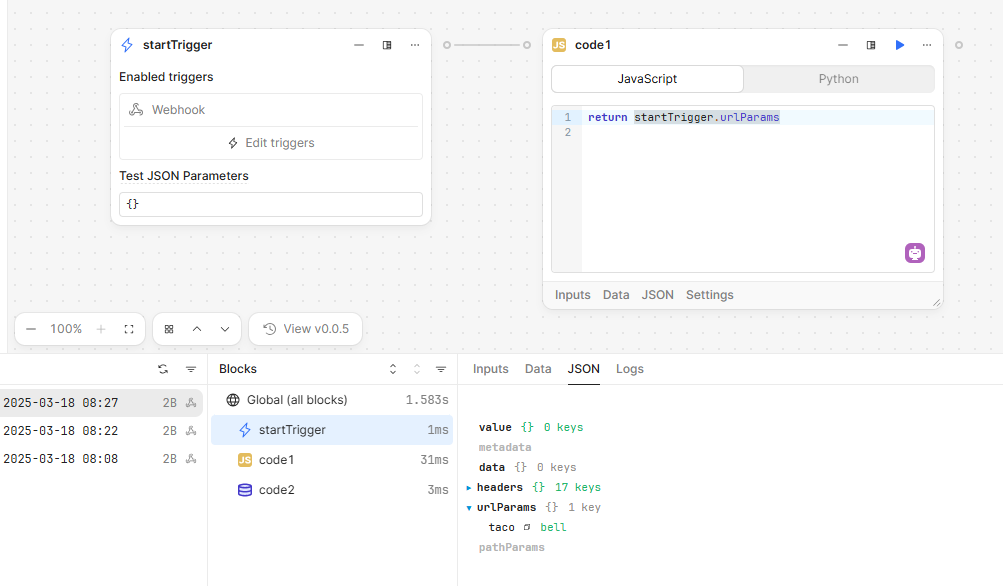
You are correct in that the startTrigger doesn't even hint that urlParams is a property. However, when I tested it as startTrigger.urlParams, it still worked!
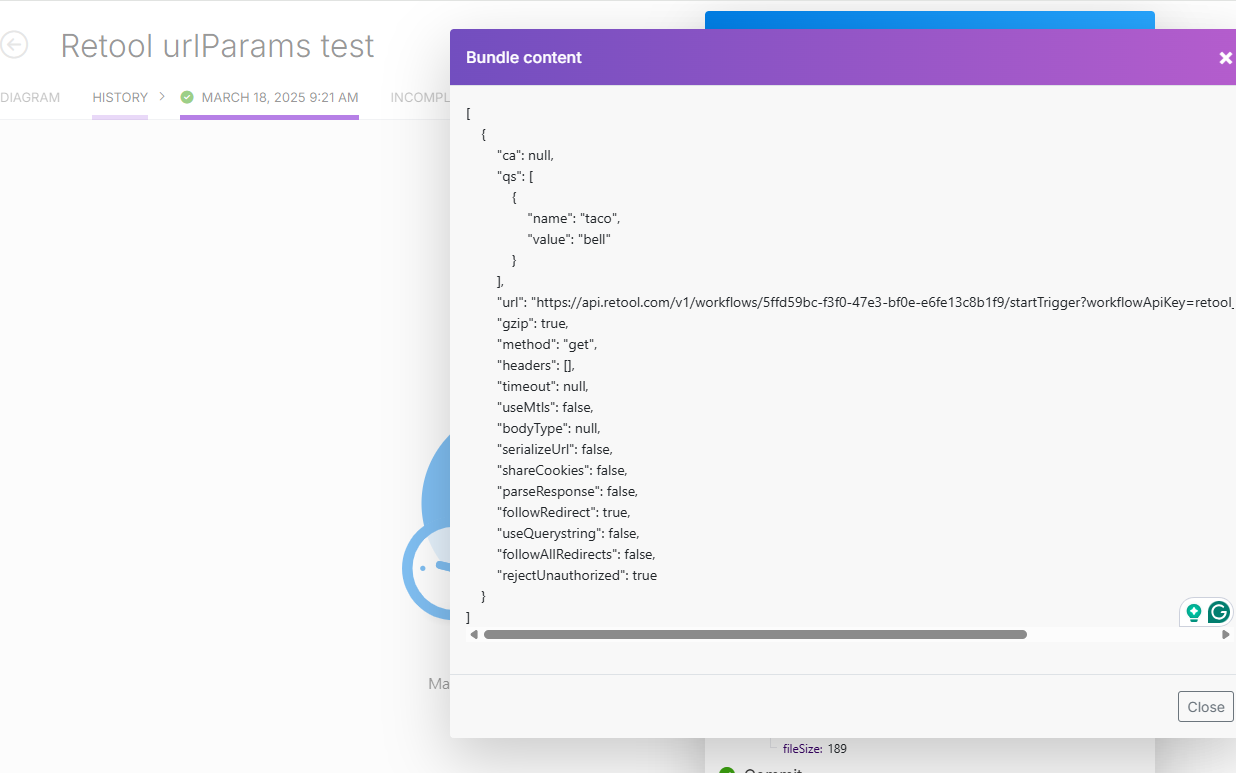
You can see in my test workflow we do get the intended taco bell!
This is confirming my original post, that there is no native way in Retool to test a workflow with urlParams.
I feel like it would reduce friction and benefit users to keep testing a workflow all in Retool. No using an external tool, or service, or pasting in copied curls...
My Dream
I would love a way in the editor, to set startTrigger.urlParams for test runs, the same way you can set values for tests in startTrigger.data. Then we click Run and test.
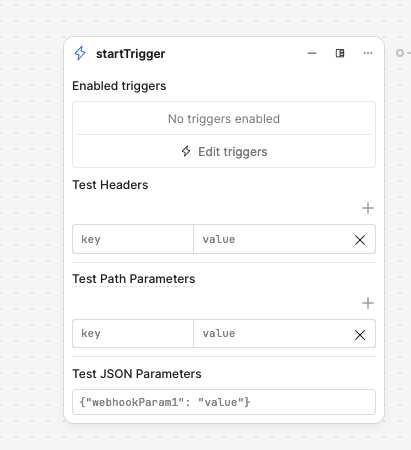
UPDATE: After revisiting this, I seem to have misunderstood and misrepresented the particular feature that rolled out earlier this year. Most notably, the new startTrigger block still does not allow you to test URL parameters. It does, however, allow you to set and test headers, a JSON payload, and path parameters.
pathParams - When you create a webhook alias for your workflow such as /orders/{id}/status, users can trigger your workflow via https://{domain}/url/orders/{id}/status where id is a dynamic string. You can then access the dynamic path parameters via startTrigger.pathParams
You can likely refactor your workflow to use path parameters instead of URL parameters, but I'll go back to the team and request that we offer a clear solution for testing the latter as well!
You beat me to it, @khill-fbmc! We rolled this out with the release of version 3.193.0 - there's a quick blurb about the feature here. Definitely let us know if you run into any issues!
I followed the discussion, but I still have issues with this.
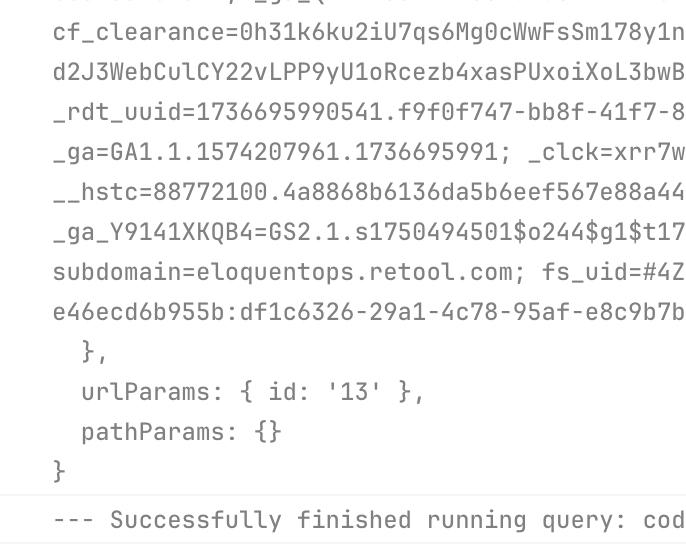
I can test correctly using pathParams in the Workflow editor, but when I test the public endpoint and add a URL parameter (i.e., ?id=13 appended to the URL), the pathParams object turns empty, and the hidden urlParams gets the correct value.