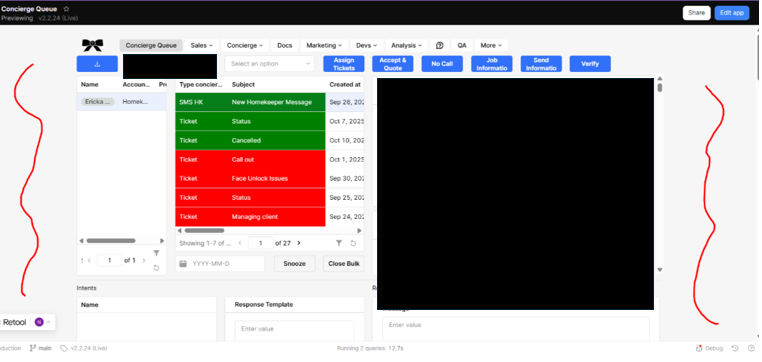
I am also having the same issue, specially when the window is on view mode. I hope this is corrected soon.
Thanks for reaching out! We're currently investigating this and will likely roll back the breaking change while we try to reproduce this behavior. In my own testing, though, setting the app's Max width back to 100% restores the expected appearance and seems to persist.
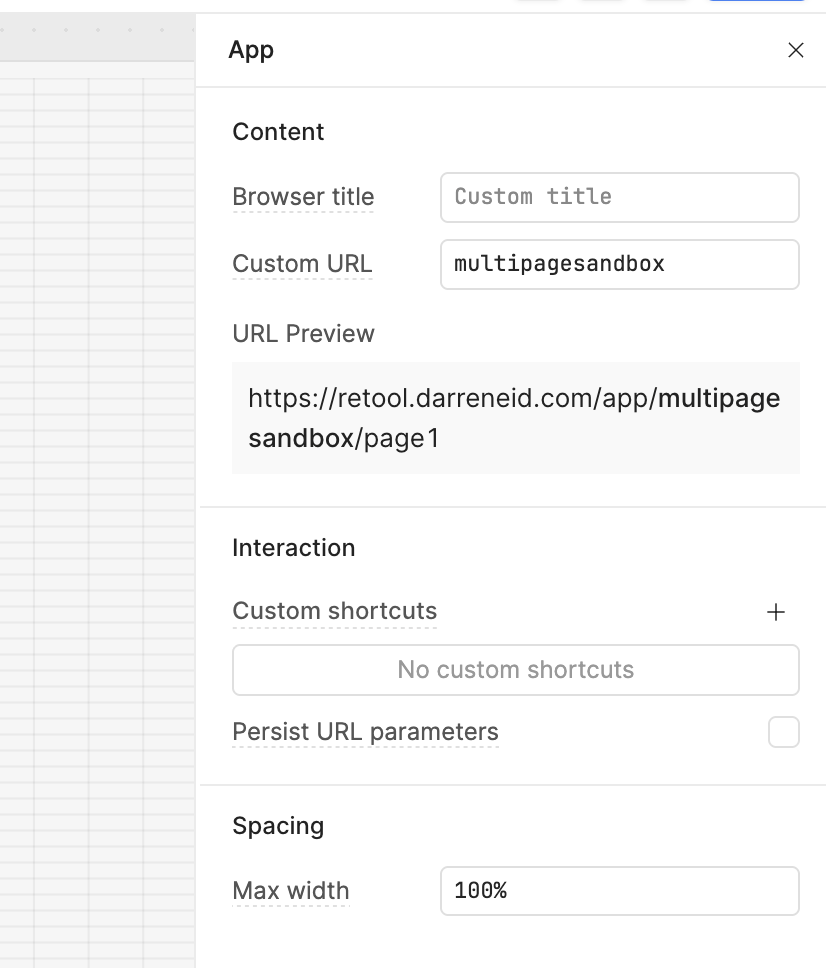
thanks Darren - where can i find that setting to adjust the max width?
1 Like
Hey @Darren, just a heads up that the 100% is, in my experience, unreliably sticky. I’ve had it revert a few times without consistent reason.
1 Like
Hello @jmt415, @jericsinger, @Bruna_Tourinho, merging your post here. We are aware of the issue and will be shipping a fix, hopefully later today. I’ll keep you all updated! 
same here, just one of my apps, is randomly resetting to 1200px.
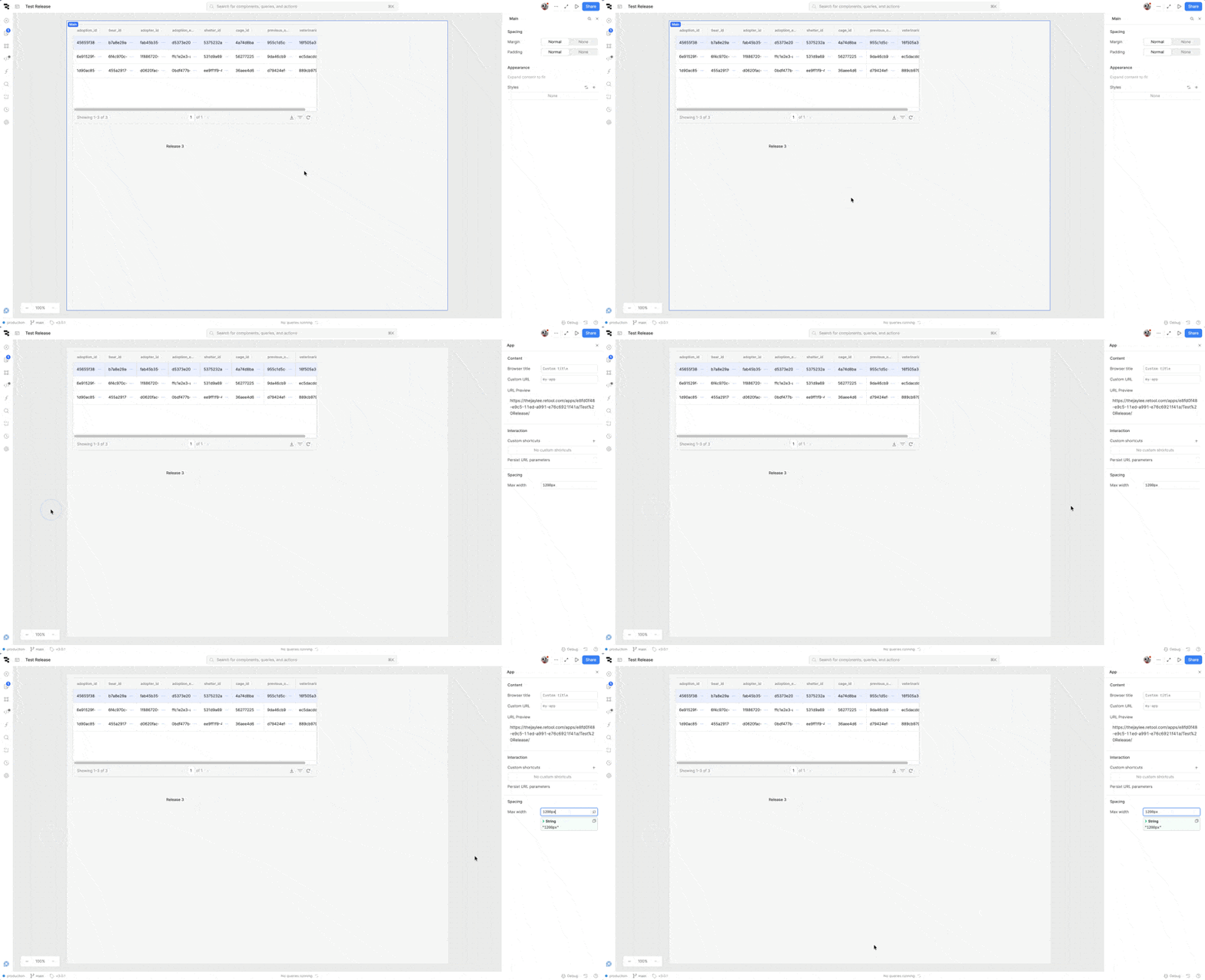
- My goal: I want to have size of Main on full screen
- Issue: This problem did not exist before. Now it has happened on many apps. Previously, there was a property called ‘main size’ in the page settings. Now it is gone. How can this be fixed?
- Additional info: (Cloudб Screenshots) first screen - like should be. second - problem.

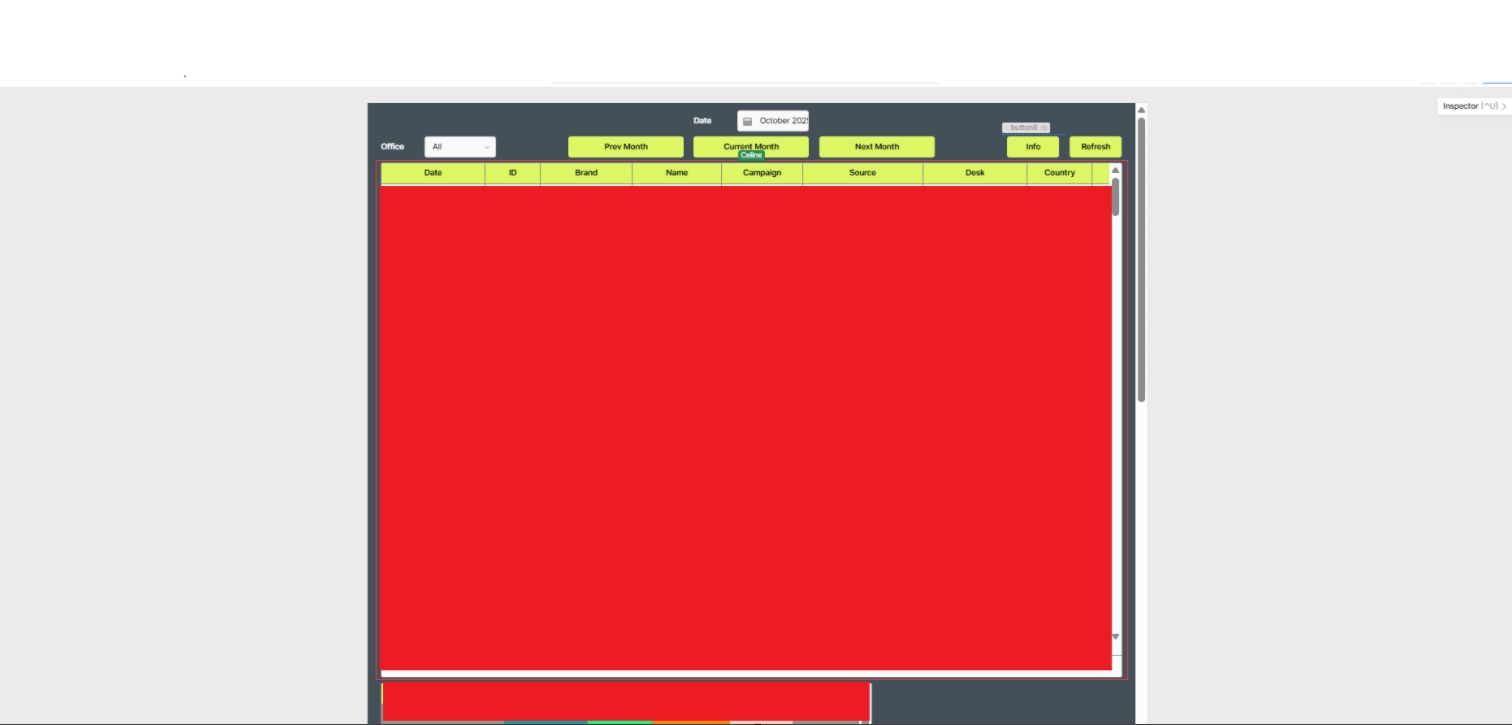

Hello @Tom_Grimaldi, merging your post here. And @AAAlexander, welcome back to the Community! We’re aware of the issue, and the fix has already been merged. It should go live later today, and I’ll keep you all updated. Thanks again for your patience! 
1 Like
Today the app has reverted to standard theme and max-width of 1200 5 times whilst editing it. This is incredibly frustrating. When is a fix likely please?
Hey everyone!
A fix for this went out with 3.288
Let us know if this is persisting!
3 Likes
Thanks @JayL it is working on our version. Was this rolled out without proper testing? Just wondering if we can avoid this in future. Best wishes to the team!
I am having this issue and the max width fix doesn’t work for me because it’s on a Module, not an App. So when I click outside the component, I don’t get the “App Settings” drawer and don’t have any options to adjust the Max Width. Any ideas?

We're always evaluating and iterating on the coverage of our automated testing suite and will be taking a look at how this particular change escaped detection. Our goal is to never ship any breaking changes!
1 Like
Welcome to the community, @mattheo! Do you mind sending me a JSON export of your module? The width of your module will ultimately be set by the encapsulating app, but I can see how it would be nice to use the entire canvas when editing it.
I have the same problém in module
I have uploaded the JSON in a support thread I have with your team – even if this can be solved in the JSON, I'd rather find a way that solves it through the module because this has affected us on multiple apps
Thanks for the update, @mattheo.  Correct me if I'm wrong, but this is only an issue when editing the module, right? If so, you can add this custom CSS snippet:
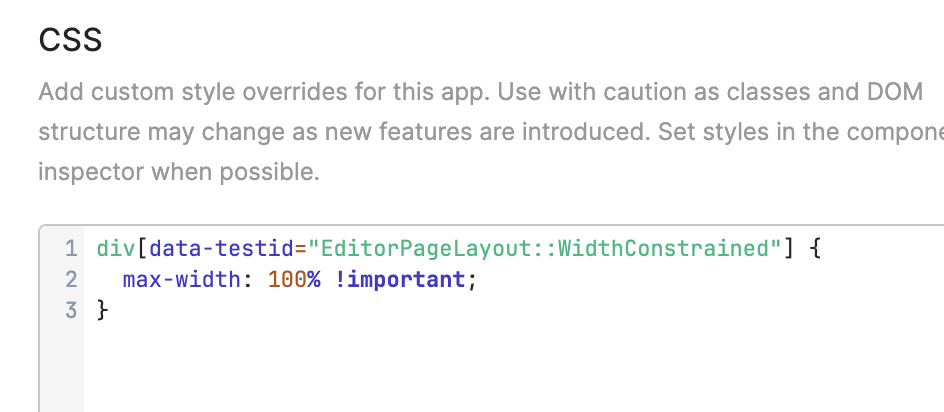
I'll talk to the team about getting out a long-term fix, but hopefully this should be a good bandaid!
No it’s also an issue when viewing the module too, not just editing, so all users are experiencing this. The fix you suggested fixed it when I’m editing but when viewing the app normally it’s still squished