I'm using Retool Cloud (Enterprise) with two Spaces on the same instance:
Production Space → main branch
Dev Space → develop branch
Both pointed to the same GitHub repository with different default_branch values via the API.
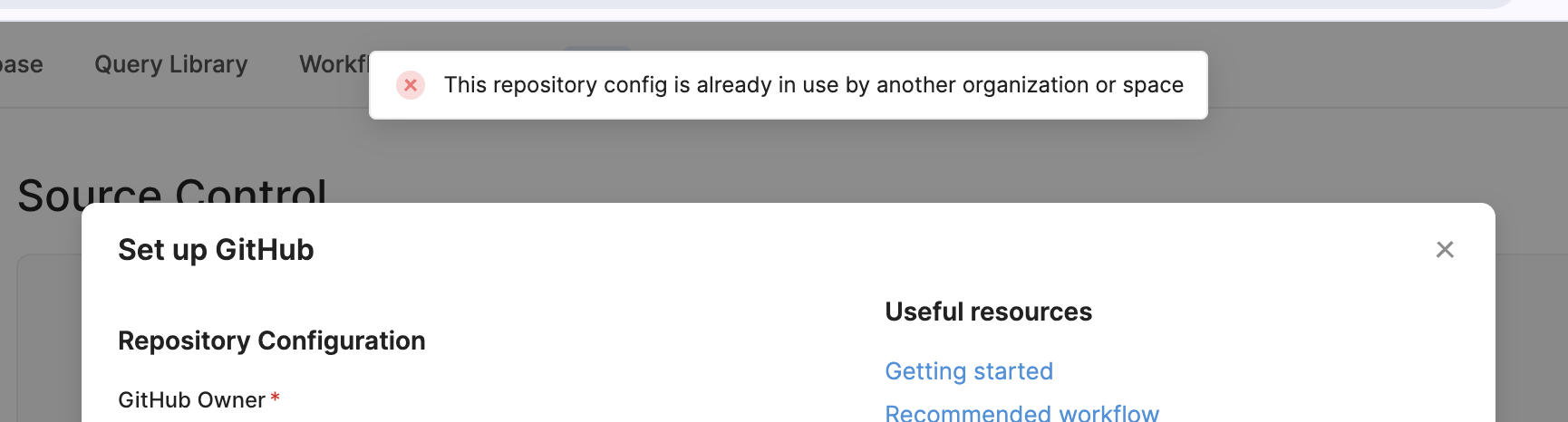
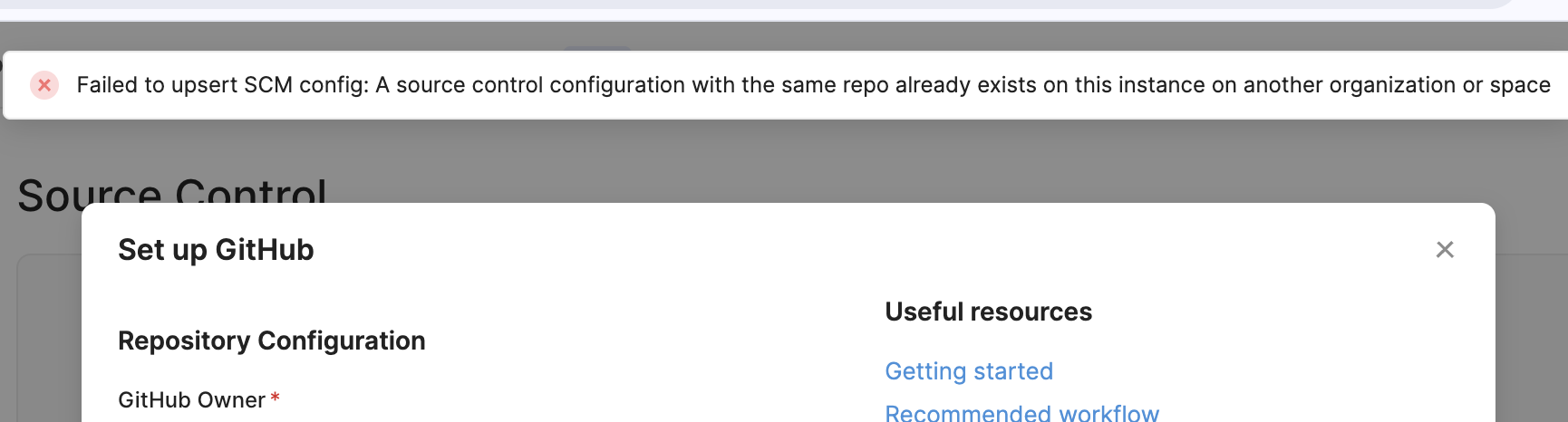
As of early February 2026, I can no longer configure Source Control on the second Space:
Failed to upsert SCM config: A source control configuration with the same repo
already exists on this instance on another organization or space
This Previously Worked - This configuration was working fine until the beginning of February.
Related to Multi-instance Releases?
TheMulti-instance releases feature was released on January 29th, 2026 - right before this stopped working. Could this be an unintended regression?
Questions
Is this a bug or an intentional breaking change?
Can multiple Spaces on the same instance still share a repository with different branches?
What's the recommended workaround or migration path?
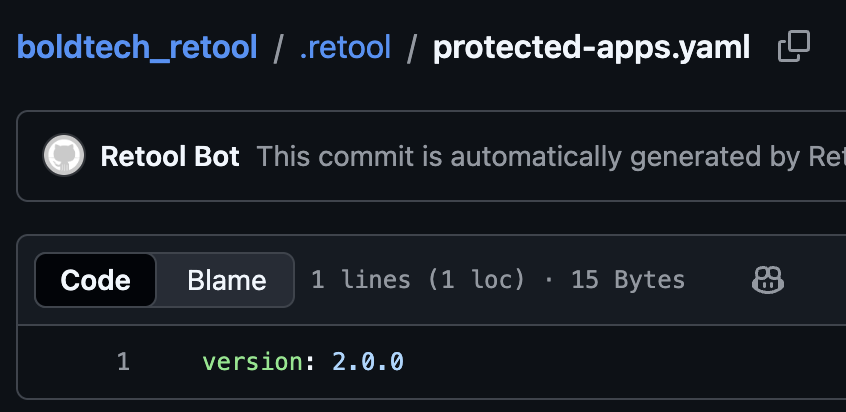
In your set source control config API request, are you passing the repo_version in the body data? If not, you'll want to be doing that. Since you are on Cloud and should be fully migrated to Toolscript, you should be passing {repo_version: 2.0.0}, otherwise it will default to 1.0.01.
Yes, multiple spaces can connect to a single Git repository. For example, you might want to use spaces to represent different dev, staging, and prod instances.
Yes, multiple spaces can connect to a single Git repository. For example, you might want to use spaces to represent different dev, staging, and prod instances.
That was exactly my intention and what I thought how it works.
However, while the API call "succeeds", I am still seeing the same error in the Retool UI even after adding repo_version: "2.0.0". I am also running into the same error when trying to manually set up the GitHub connection from Retool.
I checked in with our engineering team and they said all spaces need to be explicitly using repo_version: 2.0.0. Is there an existing space still on an older version?
Hey @stefancvrkotic - thanks for your patience. I'm picking this up on Tess' behalf.
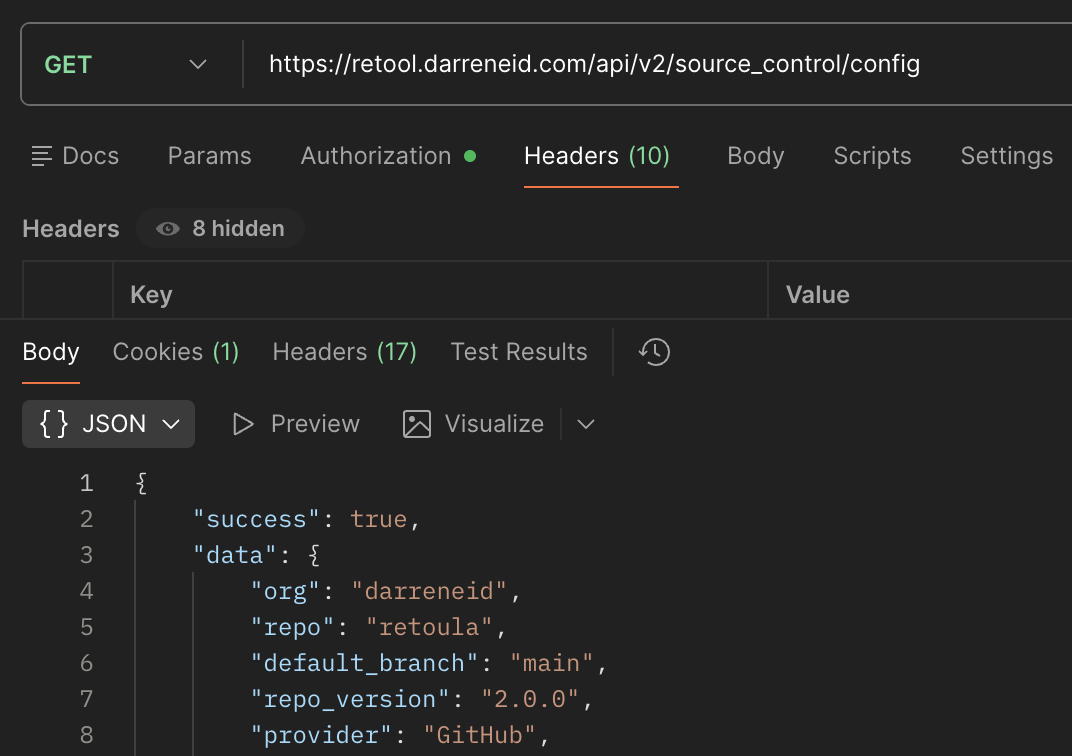
The most likely explanation for this particular error is that repoVersion for the production space's source control configuration is mistakenly set to 1.0.0 or null at the database level. This would prevent any other configurations from referencing the same repo.
To verify this, can you try fetching the current source control configuration for the production space? Or manually inspect the database?
@TobiasOhlsson - Has this issue been resolved for you? Our team is evaluating whether we want to create a duplicate space that is built off the same 1 repo, but we want to ensure this works before we go down this path