Hey team,
This is pretty urgent Enterprise - Cloud.
User A makes, changes they get merged.
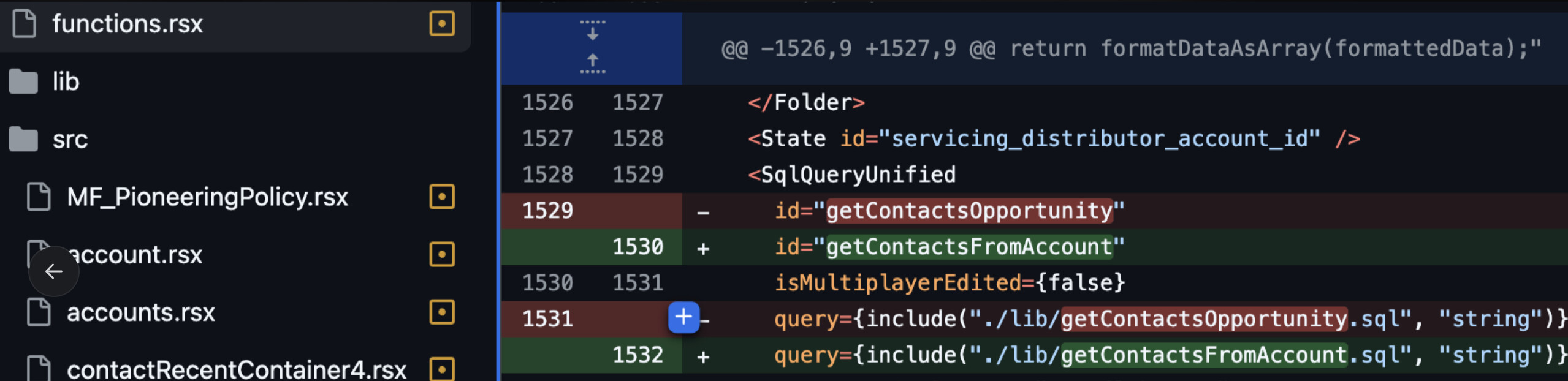
Retool auto-commits changes which roll-back changes.
This happens from time to time causing issues and bugs due to constant roll-backs.
Hey team,
This is pretty urgent Enterprise - Cloud.
User A makes, changes they get merged.
Retool auto-commits changes which roll-back changes.
This happens from time to time causing issues and bugs due to constant roll-backs.
Thanks for reaching out, @stefancvrkotic. A few clarifying questions:
I'll reach out internally to get some additional eyes on this! In the short term, I can potentially disable the automatic generation of app migration commits entirely for your org.
Let me know if I can provide more context.
In the scenario that you're describing, are both staging and main primary branches in the sense that each is tied to a space in your org?
Yes they are both primary branches for a space.
Releases get promoted into prod by pushing from staging to the prod branch.
If it is any help it looks to be related to multiple PRs originating from same branch so editor doesn't pull latest version.
Can someone escalate this?
Hi @stefancvrkotic, are there commits being made to the branch directly on the source control repo (outside the retool environment)?
Some of these were made through editor, though it also sounds like few edits were made locally.
merge main into boldtechigor/RC-87-.... what is bringing the changes that user A merged into main into this feature branch?
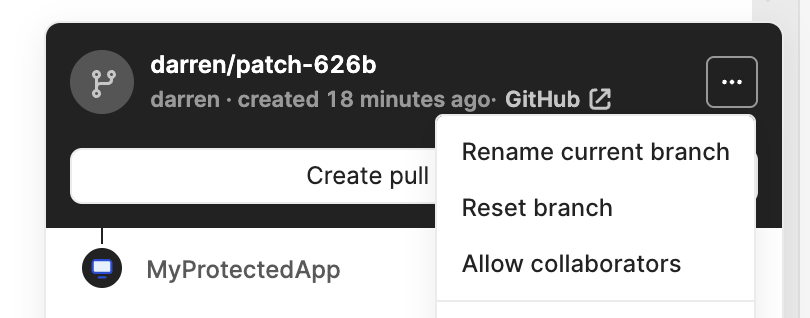
Reset branchThis specific change was made in Retool. We had a PR open between Dev and Staging.
Igor created a PR from Dev environment to merge into Dev-Main.
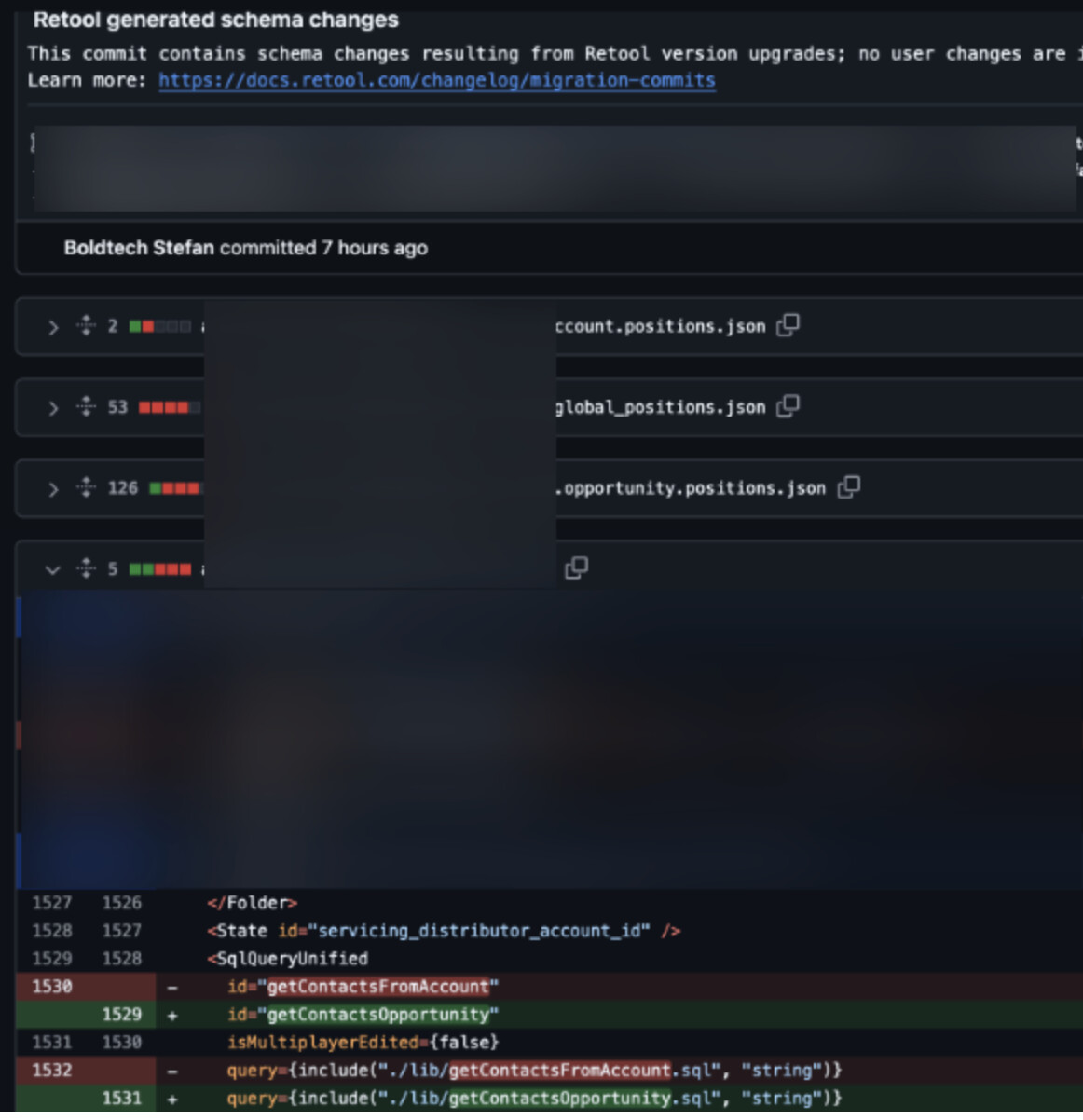
Dev-Main automatically added his PR, retool generated schema changes automatically.
Quite update, @stefancvrkotic - we are currently working to reproduce this behavior in order to determine the underlying cause and deploy a fix.
After taking a deeper dive into this and chatting with a few different folks across the team, my overall takeaway is that this isn't really a bug, per se, but a side effect of the way feature branching is handled in Retool.
In particular, commits on feature branches that are made directly to the remote repository are not automatically pulled down to Retool's local repository. This means that subsequent commits made through Retool to the same feature branch will cause those remote changes to be overwritten.
To clarify, a "feature branch" in this context means any branch created from within Retool in order to modify a protected app.
As such, we generally don't recommend interacting with feature branches except through Retool. If strictly necessary, however, you can use the Reset branch utility to forcefully sync your local feature branch with its remote counterpart.
You generally want to do this as soon as possible after making any commit directly to the remote feature branch in order to avoid losing work and to simplify the resolution of any subsequent merge conflicts.
One of the typical git workflows that can cause branches to get out of sync - which I believe your screenshots above show - is rebasing a feature branch. This has historically been a bit of a pain point. Our initial solution was to enable catch-up commits, but we are very close to rolling out a more integrated solution.
Let me know if all of this makes sense! It's certainly possible that there is a more systemic issue here, but my hunch is that strict adherence to recommended gitflow will make a big difference. If you are able to join Office Hours or want to schedule some time separately, I'd be happy to take a closer look at your commit history and talk through the issue.
Moving the convo into the help desk ticket, seems there are issues when we have to resolve conflicts.
TLDR;
Resolving conflicts / making further changes on open/drafter PR pushes an auto-commit which rolls back changes - using the reset branch would pull the current state to Retool feature branch with rolled back changes.
We're trying to segment work in such way that resolving conflicts is less frequent and page functionality is separate but these happen from time to time due to nature of multipage architecture.
Yep, resolving conflicts when merging a feature branch into a stable branch would also cause issues if you continued to develop on that same feature branch. I'll be here if you have any additional questions but will otherwise keep an eye on your convo with Linda!