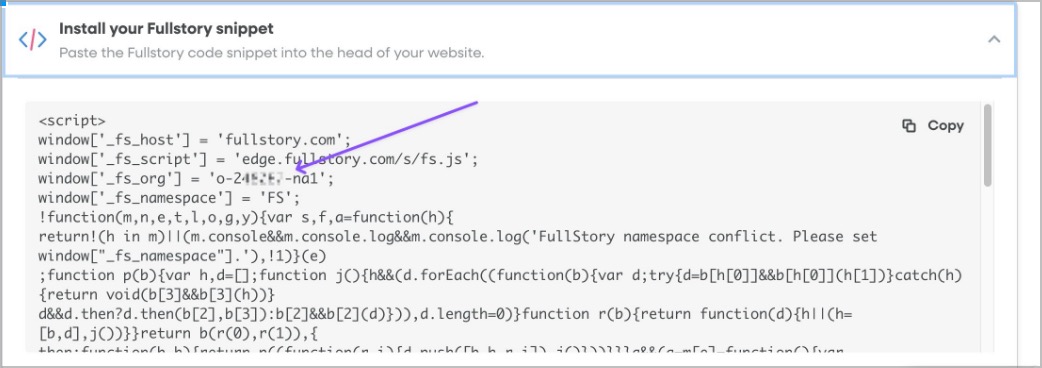
In FullStory under install options open the install your FullStory snippet option to get your org id
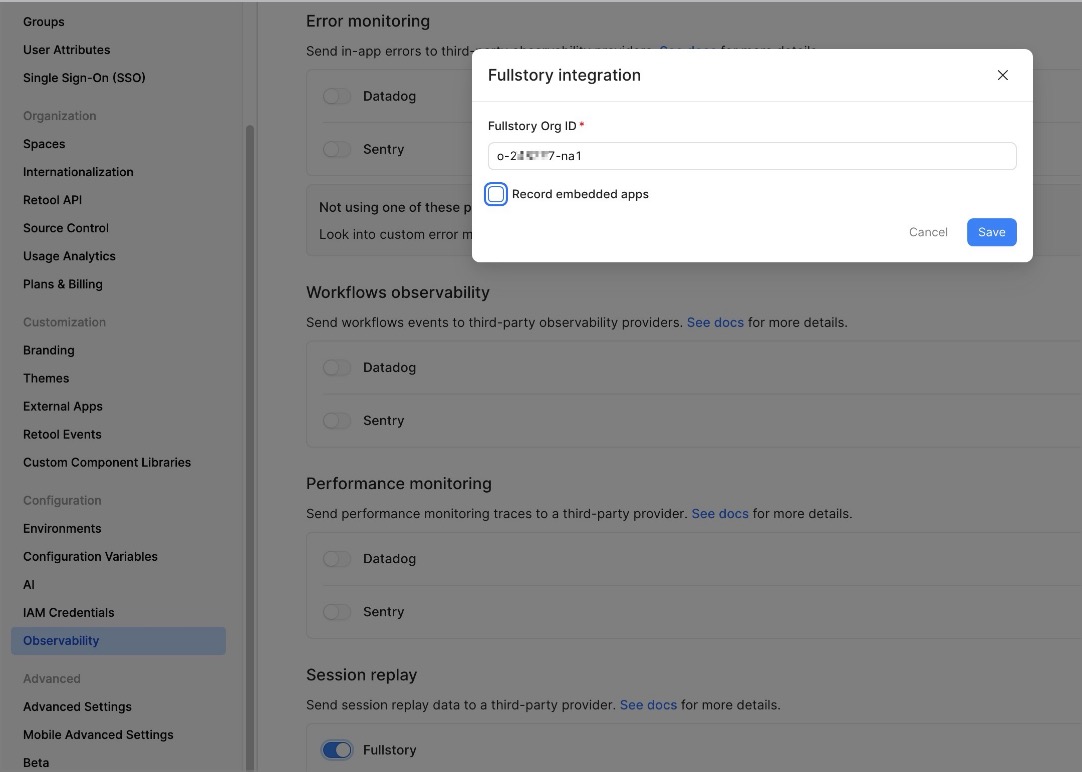
Then add the domain(s) in Retool on /settings/observability
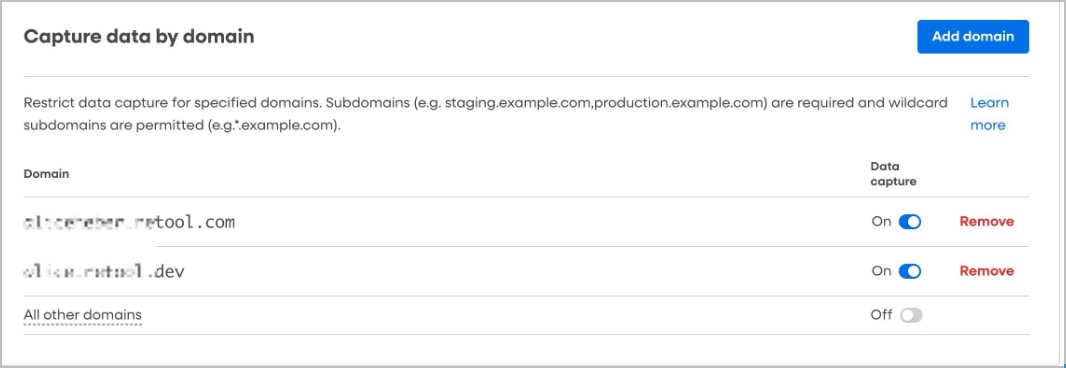
Insert your Retool domain(s) in Fullstory in /settings/capture
In FullStory under install options open the install your FullStory snippet option to get your org id
Then add the domain(s) in Retool on /settings/observability
Insert your Retool domain(s) in Fullstory in /settings/capture
Test this is correctly set up and that FullStory is loaded by refreshing a page (in user mode) and in your DevTools -> Network requests search for fs.js request
and in console type window.FS
Run FS.getCurrentSessionURL()
(Note that If it says “session not found” or redirects to an empty org, you’re probably logged into a different org than o-24xxx7-na1.)
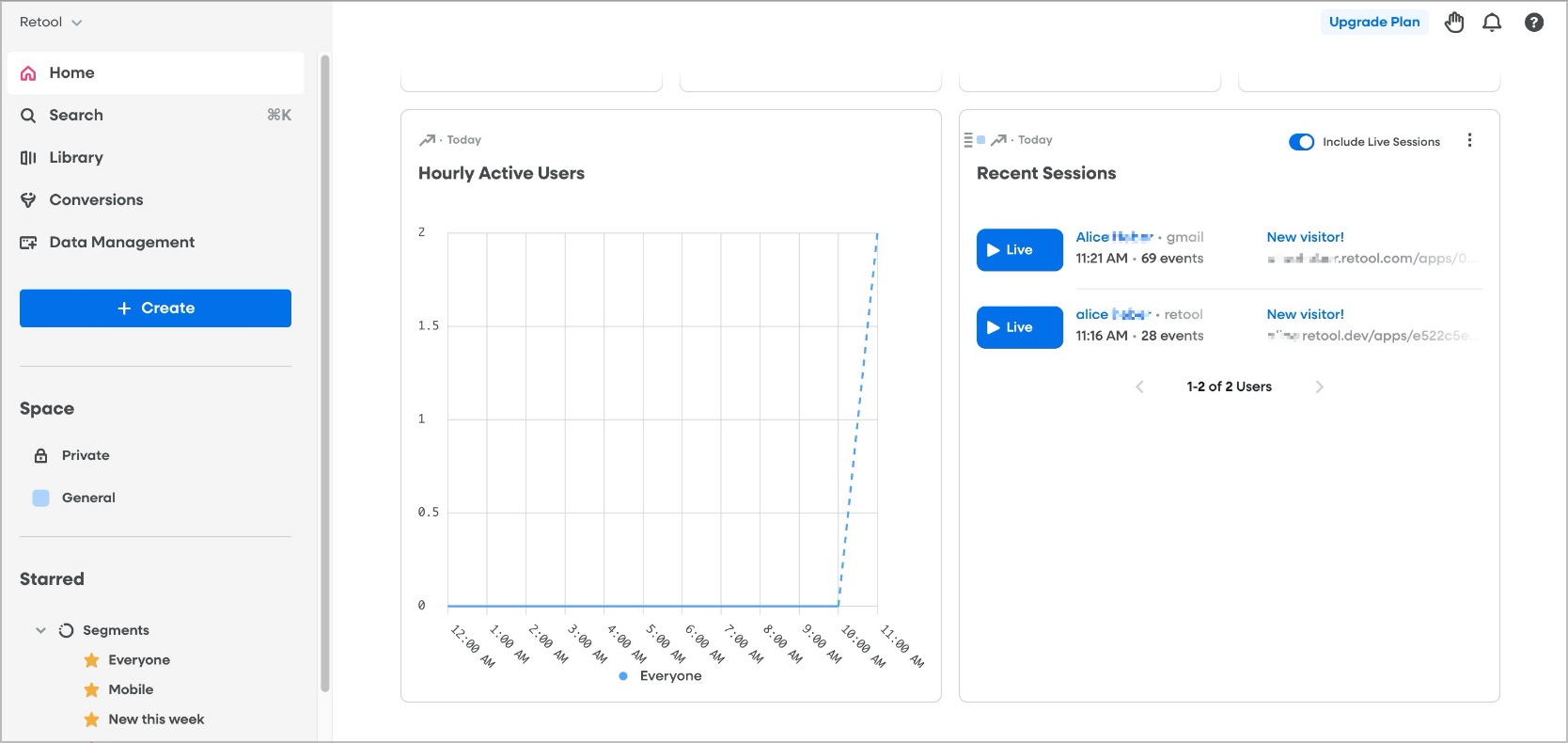
In Fullstory in Login | Fullstory you should now see data populating:
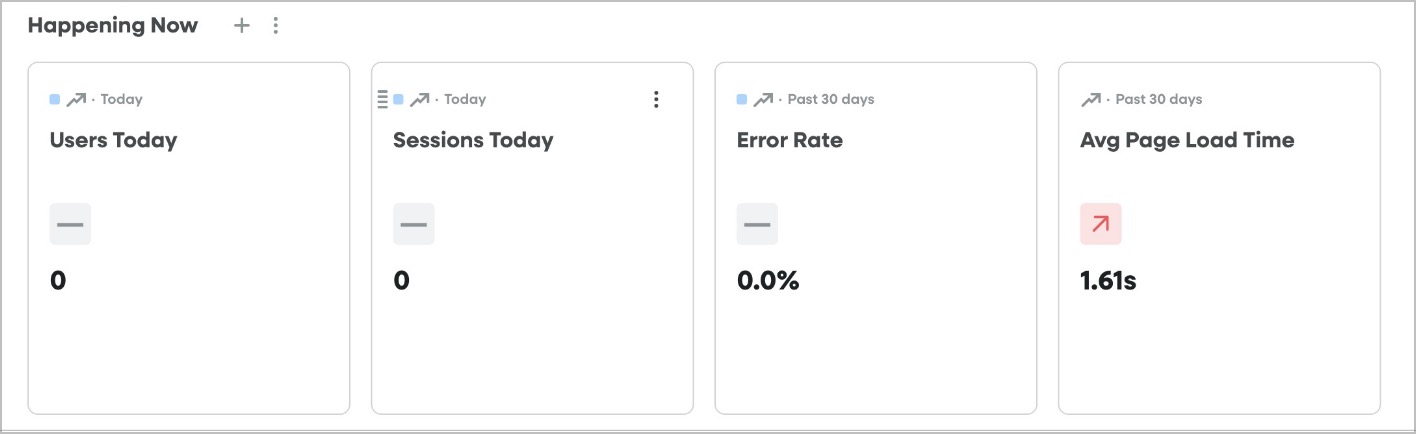
Note that you may still see 0 Users/Sessions in the overview while the account collects more data.
Your session data is being collected, but the dashboard metric at the top is simply not updated yet. This is normal for new FullStory orgs/low traffic environments/free-tier accounts.
The “Recent Sessions” module is the more reliable indicator until the remaining data populates.
If you are running into issues you can try the following