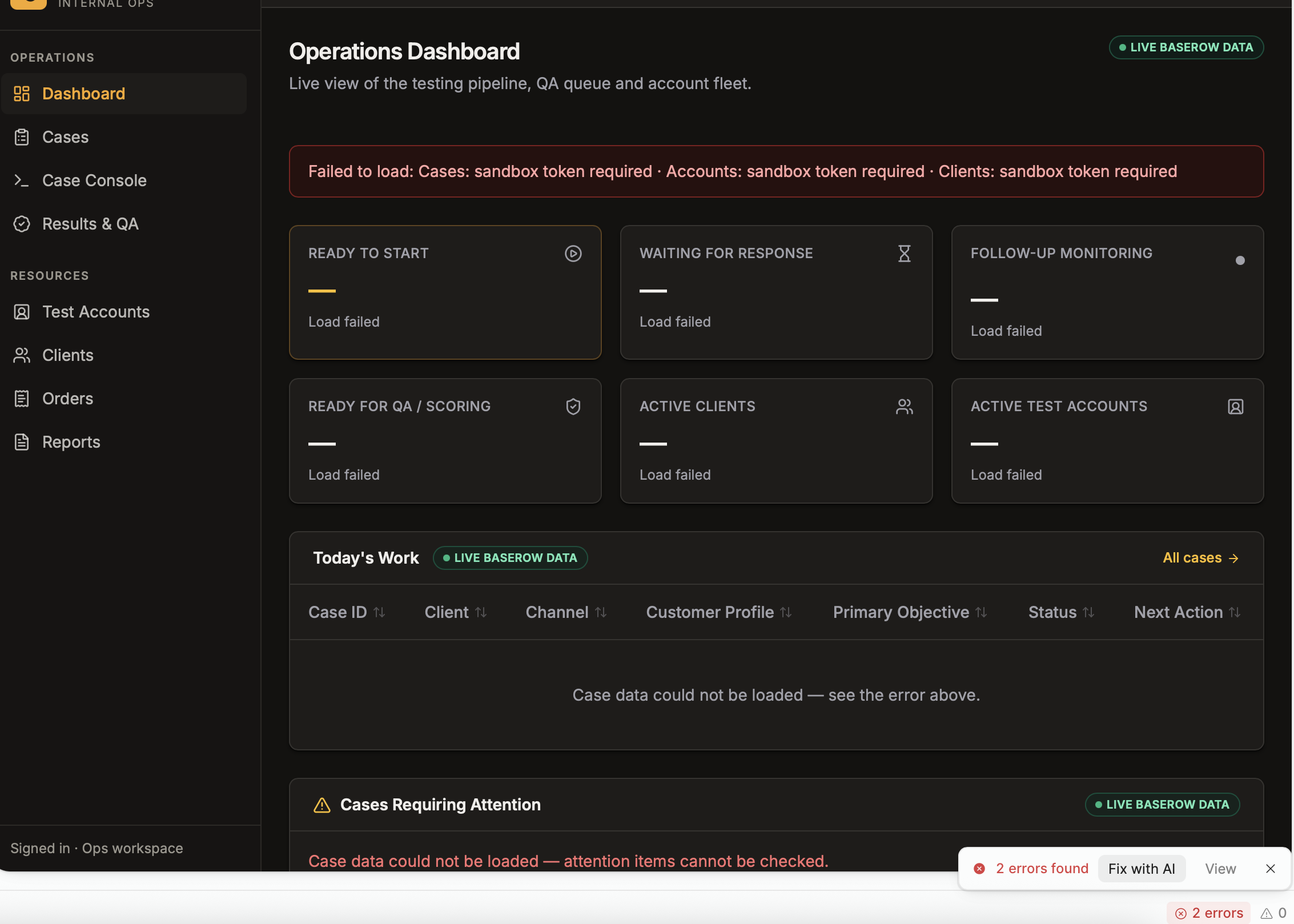
In the new app builder's editor preview, backend functions (listClients, listTestAccounts, listCases) return a 'sandbox token required' error so no data loads, even though the published backend tests still succeed; closing duplicate tabs, reopening, and refreshing haven't helped, and recovery is needed without losing unpublished work.
AI Response
This pattern typically reflects a preview session/sandbox authentication mismatch rather than a problem with the backend functions themselves, which is why they still test fine. A common trigger is having more than one account signed in within the same browser, which causes the editor tab's preview requests to be rejected. To recover without losing unpublished work, close every open editor tab and then reopen the app while signed in as a single user; if you need to view the app as someone else, fully log out first instead of signing in via a second tab. If the preview sandbox remains stuck after that, it generally requires a Retool-side re-provisioning, and in reported cases unpublished draft work was preserved, so avoid any 'Reset branch' action.
The Community Team is testing out a new automation. Let us know if it's helpful (or not) by leaving a , , or . Or by marking this post as the "Solution"! Let us know if you have any feedback here.
@Thger Sorry you’re having issues there. I think that you might be using an older unsupported browser. Are you using an older Safari version by chance (version 18 or less)? I would recommend updating your Safari browser to the latest version or using a different browser than Safari.
In regards to your work, you don’t have to worry, your work on your branch is continuously saved. So opening your app should retain any work you’ve done.

 ,
,  , or
, or  . Or by marking this post as the "Solution"! Let us know if you have any feedback