I tried what you suggested, but the same thing keeps happening. When I'm on another screen and press F5 or Ctrl+F5, it stays on the screen I'm on and doesn't return to the main screen.
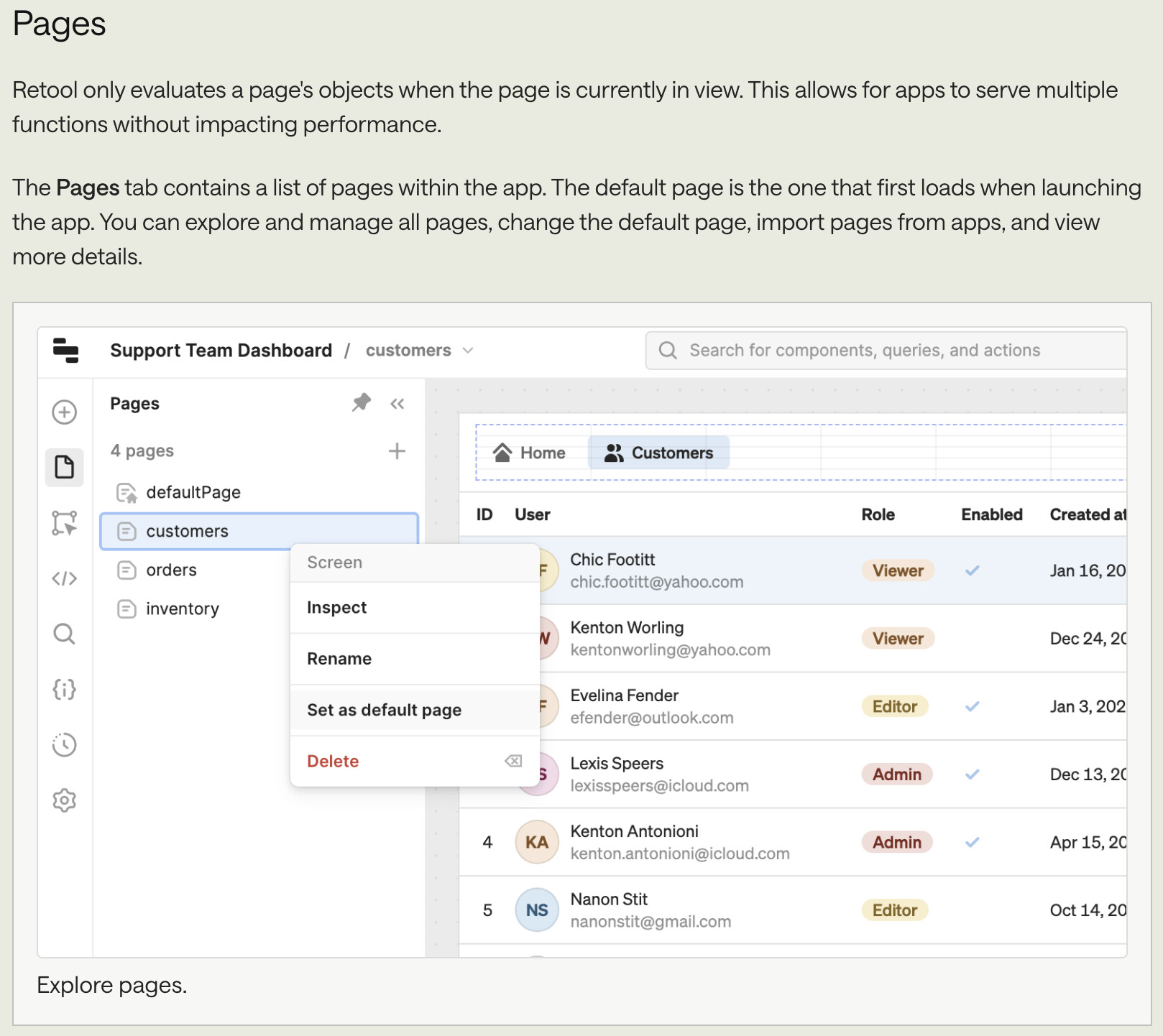
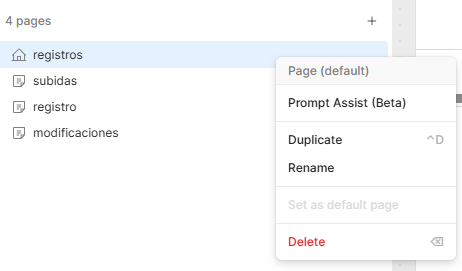
Hello! Yes, I already have the page set as my home page, but when I press F5, it doesn't return to the previous page, it reloads the screen I was on before pressing F5.
Hey @Albertoerto, sorry I totally missed this in your first post, I’m on a Mac myself haha. On Windows, F5 just refreshes the current page, so it won’t navigate to another page or reset anything, which is why you’re not seeing it change pages.
Your default page should load automatically when you first land on the app URL. Is that what you are seeing when you go to your site?
Hello @ChiEn happy new year! I use Windows, and if I press Ctrl+F5, it refreshes the current page but deletes the variables, so if I am inside a record and not on the main screen, all fields are left blank because when the “selectedRecord” variable is emptied, the query finds nothing.
That's where the problem lies. If it's not possible to return to the home page, is there any way to persist the variable so that it doesn't remain empty when the page is refreshed?
Hey @Albertoerto, thanks for clarifying! I understand what you’re trying to do now!
If your goal is for a refresh (Ctrl+F5) to always bring the user back to the homepage, the most reliable way to do this is to run logic on page load rather than in Preloaded JS.
You can create a JS query that runs on page load and checks whether your state variable (for example, selectedRecord) exists. If it’s missing or empty, you can force navigation back to the homepage using utils.openPage. Here's the docs about utils.openPage.
 Open the app using this format:
 Notes: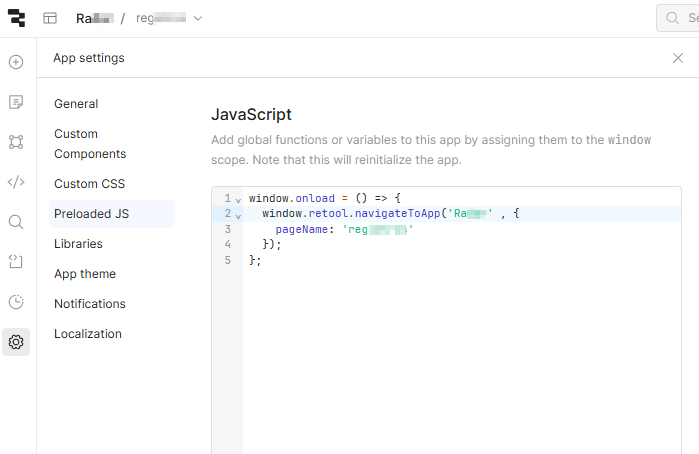
 Just checking in with you, did you get a chance to look at the post above?
 I use Windows, and if I press Ctrl+F5, it refreshes the current page but deletes the variables, so if I am inside a record and not on the main screen, all fields are left blank because when the “selectedRecord” variable is emptied, the query finds nothing.


