I am attempting to build a sidebar plugin in Retool so I can utilise all of my existing modules, components, and queries so I can surface important contextual information for my CS team.
We all use “Sign in with Google” to login to our Retool apps, and we are having a few problems inside Front’s sidebar due to third party cookies.
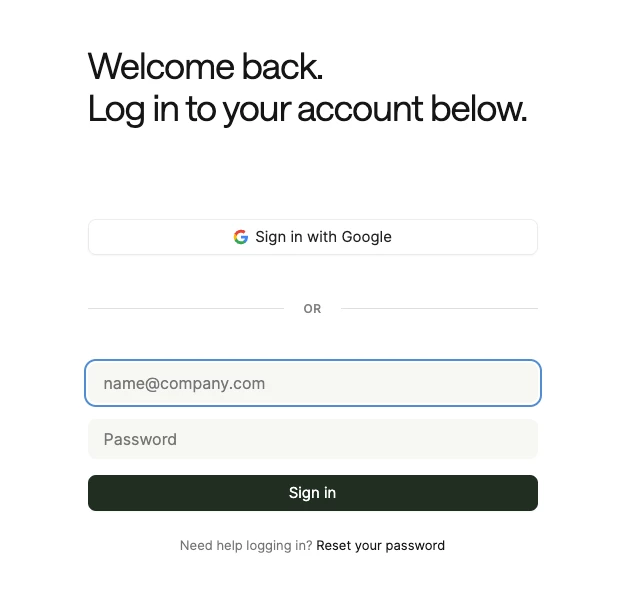
The native Retool sign in screen does not/cannot pop up the Sign in with Google page so I get the below 403 error when I click “Sign in with Google”

I have now tried to create a public Retool app, that just has a single “Sign in with Google” button on it (which is just a Retool button), which calls the following script on click:
console.log("Front.openUrlInPopup", Front.openUrlInPopup)
Front.openUrlInPopup("https://{mydomain}.retool.com/googlelogin", {
width: 600,
height: 800,
})
When I load that into the sidebar, the console.log runs (I toggled on the dev tools in Front) and I can see the Front.openUrlInPopup method is definitely there and the library is loading, but Front doesn’t do anything.
Hopefully looking for a bit of guidance from people who have built sidebar plugins with Retool before!