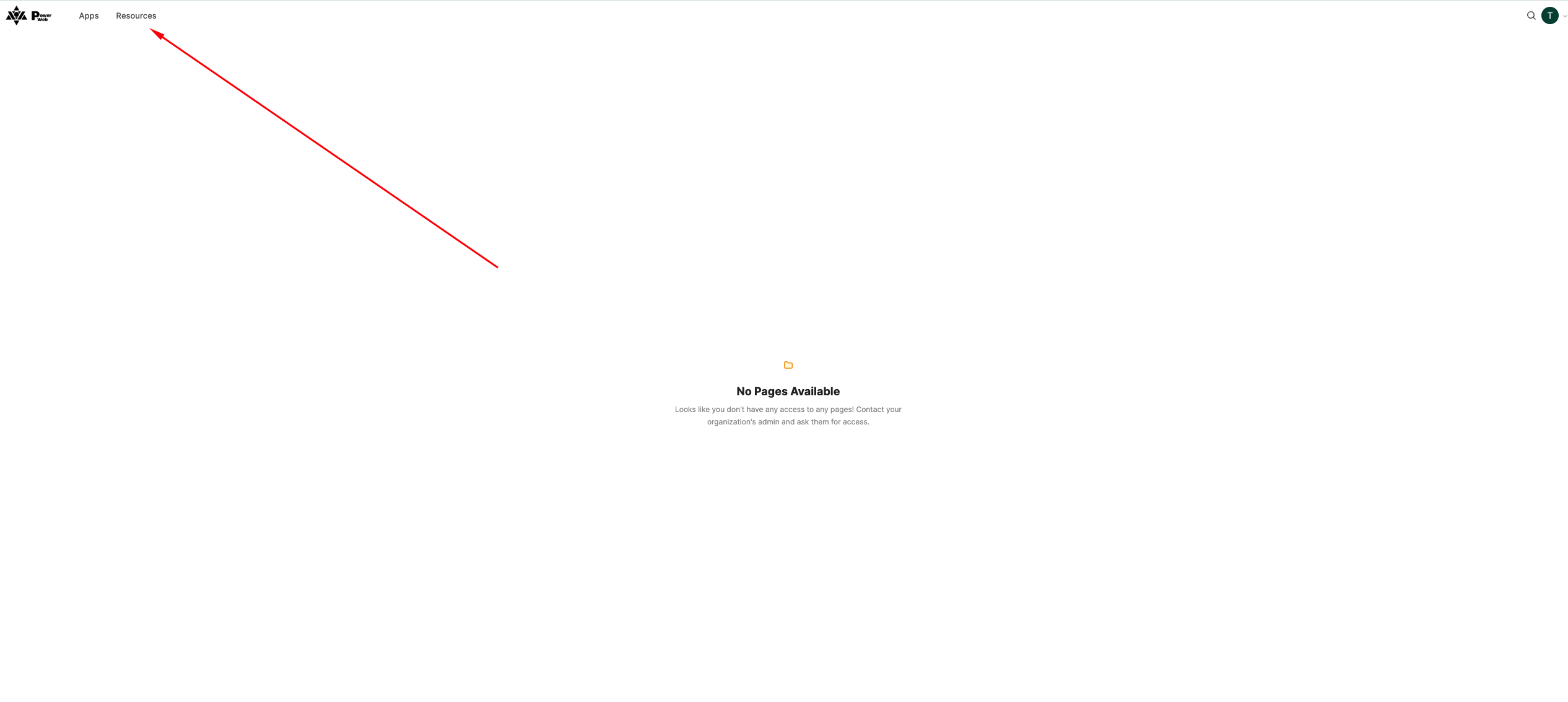
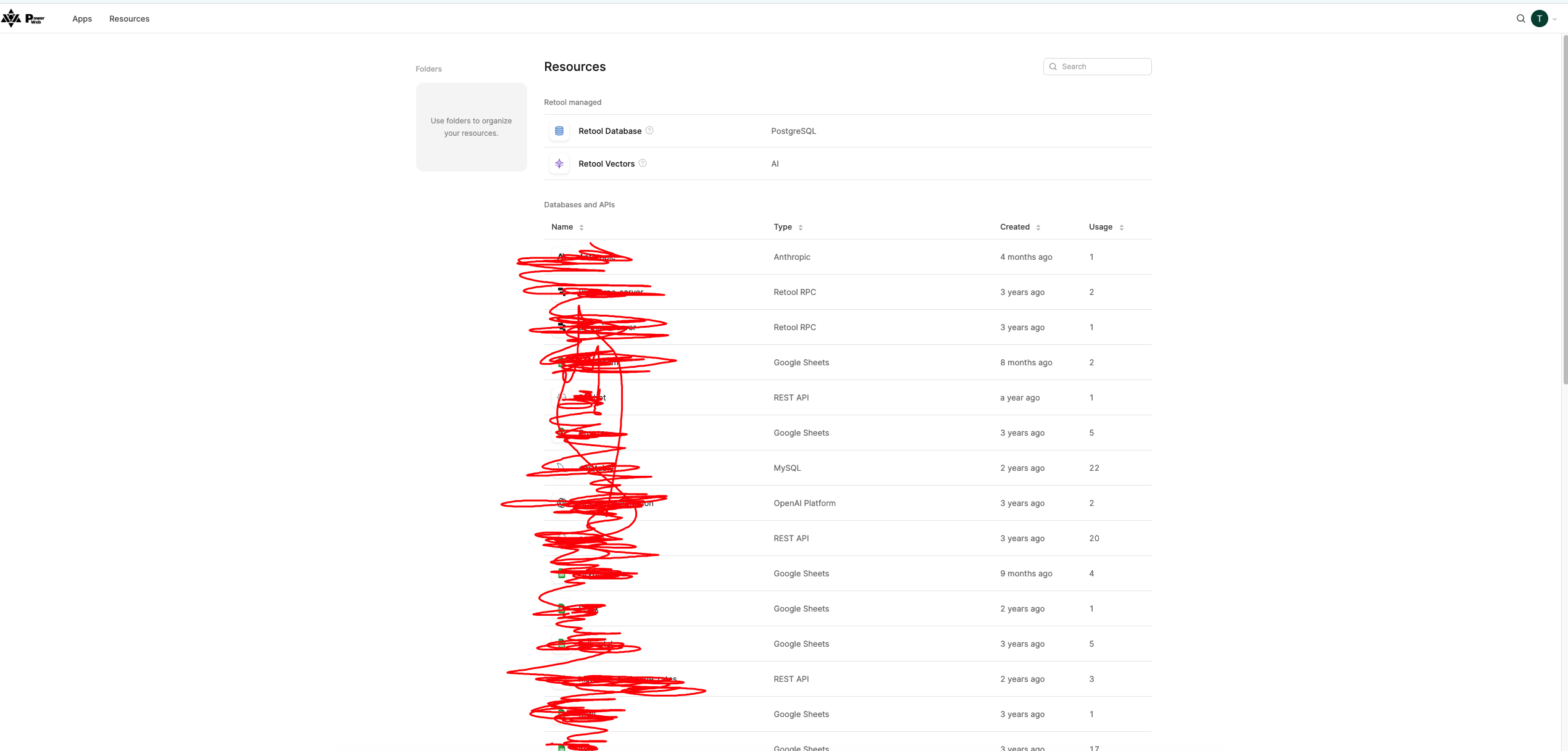
I created a new user for testing purposes, assigned them to the default ‘All users’ group without any specific roles, but with a single flag – ‘Use all’ – in Resources. I want the user to simply have access to information about all resources within apps, but as it stands, the user can see the ‘Resources’ tab on the landing page and view all resource names, when they were created, and in how many apps they are used.
Please could you let me know if it’s possible to hide the ‘Resources’ tab from a user who isn’t in the ‘admin’ group?
If a user has Resource permissions, they will see the Resources tab. There is no separate permission to hide it while still allowing the user to use resources within apps. You can control queries on the other hand
Thanks for chiming in @himanshu.sharma, you're right! If a user has Resource permissions, they'll see the Resources tab. There's no separate permission to hide that tab while still allowing them to use resources within apps.
What you can control is at the query level, so you can restrict which resources users are able to query against within your apps. You can learn more about the available permission levels here!
Does that make sense? Let me know if anything's unclear and I'm happy to help.