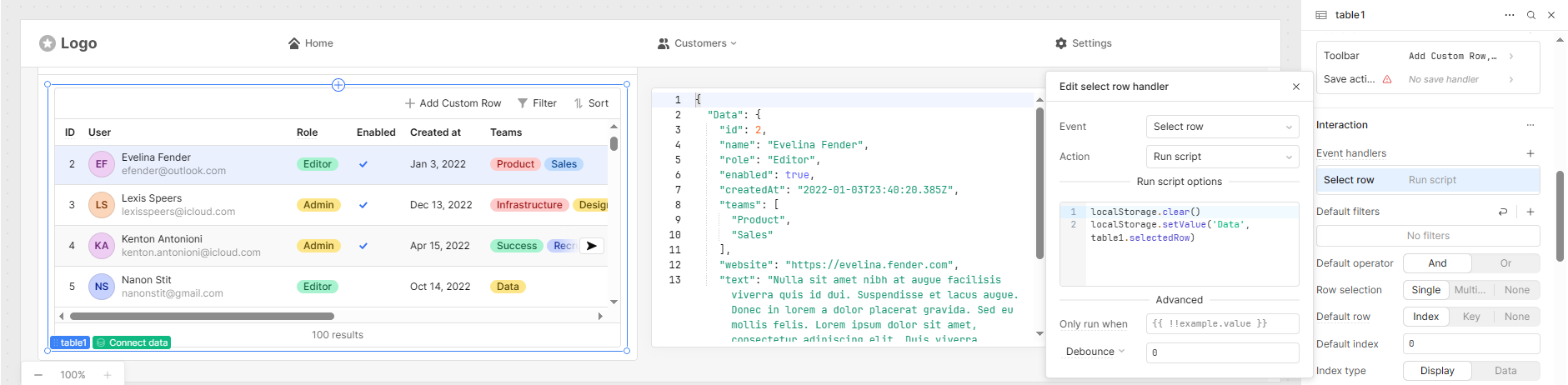
Normally we seem to load values into localStorage by referring to a value in a Table.
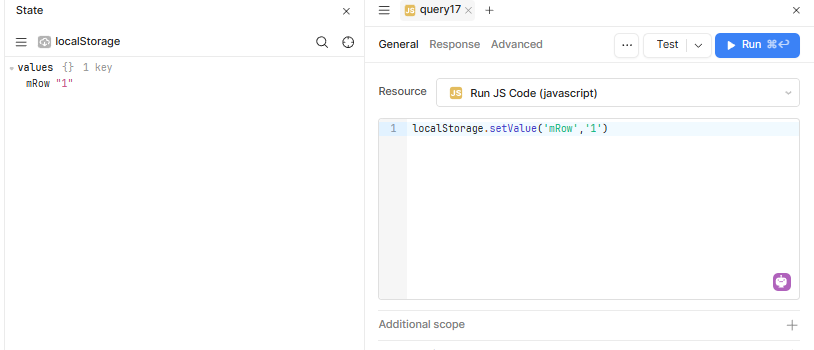
In this case I am trying to put a known value into localStorage with code as below:
localStorage.setValue('mRow', '1');
This does not work.
How should I do this?
Mike
1 Like
Hey Mike,
What part of it isn’t working for you? I just ran a test and it is storing it properly:
Hi @mdsmith1,
It’s strange that localStorage.setValue() isn’t saving the values in your setup.
I tested the same in my app, and it’s working perfectly fine.
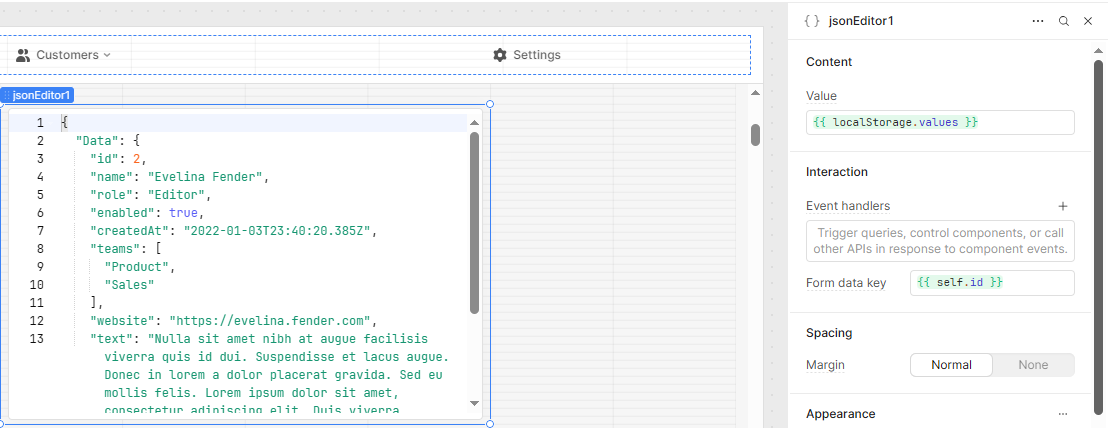
Here are a few screenshots for your reference showing how it works:
4 Likes
WidleStudio:
Thank you for your reply.
From what I can see on your screen shots, you are saving to Storage from a Table which works fine for me.
I am trying to save from a raw value: localStorage.setValue('mRow', '1'). i.e. I want to put the value of 1 directly into the localStorage without going through a table.
Is this possible?
Mike
1 Like
Miguel:
This is my fault.
I was running this as a Resource Query. I have changed it to a JavaScript Query and now it is working fine.
I will mark this as the Solution.
Thank you.
Mike
2 Likes