We are using self hosted Retool with cloud Workflows and git Source Control.
I had pushed some changes to our production copy of a Workflow and it ran along just fine for six months. Then suddenly, the code reverted to prior version. Any idea why?
Note that the branch I had used six months ago was still in our Test environment. I could not commit because it thought there were no changes to commit, so I made a minor change to the code and recommitted and pushed and was able to get the latest version live again. But would like to know how to avoid this in the future.
I believe I can explain what happened here with the revert to an older version. Retool recently enabled multi-instance releases for workflows by default, which changed how workflow versions are deployed.
What Happened:
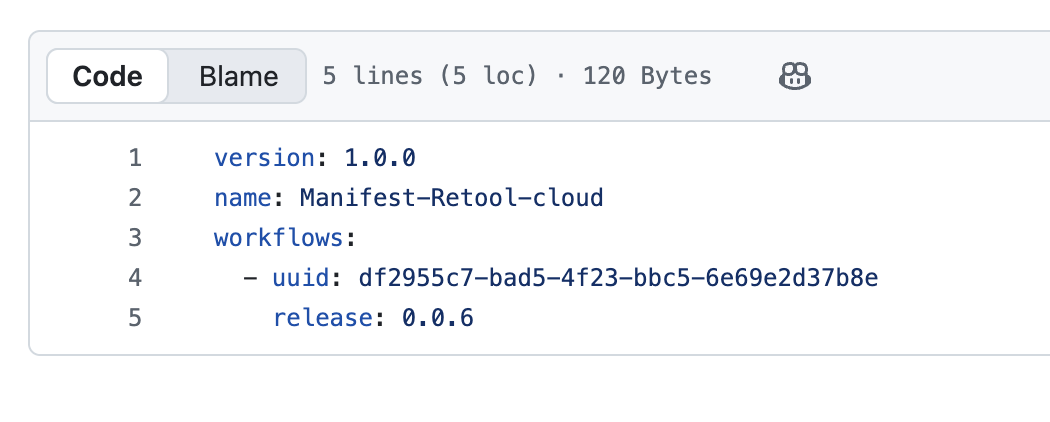
Your workflow code likely didn't revert but instead, a manifest file in your Git repo was updated to point to an older release version. This manifest controls which version is "live" on your instance.
To check this:
In Retool: Go to Settings > Source Control > Releases tab
Find your workflow and verify which version is published for your production instance
In your Git repo: Check the manifests/ directory for any recent changes
Here is an example of my own Manifest pointing to a specific version for my Workflow
Moving Forward:
After merging changes to main, you now need to:
Open the workflow in View mode → Click Releases button
Click Create new release and merge the PR
Click ••• on the release → Publish release → Select your instance
This updates the manifest to point to your latest version. Here are some pages that explain how this works now in Retool Cloud. Multi-instance releases | Retool Docs
Let me know if you'd like help walking through this process and how it all works now! Sorry that caught you and your team off guard with this issue.
We must be set up differently, as I do not see a Releases section on the Source control page. Our test and prod are completely separate instances of retool, if that helps.
This was for the newest releases of Retool so my apologies for assuming.
Let’s try and check now in Retool and Github and see where those changes might have came about.
In the Retool UI:
Open your workflow and click the Releases button in the status bar
What version number is marked as "Live" or "Published"?
Do you see your recent version in the list?
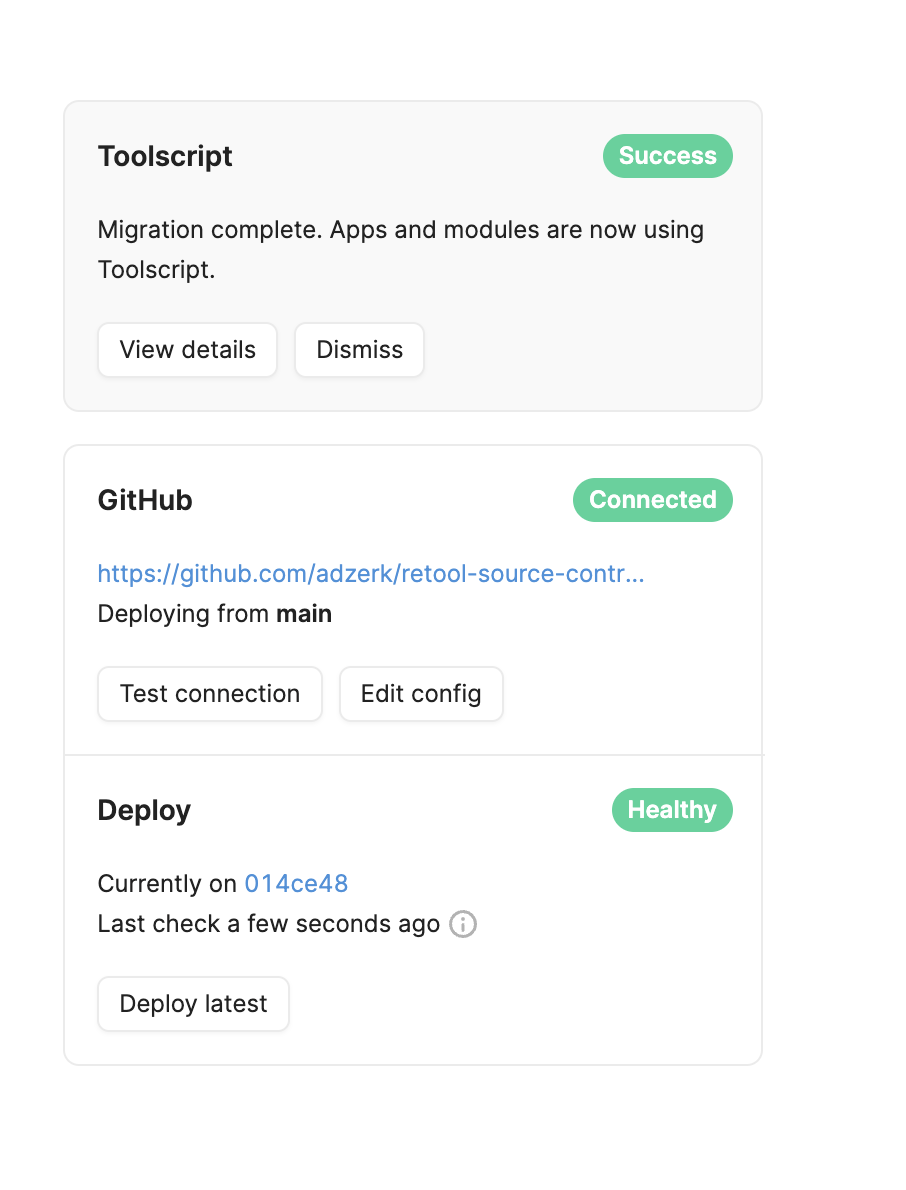
On the previous page where you saw your Source Control settings, does this Dashboard show any changes that might be related? Each of the target commits should open up into Github
In your GitHub repo:
Check the commit history on your main branch for the workflow files
Were there any unexpected commits or reverts around the time it changed?
Retool shouldn’t be swapping any versions on its own for a Protected Workflow. This all involves some sort of human interaction to make those changes so we should be able to find the receipts for those interactions in one of the above methods.
Looking forward to hearing back and getting to the bottom of this.