HI
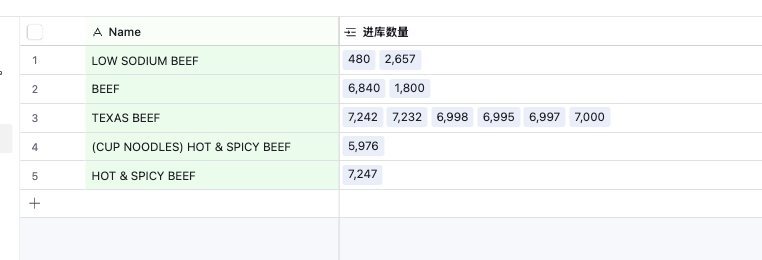
Can Retool tools achieve the same functionality shown in the Airtable screenshot, where multiple records can be linked?
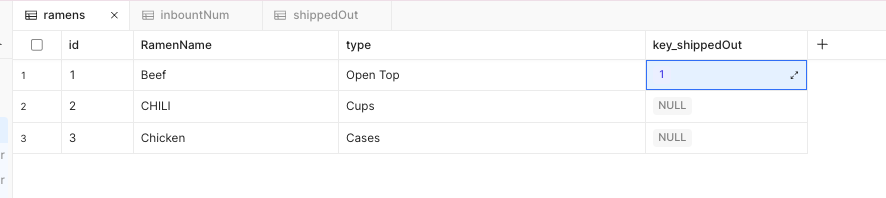
I’ve been trying Retool Database foreign keys over the past few days, but I’m still quite confused.
HI
Can Retool tools achieve the same functionality shown in the Airtable screenshot, where multiple records can be linked?
I’ve been trying Retool Database foreign keys over the past few days, but I’m still quite confused.
Hey @April_Fgt ,
At the moment, Retool doesn’t provide a built-in feature that works exactly like Airtable’s linked records. In Retool Database, a foreign key column can only store a single integer value, so true multi-select foreign key relationships aren’t supported out of the box.
That said, there is a practical workaround you can use.
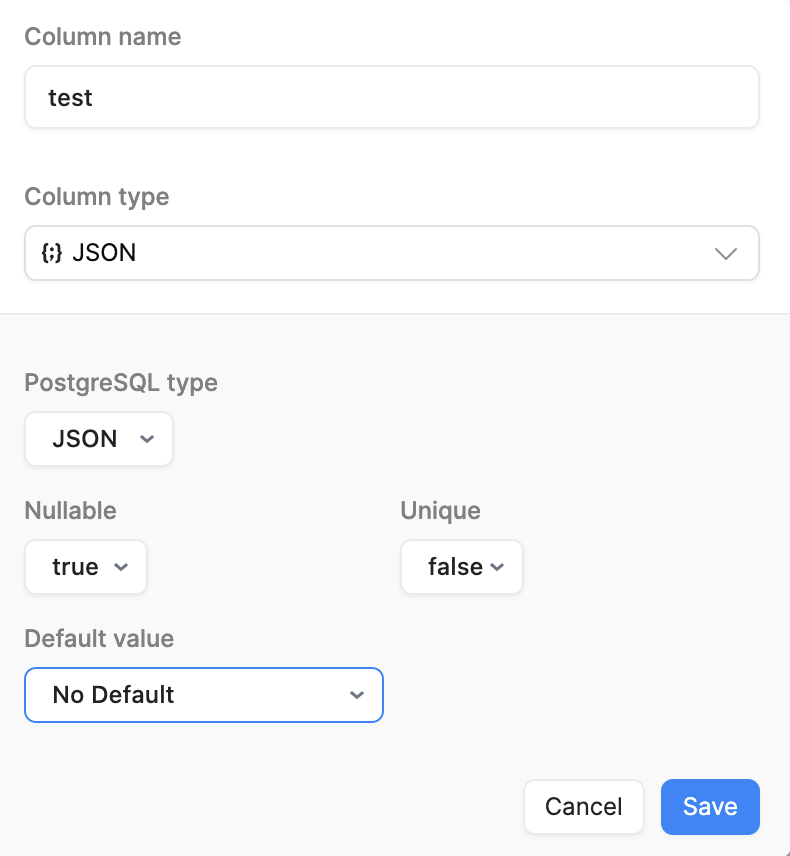
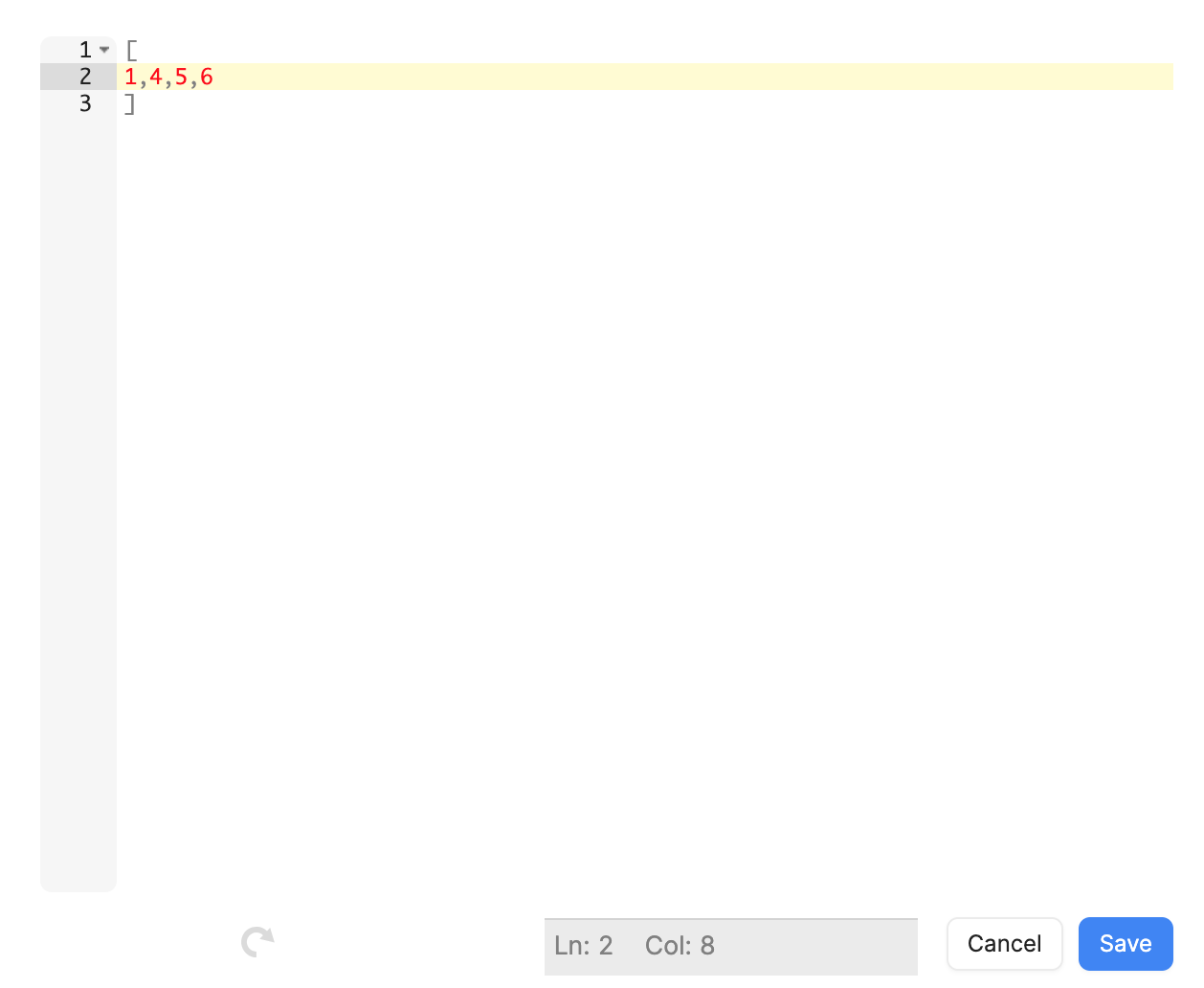
One approach is to change the column type to JSON in the table schema (as shown in the screenshot above). Then, instead of storing a single foreign key, you can store an array of IDs in that JSON column.
For example:
JSON[1, 4, 7, 12]
This allows you to associate multiple related records with a single row, similar to how Airtable handles linked records.
Using this pattern, you can:
While it’s not a true relational foreign key, it works well for many use cases and gives you Airtable-like flexibility within Retool’s current limitations.
Hope this helps!
Hey @April_Fgt
Were you able to try out @WidleStudioLLP's suggestion by storing the data as a JSON Object? This should give you the a similar data structure you are seeing in the UI in Airtable.
What you could also do is setup a REST API resource for Airtable using their API and then use the data you get back from there, if that is where it is hosted. It looks like they are also storing the data as JSON which makes sense for what you see in the UI. Airtable Web API
Let me know if you run into any issues or have further questions 
Regards,
John | Retool Support
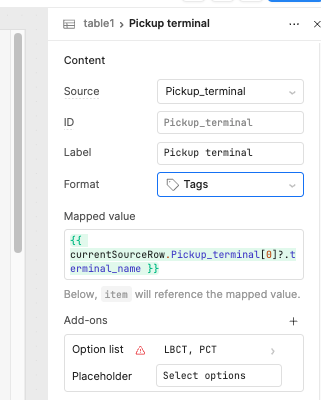
In what format should it be presented? Tags would be ideal, but I’m not able to display them in the table.
Test_ap_1.0.json (37.0 KB)
Hey @April_Fgt ,
I was reviewing your app and had a question about the way the pickup terminal data is being referenced.
In the UI, I noticed you’re using
{{ currentSourceRow.Pickup_terminal[0]?.terminal_name }}
However, since the source data is already present in the content, it seems like currentSourceRow.Pickup_terminal is being accessed again unnecessarily. From my understanding, this extra reference may not be required and could add confusion or complexity.
Also, in the cntr_data query transformer, you have to use:
return formatDataAsArray(data)
Because of this, when the data is mapped, the pickup terminal value should ideally be accessible directly as:
item.terminal_name
Using currentSourceRow.Pickup_terminal[0] in this case feels inconsistent with the transformed data structure and might be the root cause of the issue I’m seeing.
To better understand the intended structure and logic, could you please share some mock or demo data that reflects the expected response shape? That would really help me follow the data flow correctly, resolve the issue on my side, and then show you exactly where things might be breaking or how it can be simplified.
Thanks in advance—looking forward to your clarification!