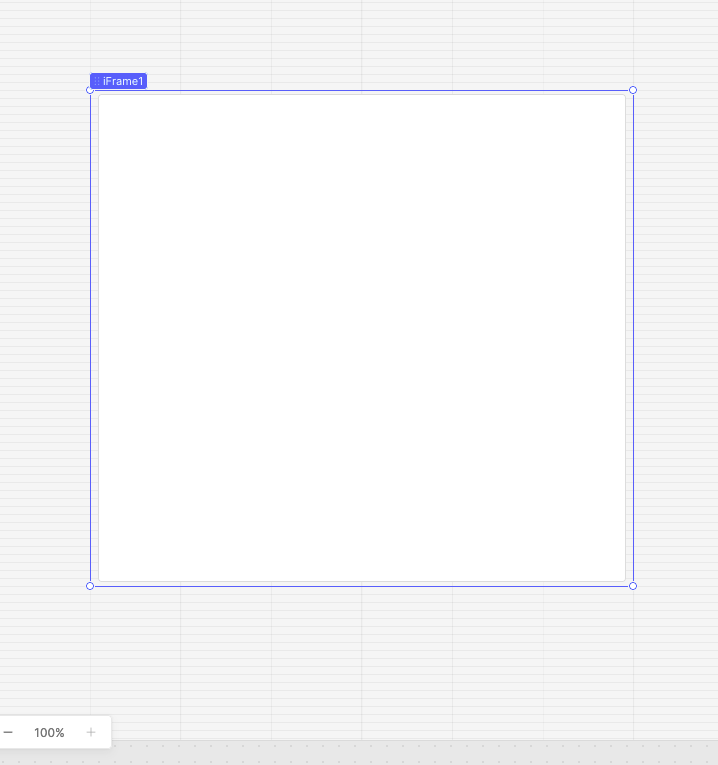
I am trying to embed an iframe element into my app from box .com. The preview on their end looks great. I suppose I foolishly thought an iFrame component would accept iFrame. When I enter the iframe the result is a blank white view of the iframe component as seen in the screenshot. I’m looking for any help in figuring this out. I would love to not need to invest time into a custom component if possible.
I am trying to use what you see below however I did redact a lot out of an abundance of caution so it may not help a bunch but I think it is probably standard .
Sorry to hear you've been running into trouble embedding your Box iFrame. I think I see what's going on.
You were on the right track with pasting the embed code. The next step just depends on what you're trying to display:
If you just want the raw file (like an image), it's simplest to grab the direct link to that file and use it in Retool's Image component (or another component depending on the file type). That way you don't have to worry about the Box preview window at all.
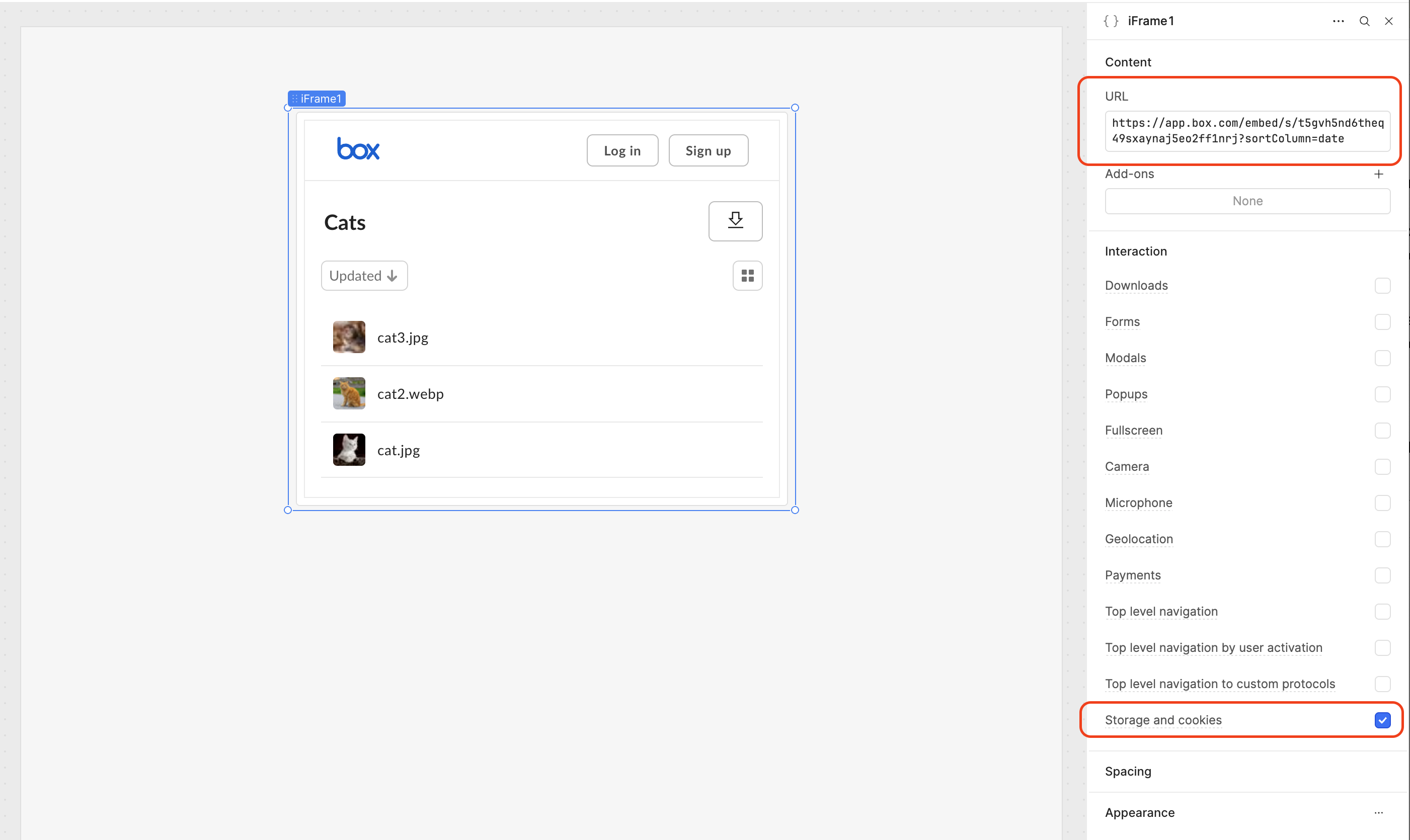
If you want the full Box viewer experience, you'll want to copy only the src value from the embed snippet - not the whole <iframe> block.
For example, I'm embedding a Box folder of cat pictures. Instead of:
One more important step: in the iFrame's Interaction settings, make sure the Storage and cookies toggle is enabled. Box's preview page needs the allow-same-origin flag, so without it, the iFrame will load blank.
Your iFrame setup in Retool should look something like this:
This worked beautifully for me! I had tried to shorten it myself before pasting into retool but I believe I removed too much resulting in the blank screen I kept seeing. Thank you for all the help!