-
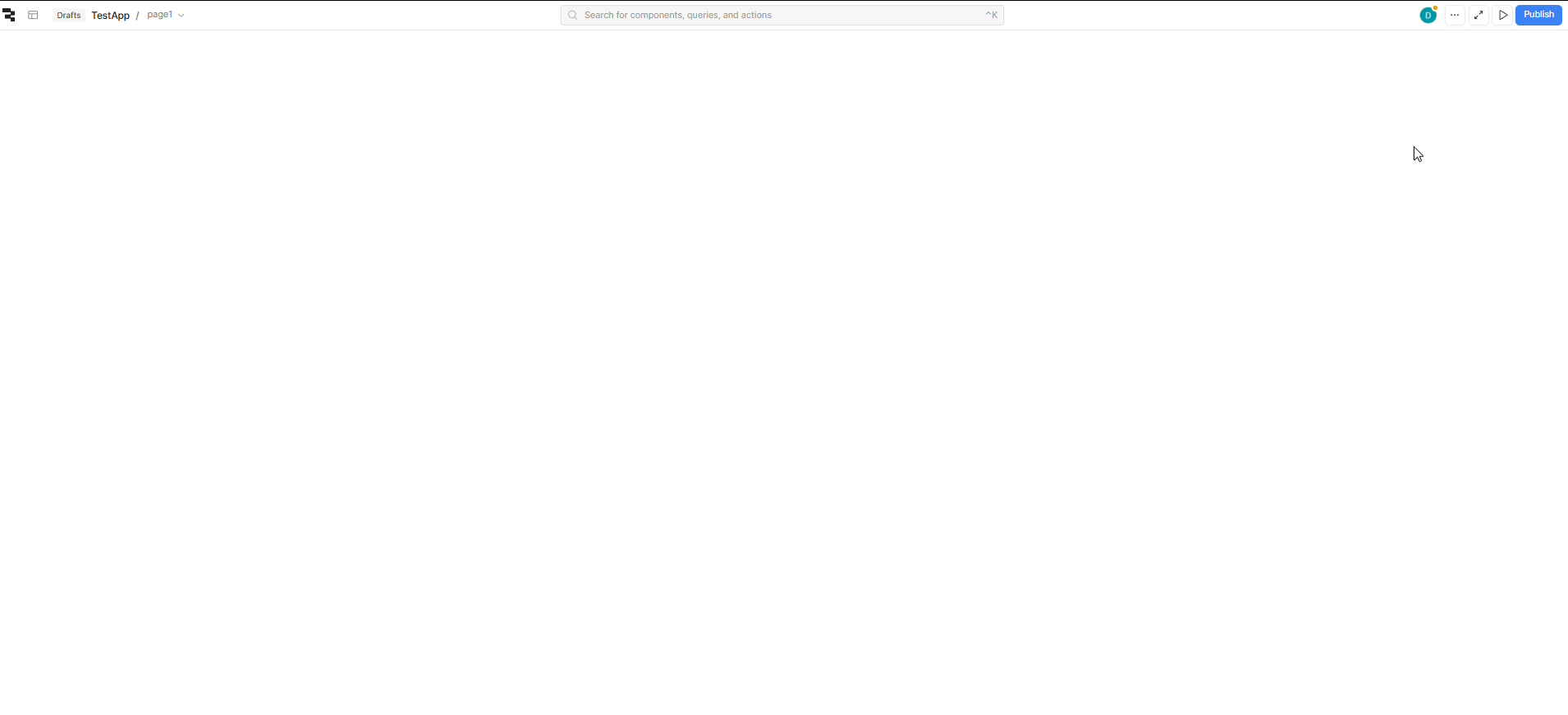
My goal: to be able edit my page again
-
Issue:
I’m unable to edit my web app anymore.
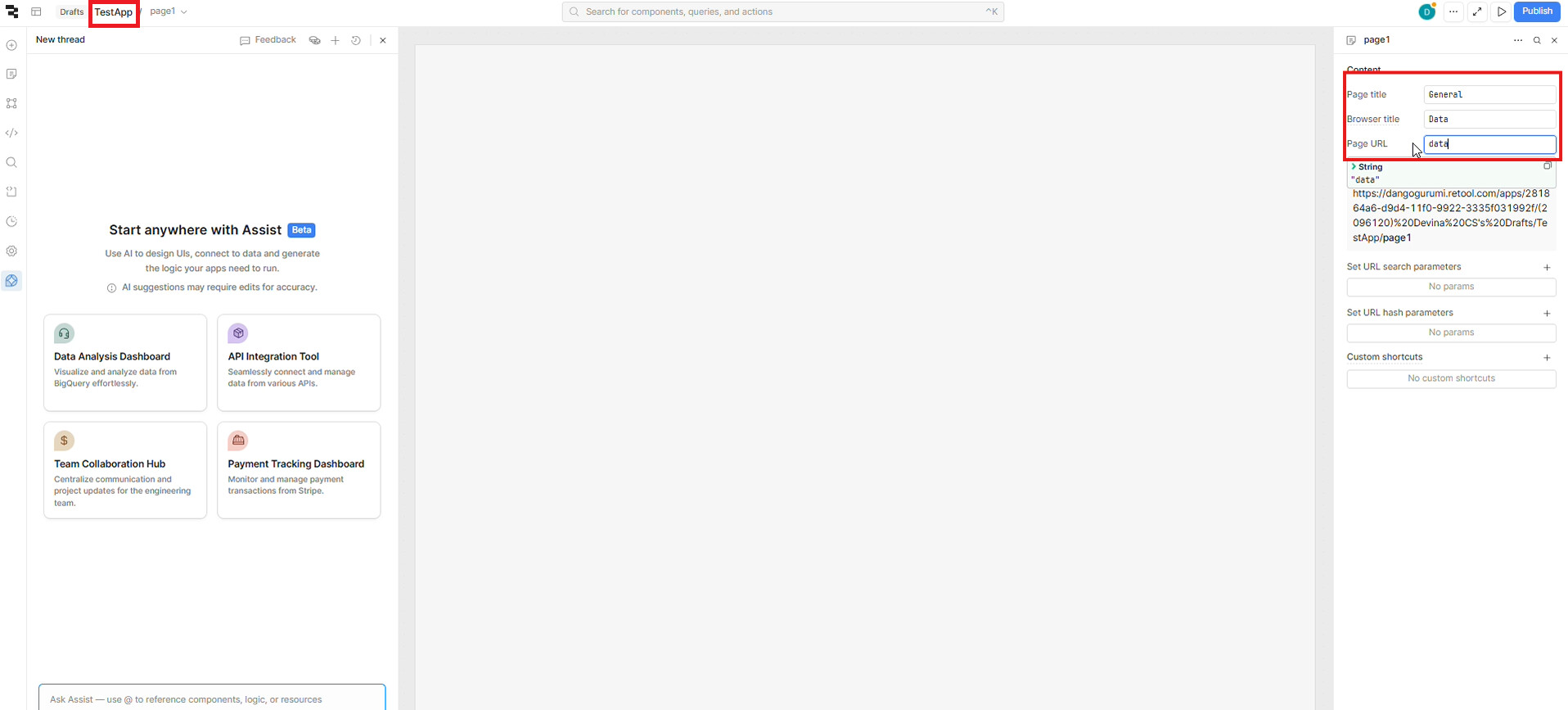
After changing the page URL setting todata, the app disappeared and Retool now shows a blank white screen except header. The app is not deleted, because I can still access it via the preview link using the new URL:/app/inventory-management/databefore/app/inventory-management/InventoryManagement. -
I tried reproducing the issue by creating a new app and setting the page URL to
data, and the same problem occurred. -
Steps I've taken to troubleshoot
- Changed apps name (top left red rectangle)
- Changed first page setting using inspector (top right red rectangle):
- Changed page title
Generalretool was fine - Changed browser title
Dataretool was fine - Changed page URL to
dataorDataretool suddenly black white,
I tried refresh same blank white, cleared cookies and relogin same, no error log on console tab or on network
- Changed page title
Can anyone help me with this?

