Hide timer start/stop buttons

I trigger the timer from a button (which along with starting the timer, also triggers other queries.
I don't want the user to be able to stop/start the timer by clicking on it.

I initiallly tried hiding the timer entirely and displaying elapsed time in a textbox. But, it seems the timer doesn't run if it's hidden. So - now i think i may be able to hide the timer start/stop button with some CSS.

How do i do that? or any other ideas on how to solve this?
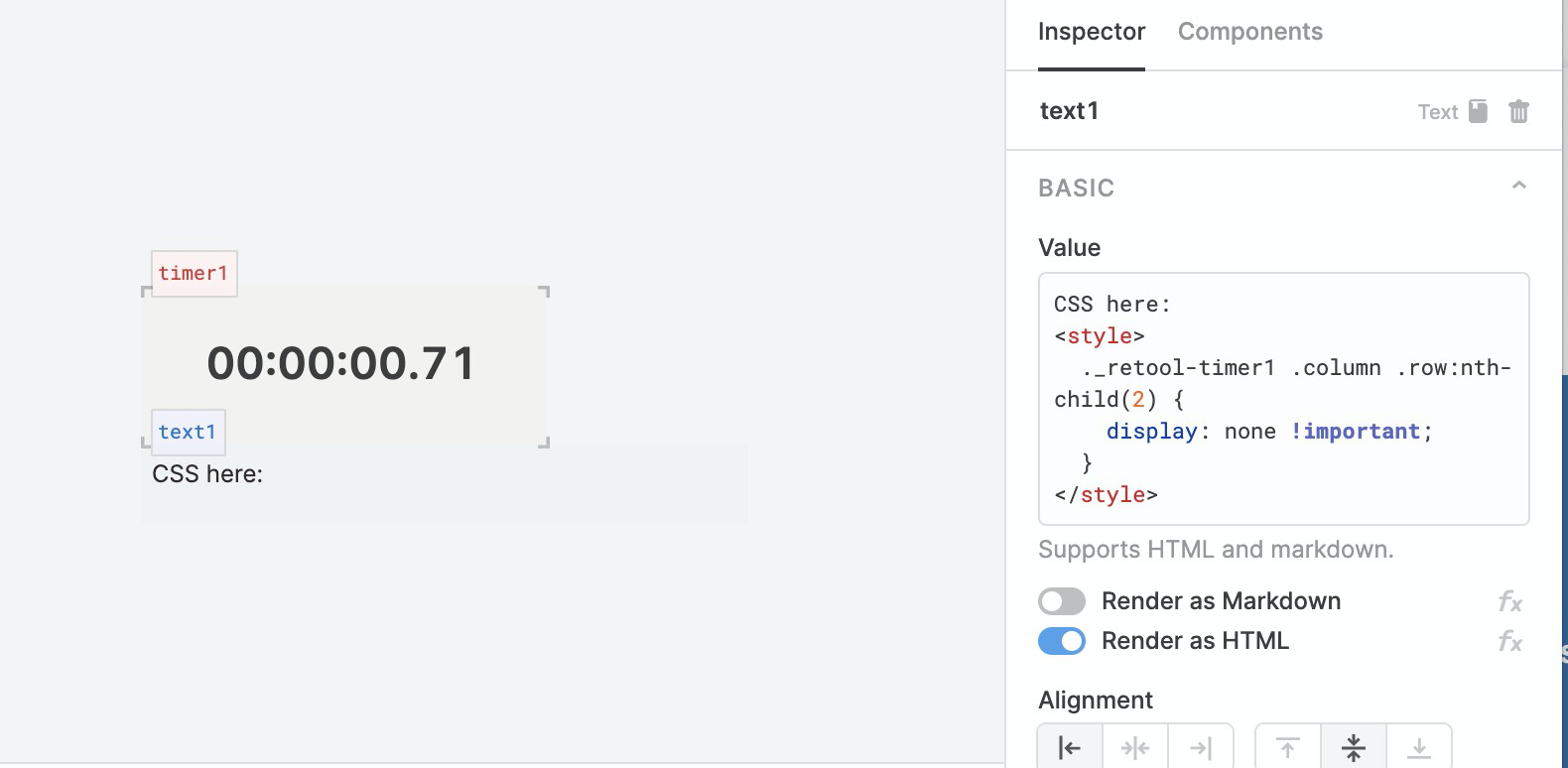
Hey @bartavius -- thanks for posting and welcome to the Retool forum!

You can do this with some custom CSS! Here's a snippet that you can use, just replace timer1 with the name of your component.

<style>
  ._retool-timer1 .column .row:nth-child(2) {
    display: none !important;
  }
</style>

You can reference this post to learn more about adding custom CSS to Retool apps.

I'll also note that using CSS overrides like this is brittle and will likely break with updates we make to components in the future.

Thank you @alex !

That works great.

1 Like