Sorry for the late response. The update seems to have resolved my previous issue, but some of my field team have pointed out that the mobile camera input appear really grey as if a high contrast filter is applied. The photos upload properly, but it is very difficult to see the photo when you are using your phone in the sunlight.
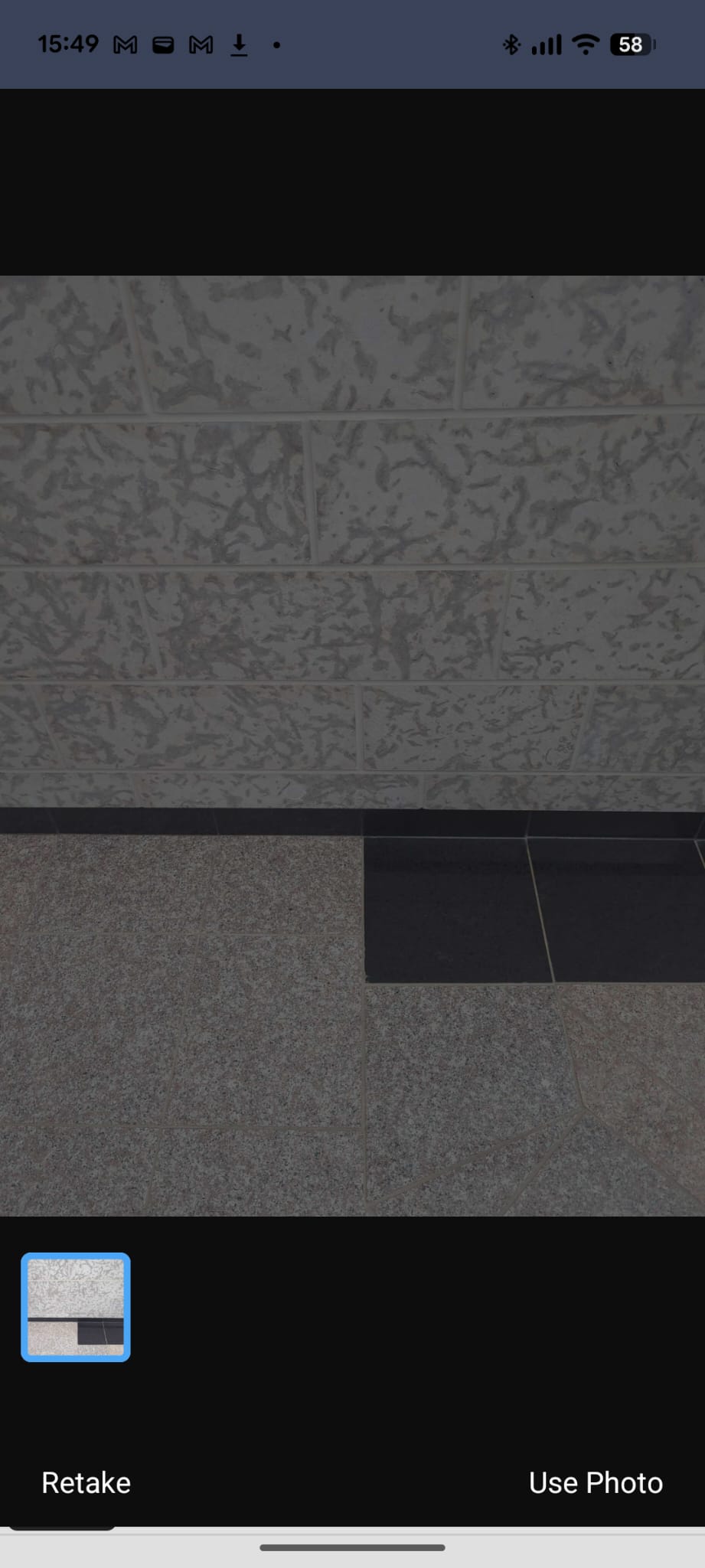
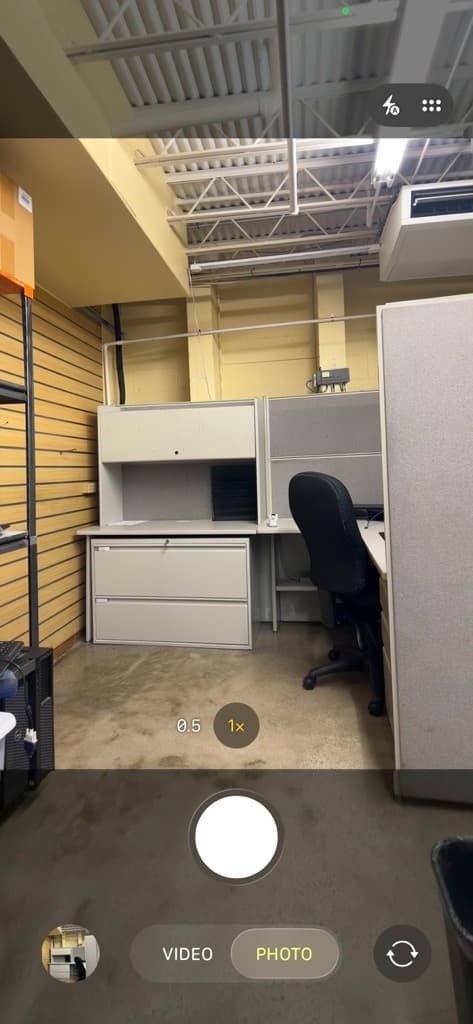
I can confirm that the same issue is happening to our team on the iOS app as well. The first screenshot shows the image preview as it appears in the Retool imageComponent, and the second image is what the image should look like (taken from the Camera app). The issue does not affect the image output, but it is causing issues for some of our team members especially when trying to take images in dark areas or in direct sunlight. This is on app v3.380.0, and has been replicated on an iPhone 13 and iPhone 14 so far.
Hello @cirno thanks for checking in, I just reached out internally to our engineering team about this. While we investigate, would you be able to update to the latest version (3.380.0) and let us know if the issue persists? This will help us determine if it's already been addressed in a recent release! Thank you
Hello again @cirno, I heard back from the engineering team, we are aware of this issue and have a ticket addressing this bug. It will be shipped with a few other updates and available in the next few weeks! I'll follow up here once the fix is live. In the meantime, feel free to reach out if you have any other questions!
Hey @cirno The fix is live on Android version 4.8.0, currently rolling out in phases, so it may take a little while to reach you. iOS 4.8.0 is still in progress, will update when it's ready!
Hey again @cirno and @PlywoodPirate, Android 4.11.0 is now at 100% rollout, so everyone should have the fix. If you're still seeing the gray filter, try updating the app.
Update: the phased rollout for iOS version 4.8.0 has officially started!!
Hey great timing @cirno, the phased rollout for iOS version 4.8.0 has officially started!! The rollout is being released in phases, so it may take a little time before it reaches all users. Please keep an eye out for the update in the App Store and feel free to reply here once you've had a chance to test it out.