I have created a simple Custom Components (a button) and deployed on cloud and added this component on a page.
Now I have refreshed the page. Button is not visible. It only shows the box where button was added.
I tried with examples as well. Facing same issue. How can I fix it ?
It’s happening recently to me as well, from time to time.
It looks like a rendering issue; let’s see if it’ll disappear after some updates.
Thanks so much for reporting this and welcome to the Community @Ambuj_Kumar! 
@abusedmedia and @Ambuj_Kumar, I am trying to rule out a regression from a previous fix. When the button does not show up, can you try resizing the browser window? This sometimes forces the component to re-render. Does it appear after you resize?
Which browser and version are you using? Have you tested in a different browser to see if the behavior changes?
Thanks for sharing these details. They will help me investigate further! 
Hey @ChiEn
It looks like only some Retool instances are affected by this issue.
I don’t have problems on a couple of Retool instances with a custom component I built, then on a third one, it happens always.
I then test with the Hello World custom component library, to exclude it was my component, and it happens as well.
Here you can see my library, that works when I drag it on canvas:
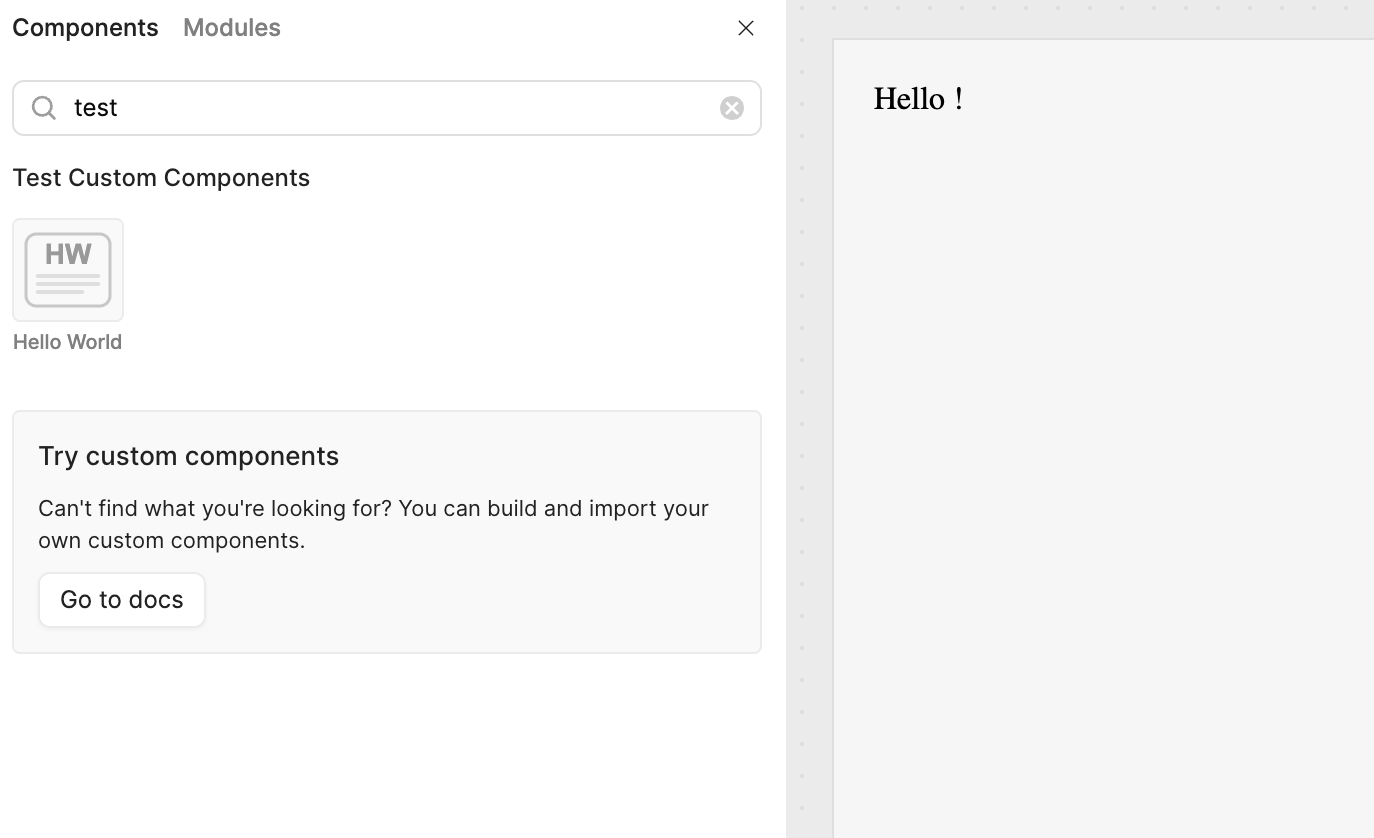
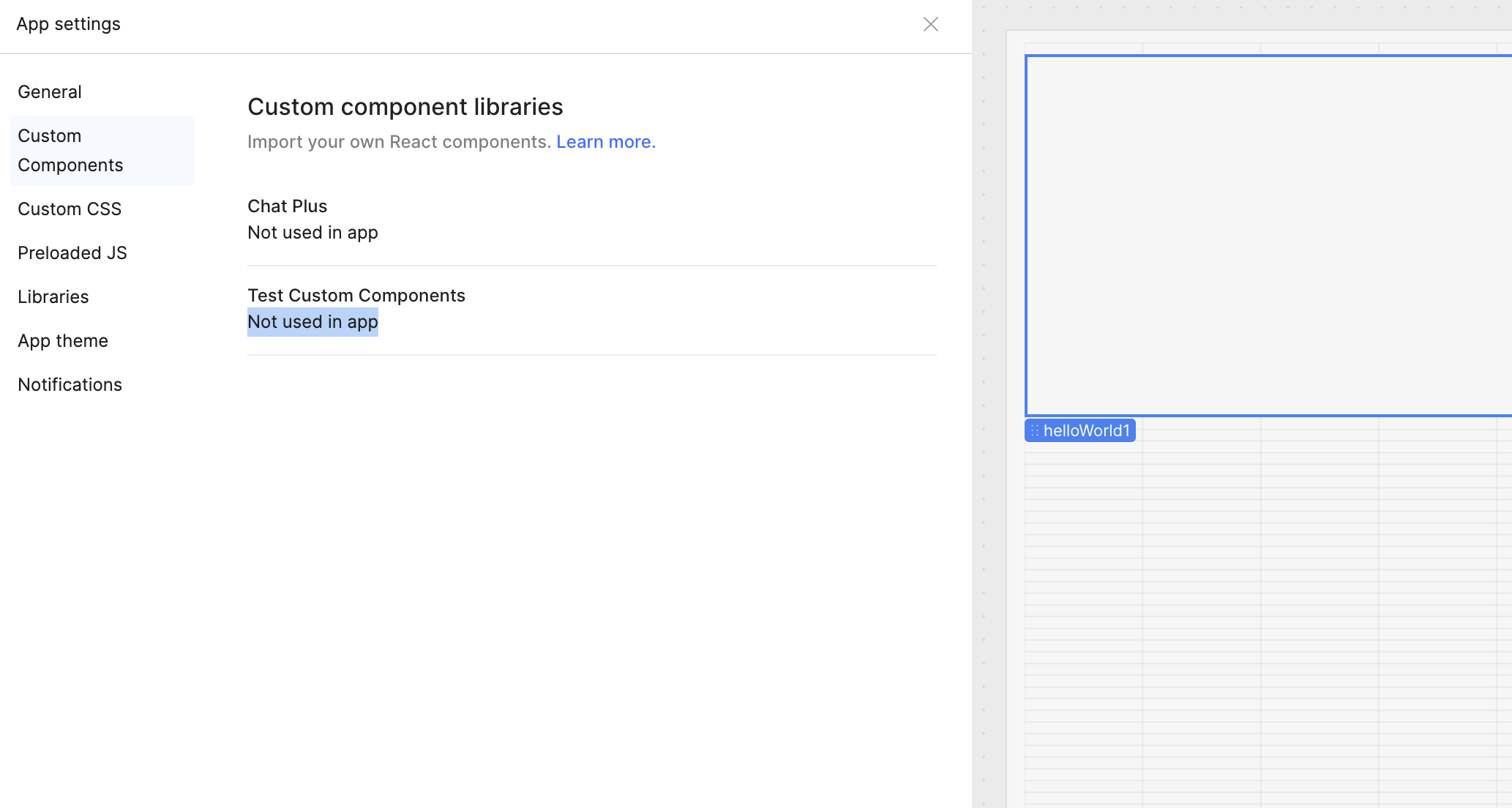
Then, if I refresh the app, it disappear, and you can see both the panel that says the component is not used, and the component that exists on canvas, but not visible:
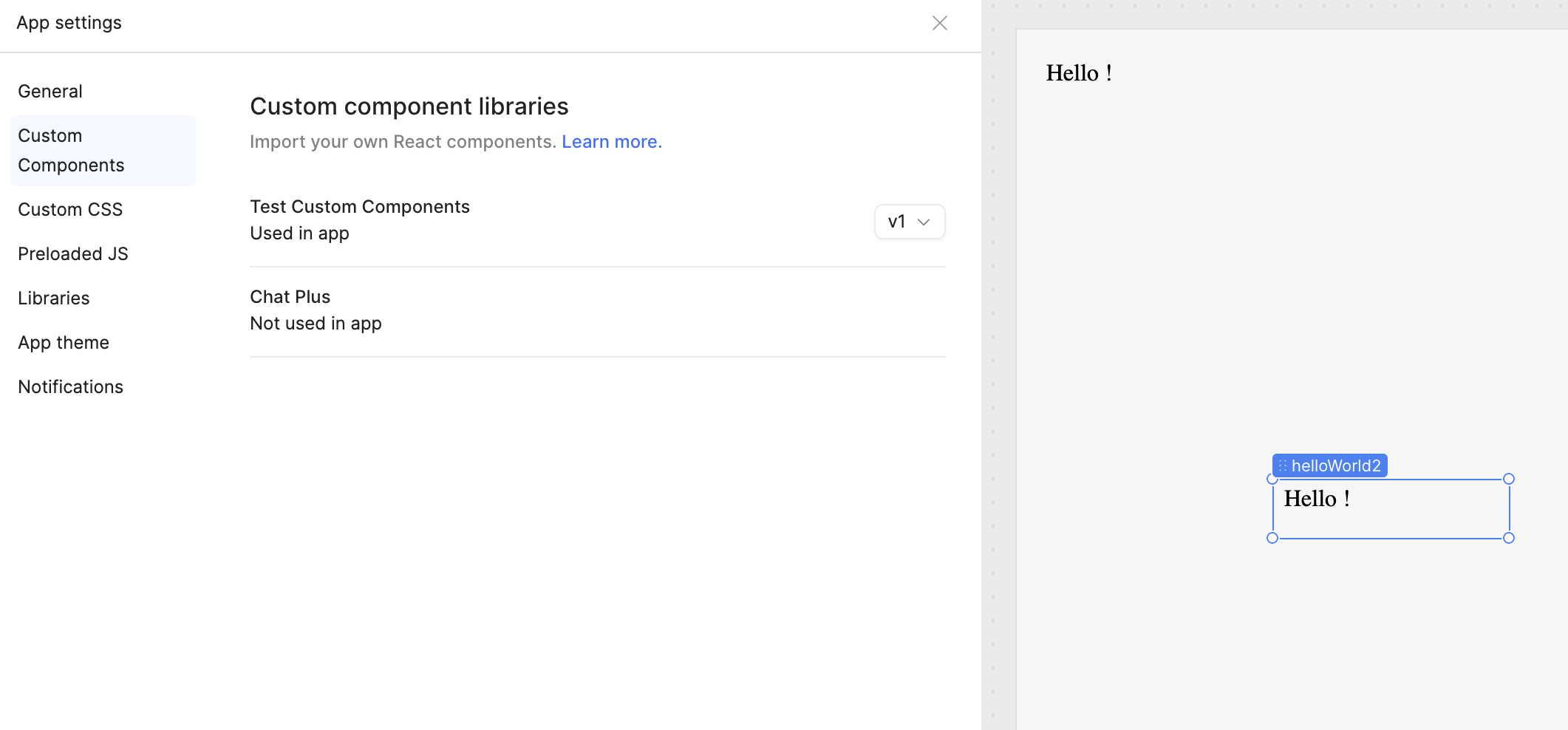
Then, if I drag another component, it turns back, both in the panel usage and in the canvas as well:
I used the Hello World library sample as is without any modifications.
It happens in edit mode, while in preview mode looks ok.
I’m on the latest Chrome on latest Mac OS.
Let me know if you need more to understand what is going on.
Thanks.
1 Like
Hi, I’m experiencing the same issue. I’m using Chrome on the latest macOS version. I tried renaming the library and components to remove any special characters or spaces, but it still doesn’t work.
Hello all, @Ambuj_Kumar, @abusedmedia, @martinco, thanks for reporting this, a fix is on the way, it will be live in Retool cloud hopefully later this week, I will keep you all updated here! 
1 Like
Hey everyone! @Ambuj_Kumar @abusedmedia @martinco, GREAT NEWS!  We’ve rolled out the fix in Retool Cloud version 3.311.0. Go ahead and give it a try!
1 Like
Hey all again @Ambuj_Kumar @abusedmedia @martinco
Sorry about the earlier message regarding the fix in Retool Cloud version 3.311.0. It’s currently gated. The engineering team will be rolling it out next week, but if you’d like access sooner, just drop your domain here and I can enable it for you. Thank you!
1 Like
Hello again everyone! @Ambuj_Kumar @abusedmedia @martinco, We’ve officially rolled out the fix to all customers in Retool Cloud version 3.311.0. Go ahead and give it a try and let me know how it goes!
If everything is working as expected, can you mark this comment as the solution by clicking the check mark icon below the comment?  That way others can easily find this update. Thank you!
Marking the post above as the solution for visibility. Feel free to let me know if anything isn’t working as expected! @Ambuj_Kumar @abusedmedia @martinco