- My goal:
I have to be able to see the resource in the Login component if I set the Custom Auth only on stage. - Issue:
Custom Auth not loaded in stage if we only set it to stage env - Steps I've taken to troubleshoot:
I am connecting to my API and I am setting the custom auth on stage env as I still didn’t merge the changes to production env, and here the issue is coming when I want to use the Login component in stage env and try to select a resource nothing appears in the list!
Any response!!!??? 
Hey @CoderNadir! 
Just to be clear, you're talking about not seeing the resource in the select dropdown that I'm showing below? That is either an oversight or a bug, but I'll document it for the team either way and let you know when there's been an update.
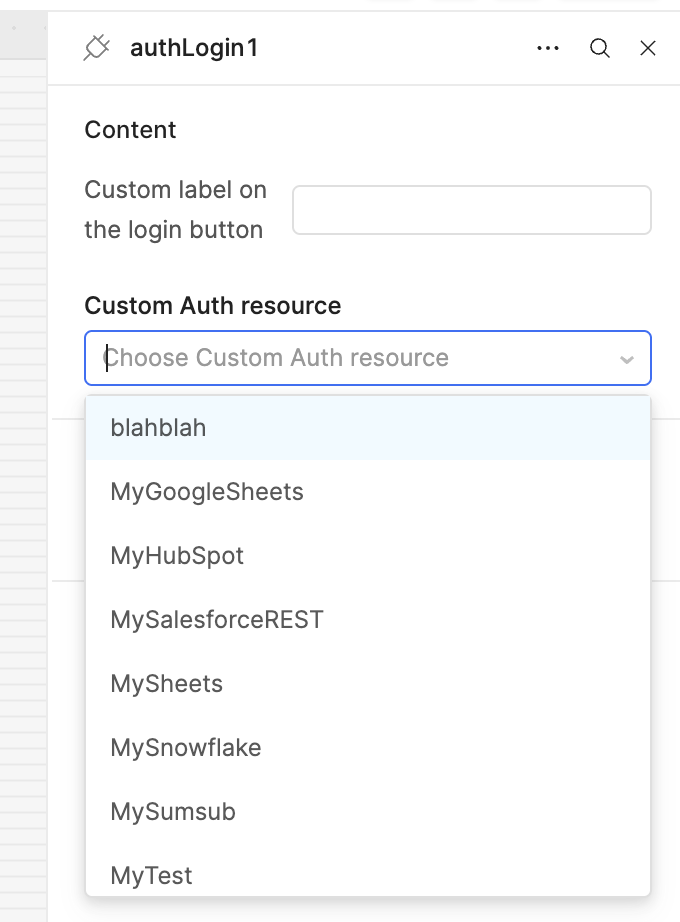
As far as the overall UX is concerned, though, it might actually be preferable to re-auth in the background via a refresh flow or test URL instead of requiring interaction with the authLogin component.
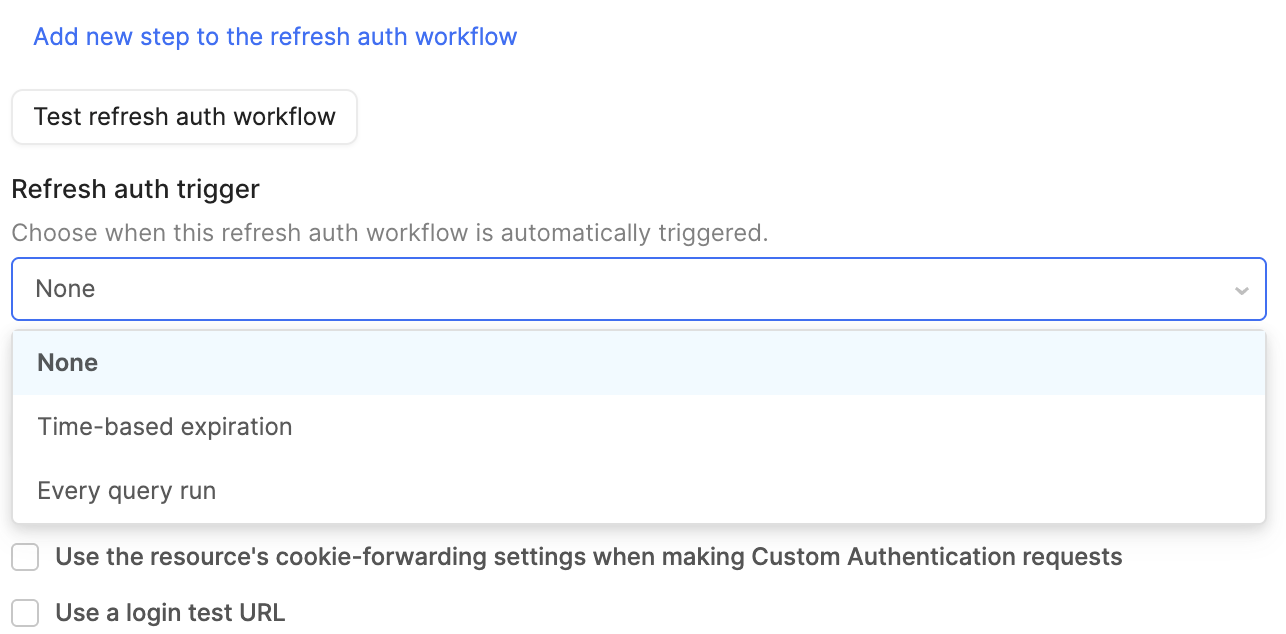
Let me know if you have questions about either approach!
Hi @Darren
Re 1) Yes that’s what I meant (cannot find the resource in the dropdown)
-
Well for me I find it a bit weird that there isn’t enough info about the resource inside the app, like reading the state (authenticated / Not)
-
Is there a way to force the popup to be displayed when the resource returns 401/403 error code, cause now when the token expires and the API call fails the only way to authenticate again is by clicking here:

but I want somehow to display the popup (email & password) whenever the response from API fails with error code 400 & above…., is this possible?