follow bellow to create a new Stripe resource.
on your stripe admin dashboard you'll need to create a Restricted Key. You'll use this when creating the resource above (it'll require for an API key).
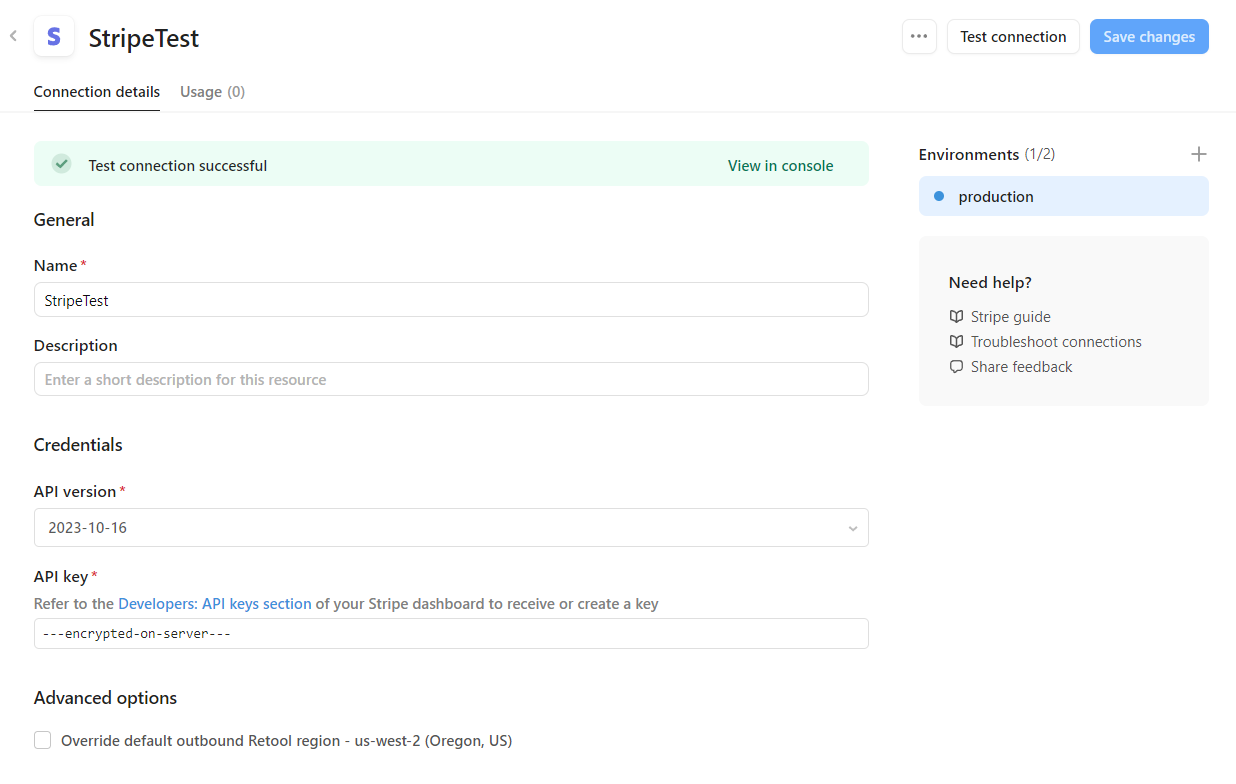
click 'Test connection' just to make sure you've entered your api key correctly.
back in your app, create a new Resource Query
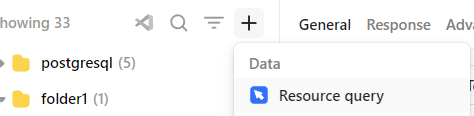
you may need to refresh the page for the new Resource we made (i named mine StripeTest) to show up.

once it appears, just select it

when you change the 'Operation' you'll notice required Request Body parameters are automatically added. you can click 'Add parameter' to see a list of non-required parameters you can add.
if you want to use the component retool provides

you can select 'Create a new query`
from this new query, you can call the previous query that uses the Stripe Resource we created like
await stripeTestQuery.trigger({additionalScope:{ token: stripeCardForm1.stripeToken} })`
careful here, make sure there's a space between the 2 }'s otherwise the linter will think it's the closing of a JS block, which it isn't.
from stripeTestQuery we can use:
{{ token.id }} //stripe token id tok_123456789testtoken
{{ token.card }} //get card info, like token.card.id which holds the id for the card stored in stripe