Container scroll position always loads in the middle when using a Module (can’t reset to top)

Hi everyone,

I’m running into a really annoying UI issue with a scrolling container that wraps a Module, and I can’t get it to reliably load from the top.

Structure:

  • A container component with vertical scrolling enabled
  • Inside that container, I load a Module (a fairly tall details view)
  • This same Module is reused on multiple pages in the app, always wrapped in a similar container setup.

Because the Module content is taller than the viewport, the container shows its own scrollbar, which is fine. The problem is where that scrollbar starts.

The problem:

Whenever I:

  • open the app and navigate to the page with this container+module, or

  • switch to another page and back,

the container’s scroll position is not at the top.

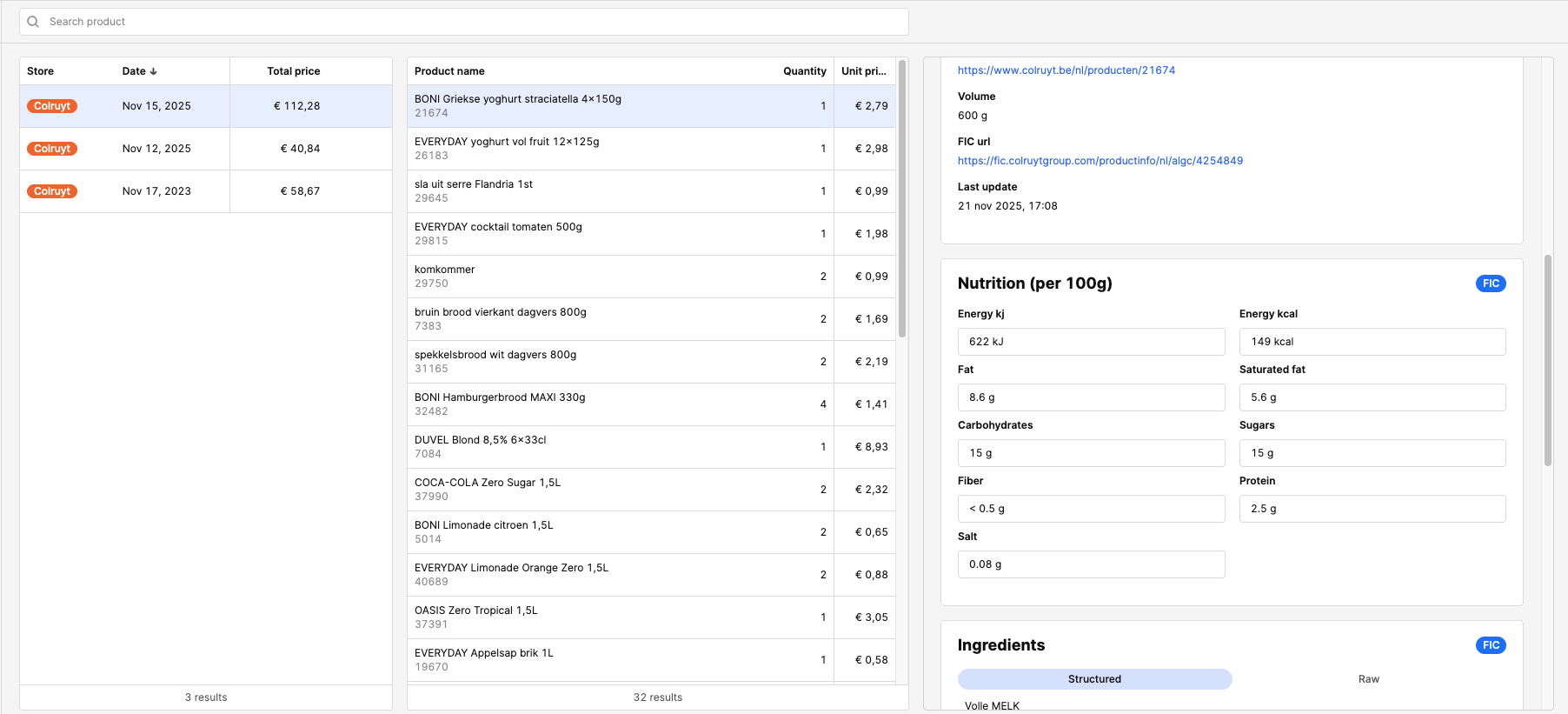
Instead, the scroll is somewhere in the middle of the Module content.

This happens:

  • Consistently on initial load

  • Consistently when navigating between pages where this Module is used

  • Even if I manually scroll to the top, then leave and come back, it often re-opens somewhere around the middle again

What I expect:

Every time the page loads, the container that wraps the Module starts at scrollTop = 0 (top of content).

Questions

  1. Is this a known issue with Modules inside scrollable containers where Retool “remembers” scroll position incorrectly?

  2. Is there a recommended way to force a container’s scroll position to the top when:

    • Navigating to a page

    • Or when a Module is mounted inside that container?

  3. Is there any setting or best practice I’m missing for:

    • Containers with scroll + Modules

    • Or controlling scroll behavior on page load in general?

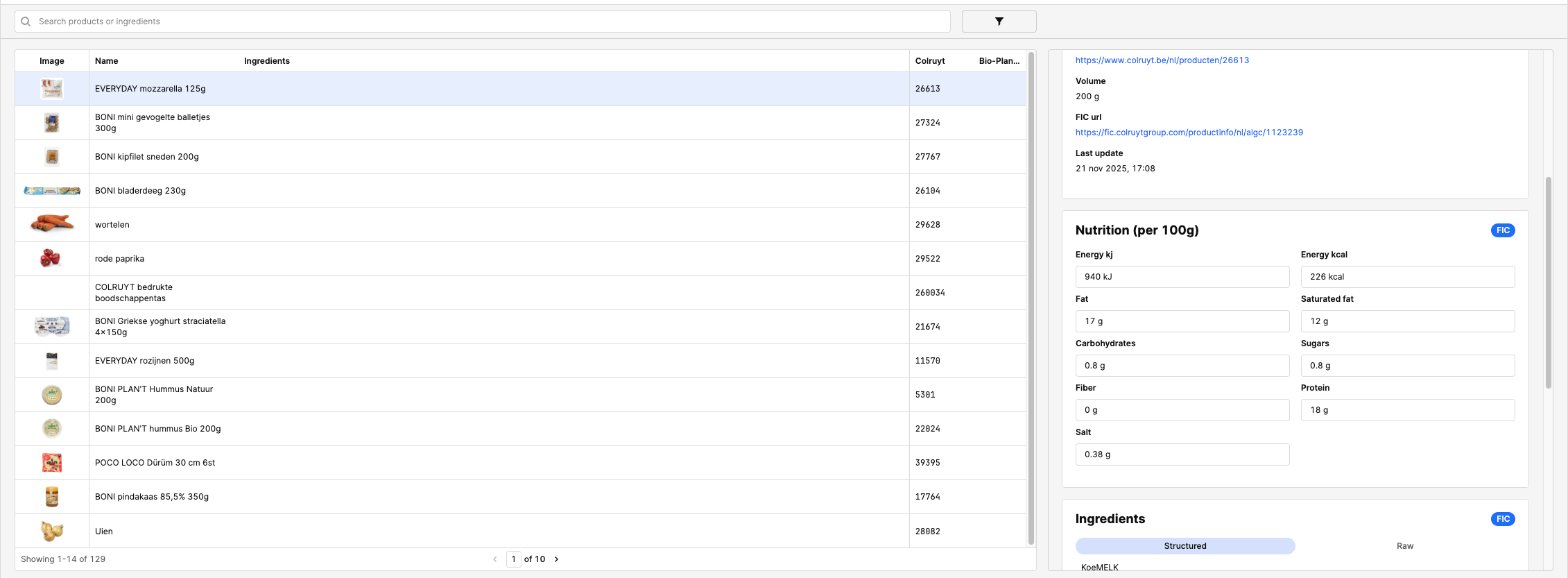
I added some pictures for context.

2 Likes
  1. Every time you switch tabs, set the scroll position to the top of the container.

  2. In Retool, you can do this using a JavaScript snippet on the tab switch event:

    js


    Added a change event handler to tabbedContainer1 that executes window.scrollTo({ top: 0, behavior: 'auto' })

    (Replace .tabbed-container-class with your actual tab container’s class or ID.)

  3. If Retool has a built-in event for "on tab change," use that to run your scroll-to-top code automatically.

  4. If possible, report the issue to

    Retool so they might fix it in future versions.

    https://workdrive.zoho.in/file/yjr6g014dfa8412e4424e9980ef82f3420bc8

    In this video, I explain how to solve the tabbed container scroll issue in Retool with a practical example. First, I show what happens when switching between tabs—the scroll position lands in the middle of the page, which can be confusing for users.

In my setup I don’t use a tabbed container, but just a regular container.

So the problem is that I can’t add a change event to the container because it simple doesn’t have change functionality…

Hi @Toby_Vertommen,

I just tried to reproduce this behavior, let me know if I am missing any steps or if you have any additional set up for the parent container.

I set the container to have a Height of 'Fixed' and shrank it so that the child module inside is taller and thus created a scroll bar. On page load the container seems to load at the top. Let me know what else I need to do to mimic the behavior you are seeing.