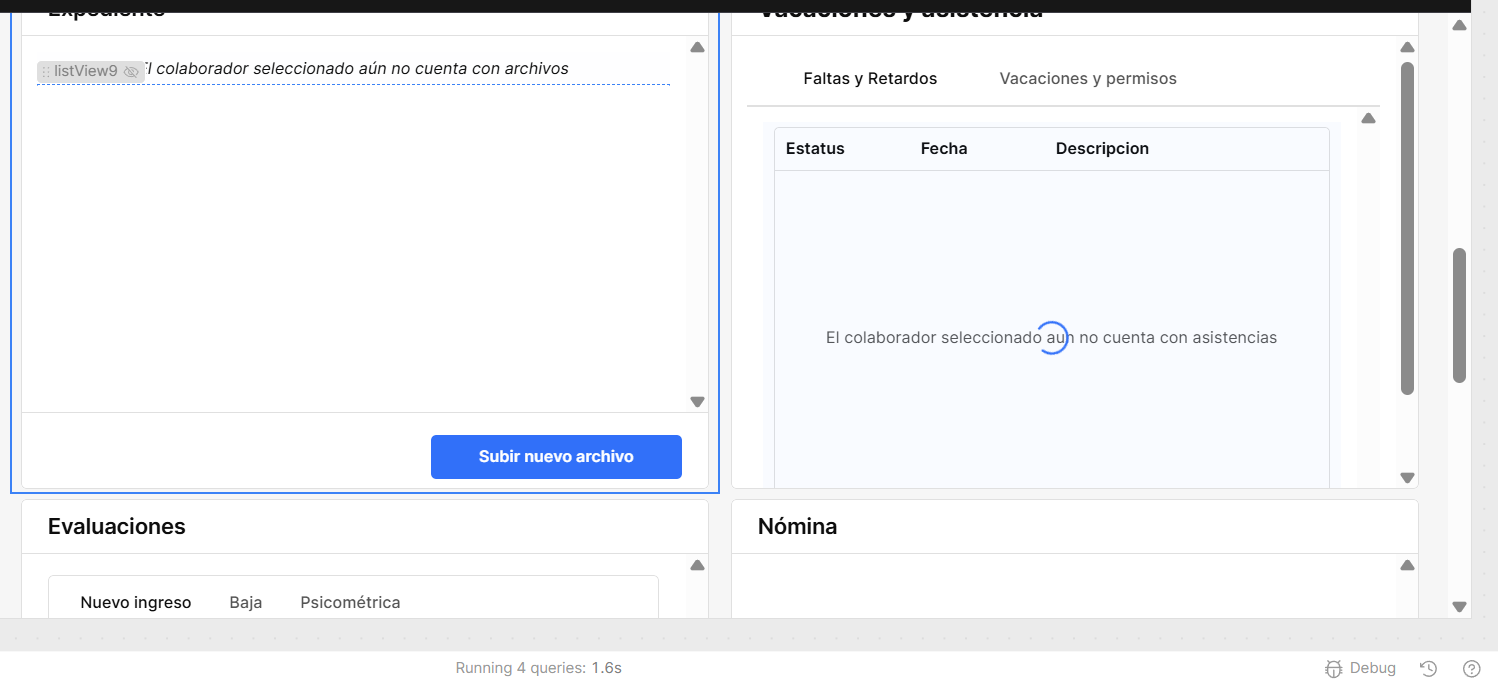
Issue: I have a table that when selecting a row it runs certain queries. The issue is that when selecting a row it scrolls down to show queries loading. Table has no event handlers on row selection.
Steps I've taken to troubleshoot: Check if any query has event handler, remove all event handlers in table.
Additional info: This is fairly recent, it started a few months ago:
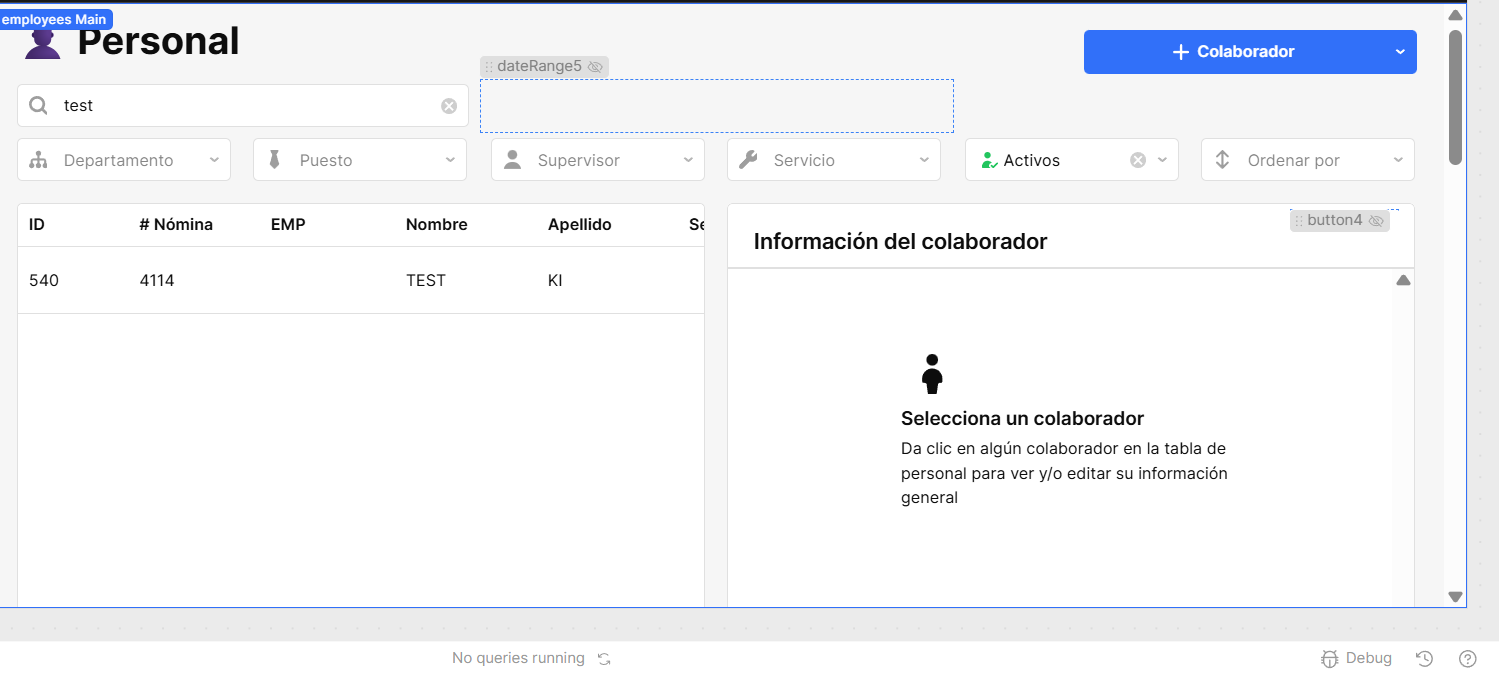
First photo, nothing selected. Showing empty states
Are there any event handlers on any of the columns? Columns can have on click handlers. If it can’t be figured out, I would probably just drop in a new table and see how it acts after setting it up the same of the problem table.
Are there any event handlers on any of the columns? Columns can have on click handlers. If it can’t be figured out, I would probably just drop in a new table and see how it acts after setting it up the same of the problem table.old
Hello! According to the Retool AI it was because i was referencing table.selectedRow in a tabbed container for the hidden attribute. Once table.selectedRow was not blank it would mount the component (the tab) and because it mounts it would automatically scroll down to focus on the freshly mounted component. Apparently this is something native to retool and cannot be changed which is unfortunate because this causes unwanted behavior.
Hey @Luis_Morales_Romero thanks for waiting. You're right that this is native Retool behavior, when a component goes from hidden to visible (for example when it mounts fresh into the DOM), Retool automatically scrolls it into view. Since you were using table.selectedRow in the Hidden attribute, every row click triggered that mount and the scroll along with it.
The workaround that I can think of is to avoid the "hidden-to-visible transition" on row selection. The easiest way is to keep the container always visible but conditionally show its content. For example, display a placeholder like "Select a row to see details" when no row is selected, and swap in the real content once a row is selected. That way the container is always mounted and the auto-scroll never fires. What do you think?
Hey @Luis_Morales_Romero, following up again! I recently reproduced a separate but potentially related behavior, the Tabbed Container can sometimes cause the page to scroll vertically to the container on refresh. I've filed an internal ticket for it. Could you confirm whether your app uses any Tabbed Container components, and if so, whether you're also seeing this on refresh?
Hey @Luis_Morales_Romero, thanks for confirming! I'm submitting your case as well, would you mind sending me a JSON export of your app so I can include it? Also, to clarify: when the page scrolls, does it scroll to the position of your Tabbed Container(s)?
Hey @Luis_Morales_Romero! Great news, the fix for the Tabbed Container autoscrolling on refresh is live as of Cloud v4.14.0.
Just to clarify, this and the original row selection scroll are two separate issues with different root causes. The row selection one is tied to components going from hidden to visible on mount, so the workaround from my earlier message still applies for that one.
That said, give both a try and let me know if things are looking better now!
 How is it going? Are you still having trouble with this?
