- I built a simple CRUD app for iPad
- My goal: Have the device operate as it does on the mobile phone app, and web browser.
- Issue: When adding a count to a member's account, the amount is stored correctly, but after this occurs, the user is taken back to the home screen displaying the same member information but the count is not displayed with a new total. For example, if I add 1 to the member's account and they have 100 before adding it, I should see 101 when returning to the home screen displaying the member's information, but it does NOT display 101, it remains at 100.
- Steps I've taken to troubleshoot: Tested in web browser, mobile phone app, and emulator
- Additional info: (Cloud or Self-hosted, Screenshots) iCloud
@Tess
Seems that when navigating back to home screen using an event handler works but when the home screen loads, the query populating it doesn't get fired.
Home screen click on View/Edit:

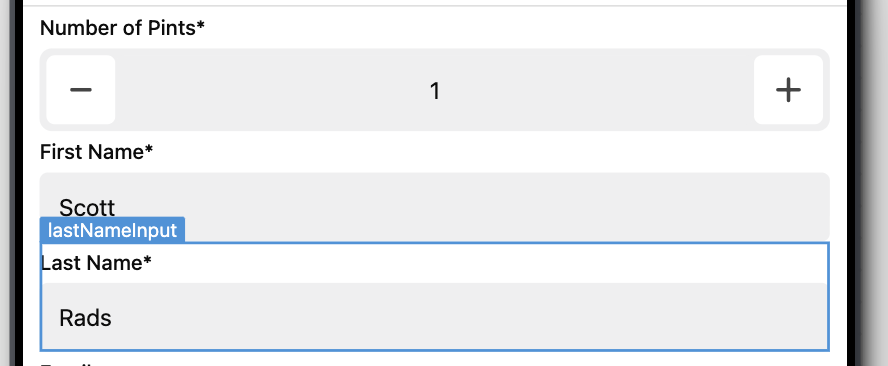
Before submission on update screen (changing last name and adding 1 pint)
After submission with event handler navigation back to home screen: