Hey,
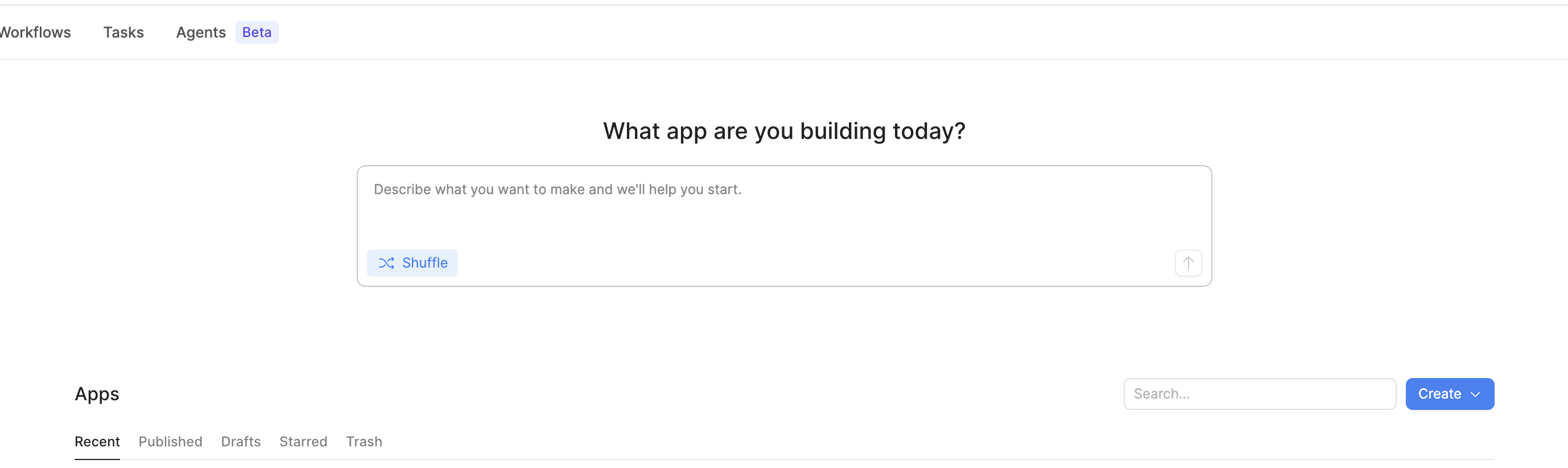
does this have to be displayed here?
So few people will actually start an app this way, and it’s taking up heaps of real-estate.
Can we get an option to hide it?
Hey,
does this have to be displayed here?
So few people will actually start an app this way, and it’s taking up heaps of real-estate.
Can we get an option to hide it?
Hey @hansontools thanks for the feedback. As far as I know, there isn’t a way to hide this at the moment!
Thank you for the reply.
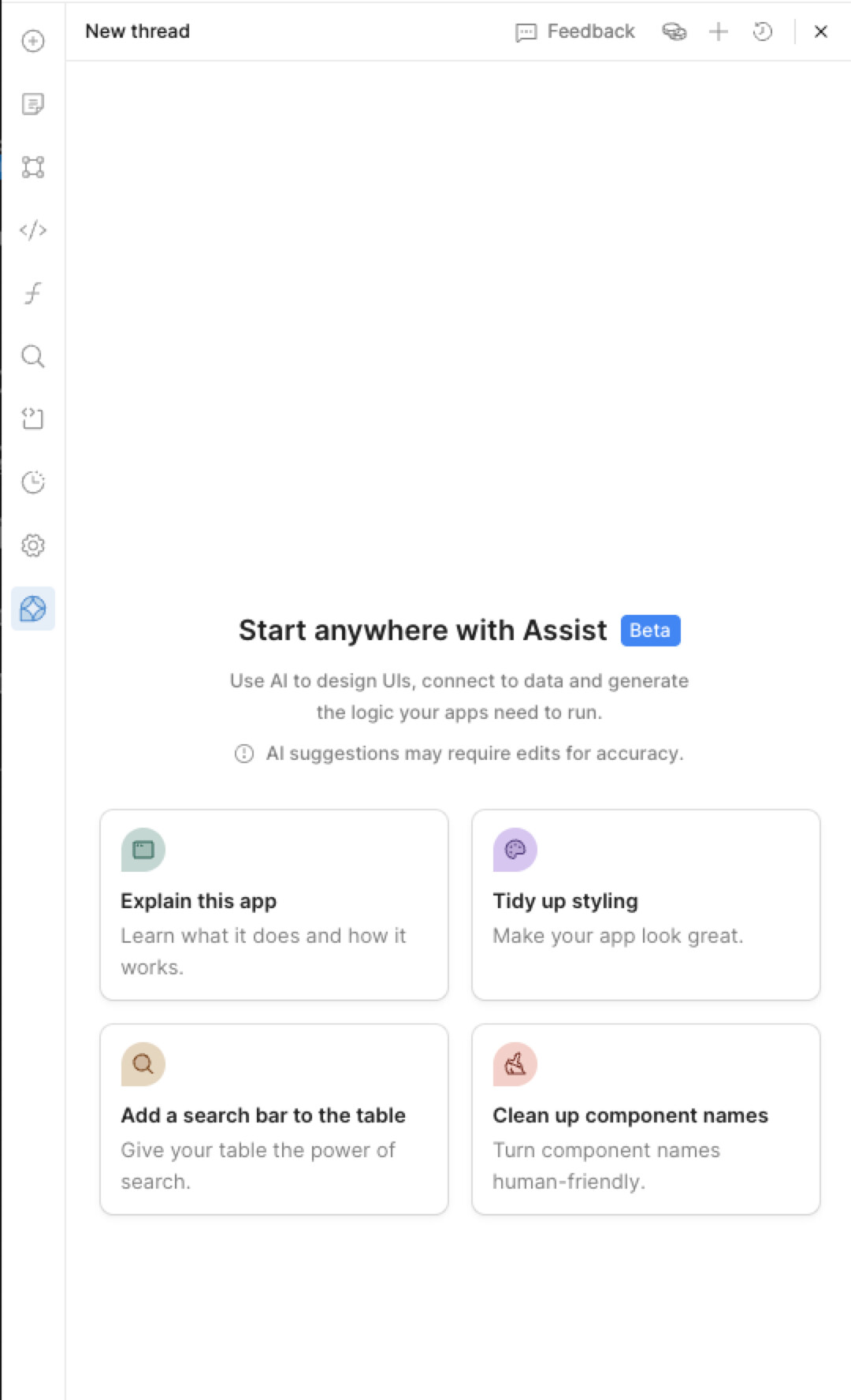
And in the editor too - every time I go to edit an app, AI is there… again. Sorry to be a downer, but I’m not actually keen on having AI do everything (poorly) for me. Can this be changed?
Hey @hansontools thanks so much for the feedback and the request! Let me take a look on my end and I will get back to you!
Hey again @hansontools, would you like both of the above to be hidden for the entire org?
I’m happy for Assist to remain in the editor, but I don’t want it always being the first thing I see when I go to edit an App. Perhaps default to the Pages or Code section.
Assist is a tool, like anything else in Retool. I can’t understand the need to make it front and centre everywhere.
Hi @hansontools! I just made some changes, so let us know if you’re still seeing 1) the chat input on the homepage and/or 2) Assist stubbornly opening every time, even when you had a different tab open the last time.
Brilliant, thank you Justin
Would like to +1 this thread. Not a huge fan of the AI assist opening every single time you open the editor. I dont need the AI to help me change the position of an element or a single variable. Much less a fan of the assist prompt appearing on the home page as well. We are already having issues getting users to stop clicking edit app or creating a new app and getting billed as a developer. This is just one more shiny thing we have to couch users to not touch. This should be hidden by default.
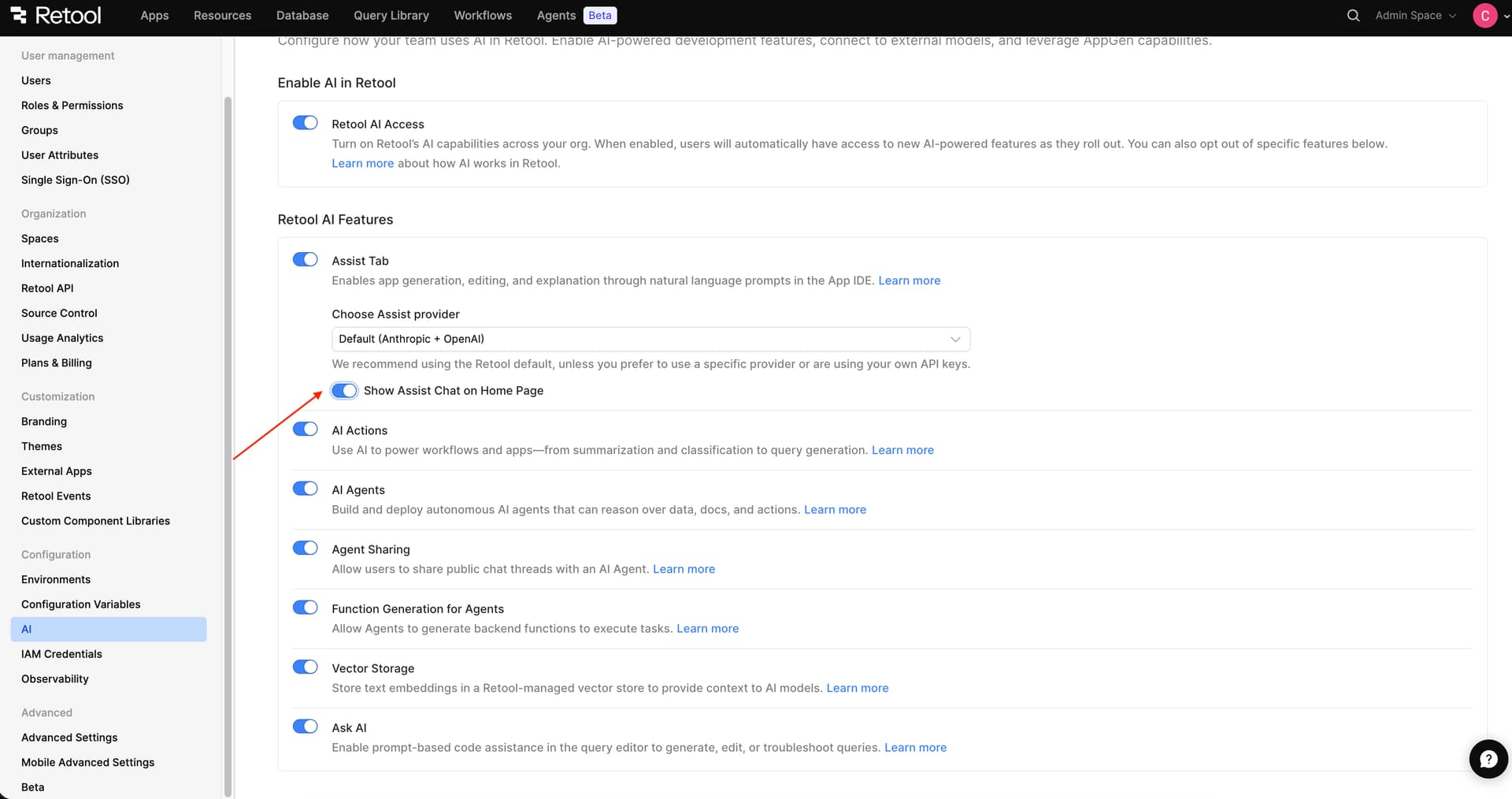
Hey @zpieratt37 - after chatting with some folks internally, it sounds like the current plan is to allow org admins to toggle both behaviors on and off. I'll provide an update here as soon as that change goes live!
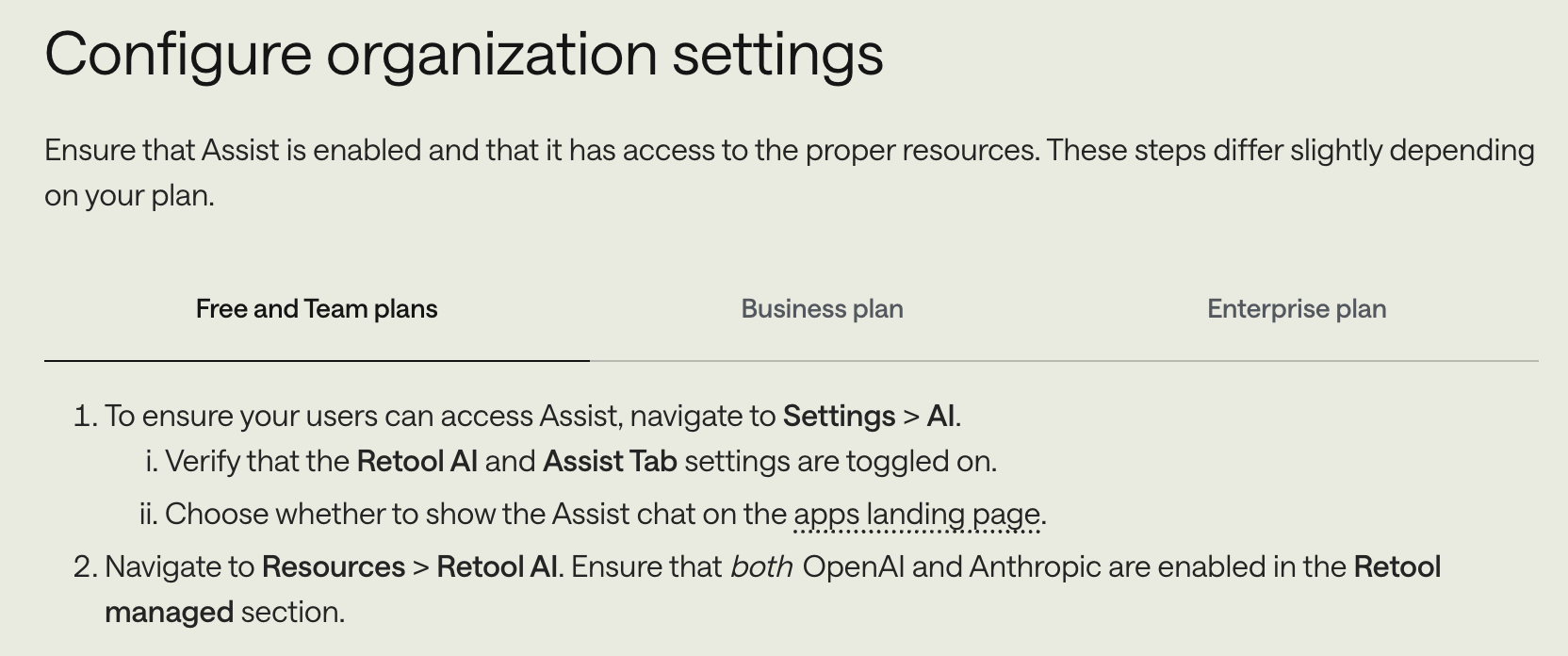
Hello all! @zpieratt37 @hansontools You can now choose whether to show the Assist chat on the app’s landing page! Configure your organization for Assist | Retool Docs