First time using Retool, hope someone can spare some time and help me out 
1) My goal:
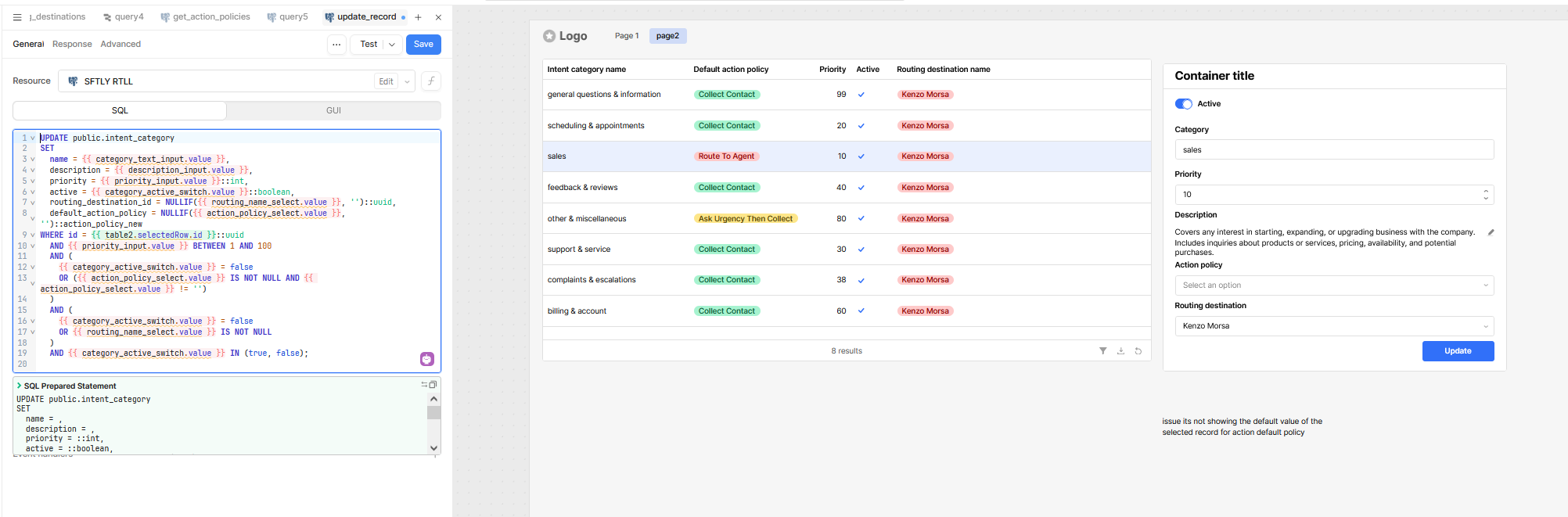
I want to refresh a table automatically after running an UPDATE query. According to the Retool docs, I should be able to do this by adding an Event Handler on the query itself (e.g. on Success → trigger another query).
2) Issue:
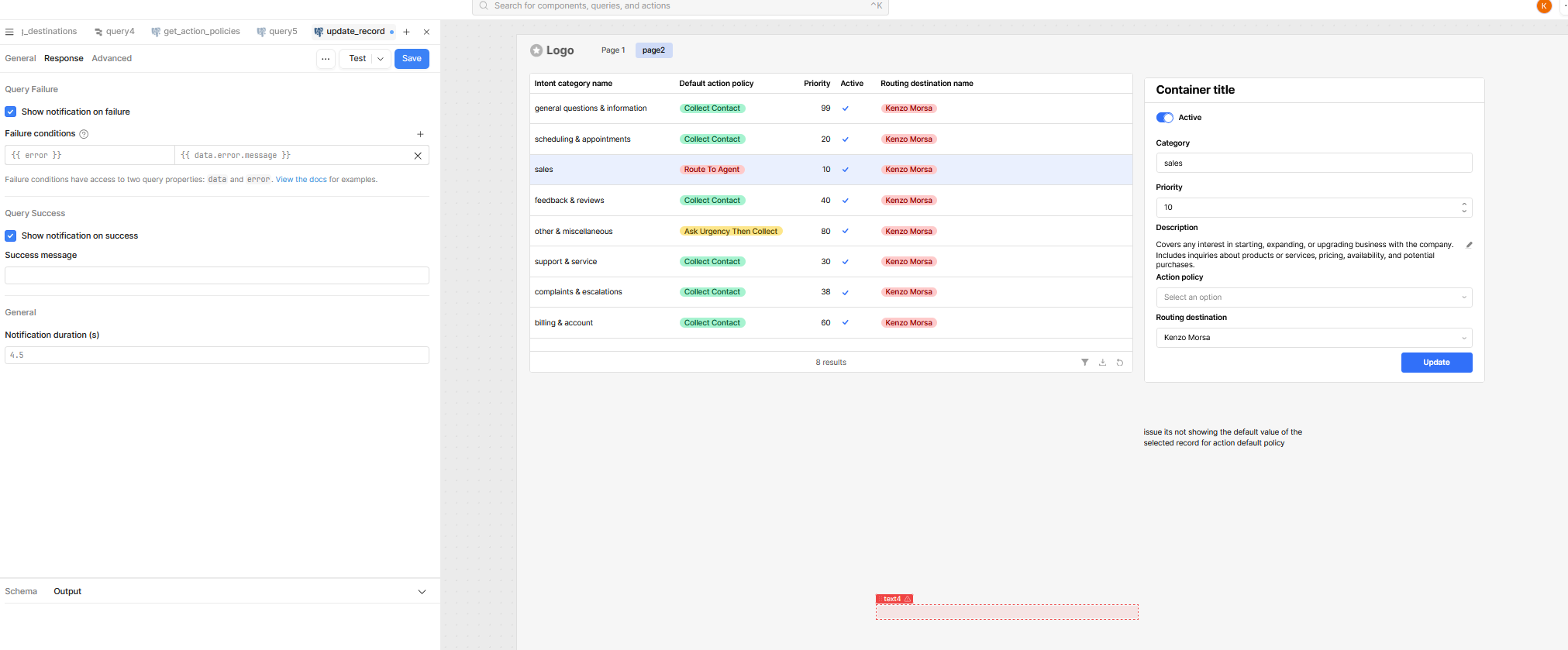
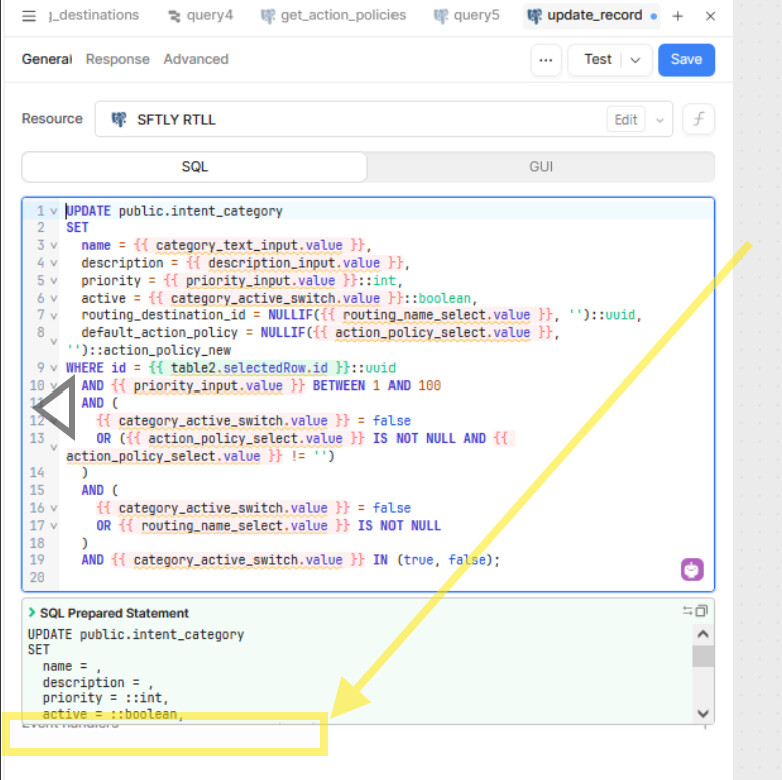
In my Retool UI, I don’t see the Event Handler section for queries. The documentation clearly shows an option to add handlers like “On success / On failure,” but in my query editor I only see fields for:
- Success message
- Failure message
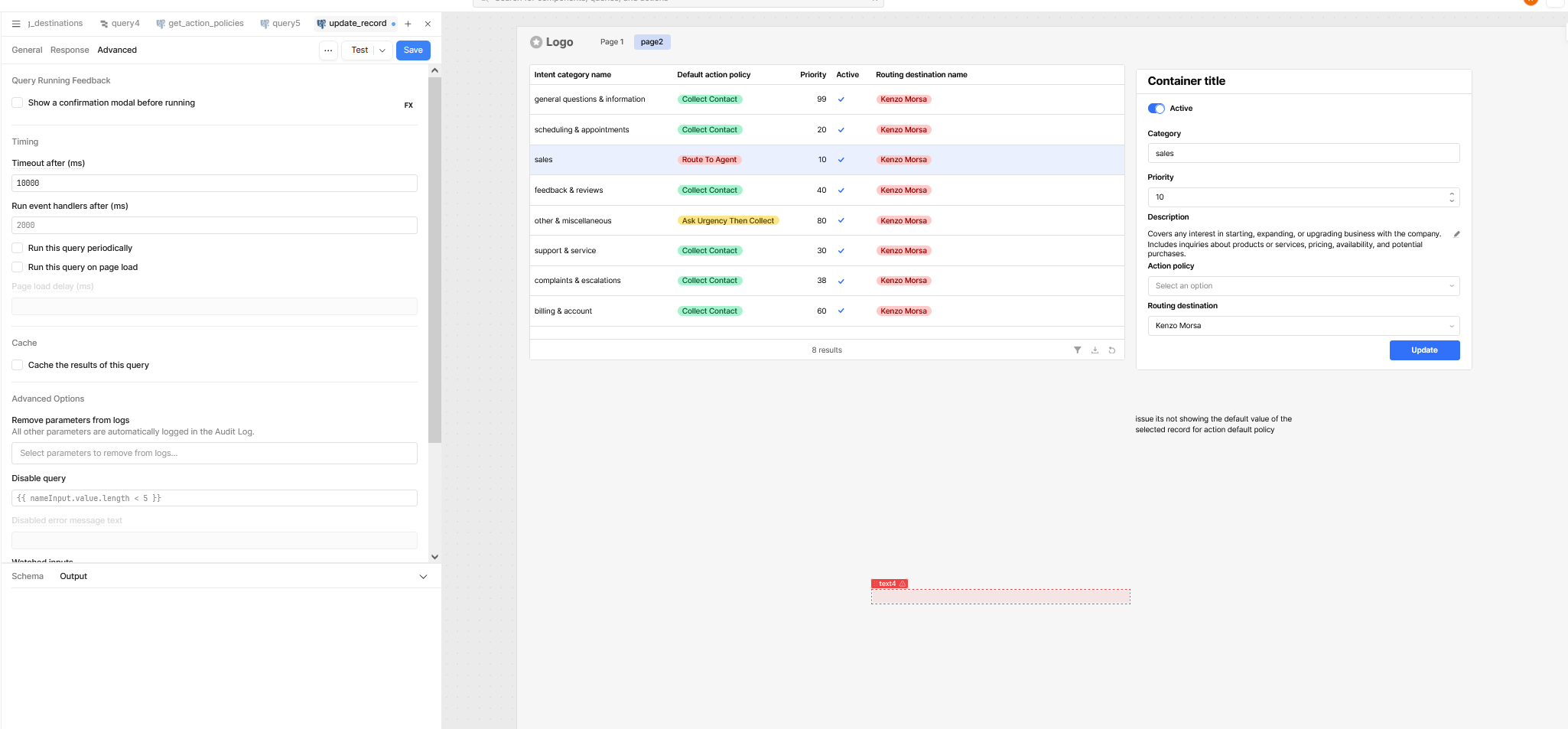
- “Run event handler after milliseconds”
There’s no + Add Event Handler button, so I can’t set On success → Control Query.
3) Steps I’ve taken to troubleshoot:
- Checked the documentation for the query editor.
- Tried looking under the Advanced tab of the query inspector.
- Verified that I’m clicking on the query (not the button) when editing settings.
- Confirmed that the event handler section simply isn’t present in my UI.
4) Additional info: