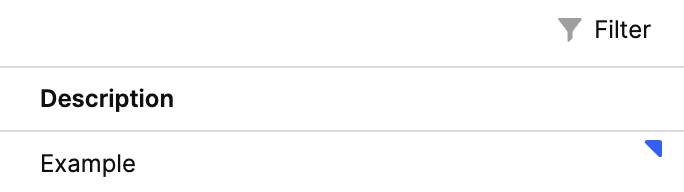
Would it be possible to expose control of the presence and color of this triangle? I’d love to be able to control it to have more control over a loading state as well as indicate e.g. errors on specific cells.
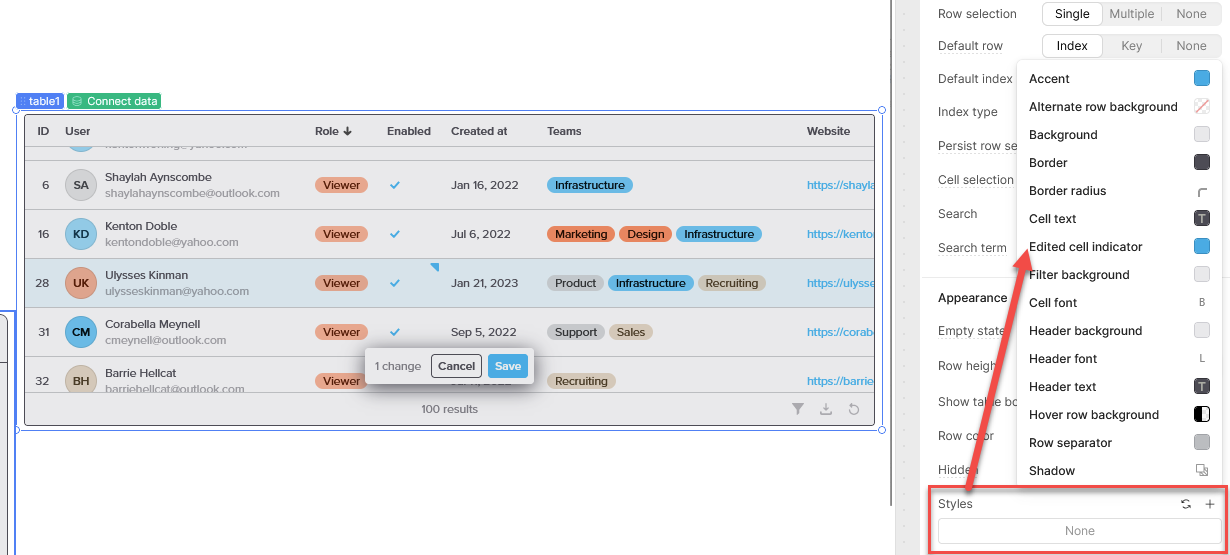
Hi @pyrrho, thanks so much for your reply. It looks like the Edited cell indicator only applies when a cell is in an edited state; I’d love to be able to set a similar indicator even in an unedited state in order to be able to communicate e.g. error or fine-grained loading information on a per-cell basis!
In that case you are going to want to format the cell colors instead either via dynamic columns or on a column by column basis.
In order to do this, you’d need to analyze the data before hand to apply any color coding logic you want so I’d think you are going to want to process your query data through a transformer or JS query to flag rows with the type of error/info they might have.
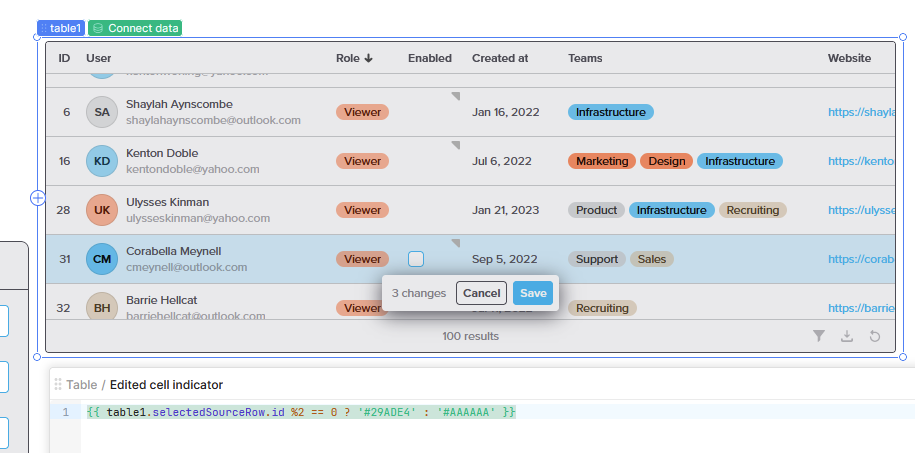
Then you would access those flags to assign the color appropriately. For example, a dataset with a cell check for even integers could flag odds or non-integrers as “not-even” or “NaN” and then process the color scheme based on the flag:
Hi @ChiEn, the workaround from @pyrrho to edit cell colors is a helpful workaround, but it’s still just a workaround. I’d love for a feature request to be able to control both the presence and color of a cell’s corner indicator!