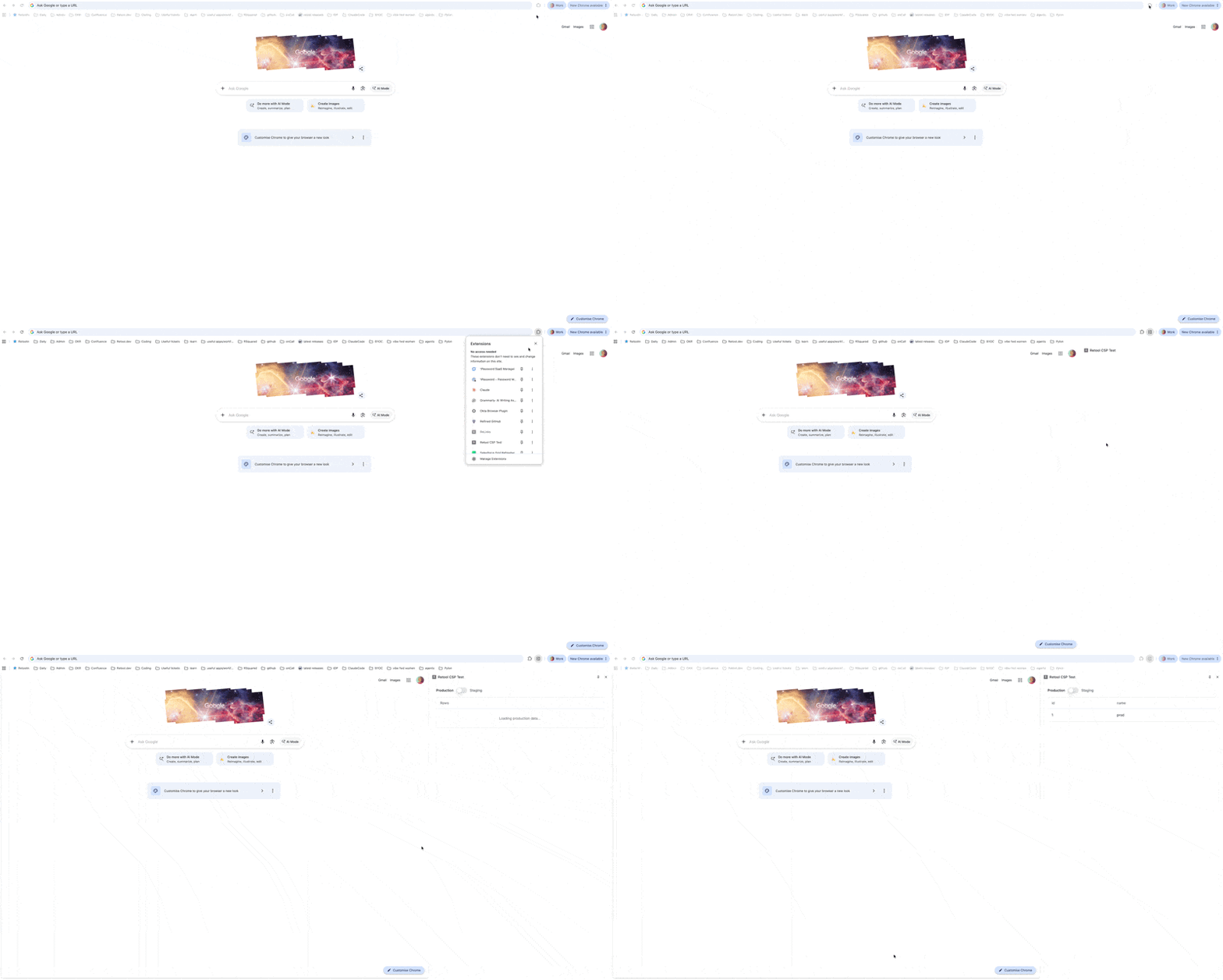
This post will walk you through embedding a a Retool app (Classic app or an app built with the new app builder) to your Chrome Extensions. Here an example of what the end result would look like here
Embed a classic Retool App:
If you want your Chrome extension to open a sidepanel with a Retool app you would need to save these 3 files

background.js file:
chrome.sidePanel.setPanelBehavior({ openPanelOnActionClick: true });
manifest.json:
{
  "manifest_version": 3,
  "name": "Retool CSP Test",
  "version": "1.0",
  "permissions": ["sidePanel"],
  "host_permissions": ["https://*.retool.com/*"],
  "side_panel": {
    "default_path": "sidepanel.html"
  },
  "action": {
    "default_title": "Open Retool Sidebar"
  },
  "background": {
    "service_worker": "background.js"
  }
}
sidepanel.html:
<!DOCTYPE html>
<html>
<body style="margin:0">
  <iframe src="<Insert your app URL here>"
          style="width:100%; height:100vh; border:none;"></iframe>
</body>
</html>
You can copy paste the above and would just need to update the app url in sidepanel.html
-
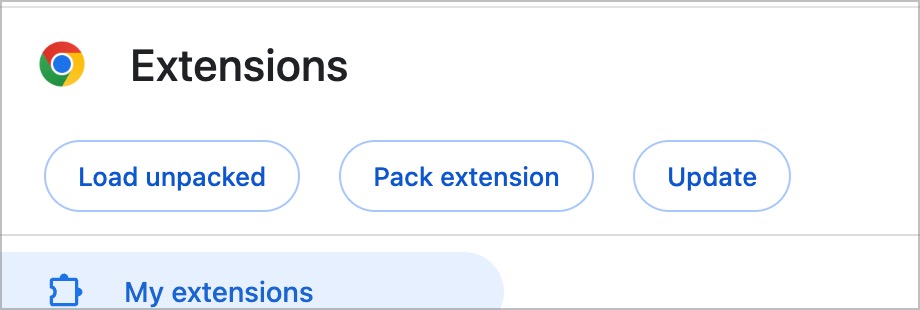
Now go to chrome://extensions/
-
Click on
Load unpacked
-
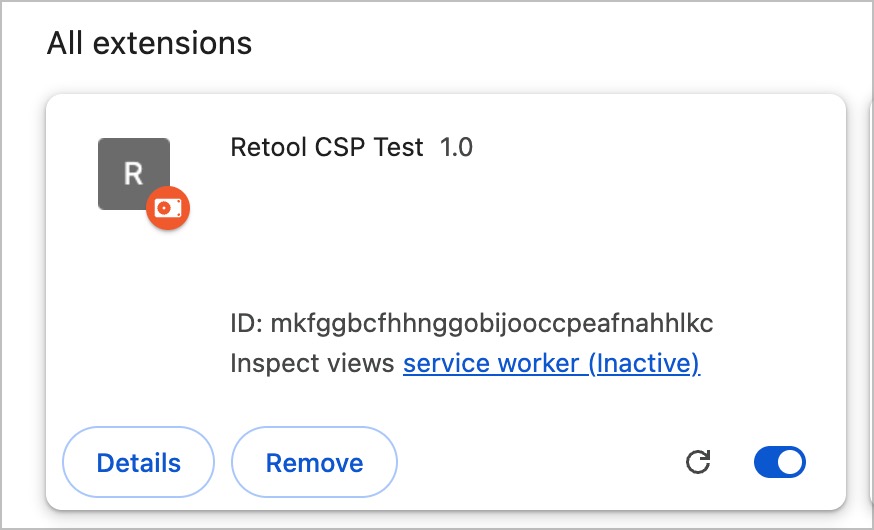
And select the folder that holds the 3 files. That will then create the extension like here
-
When you now click on your extensions and select Retool CSP Test you will have the sidepanel with your classic app open up like in the example above
Embed an R2 app (new app builder):
- Follow the same steps as above but you will need to set your CSP also:
- In your cloud instance go to path /settings/app-security
- Click
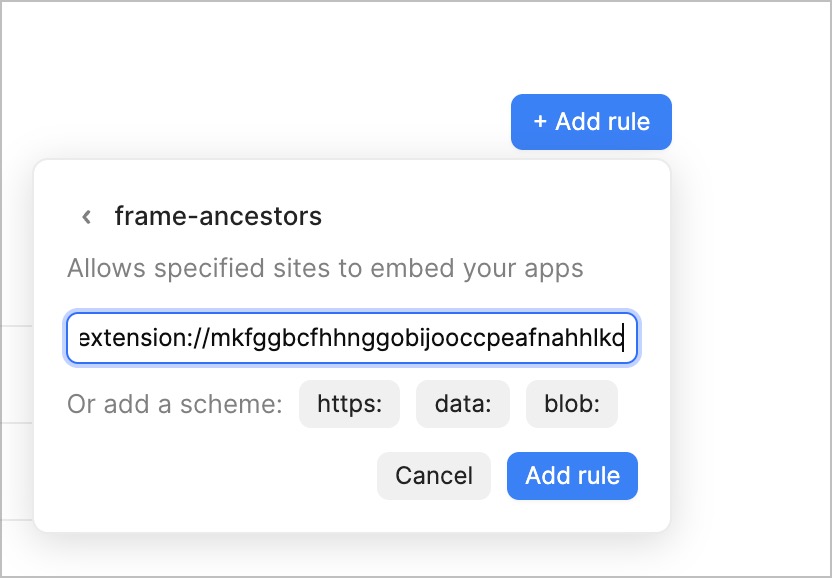
+ Add a ruleand selectframe-ancestors(used to embed apps in another site) and copy inchrome-extension://+ID from the extension above:
- Click on
Add ruleand when you click on the extension now your R2 app will open up like in the example above.