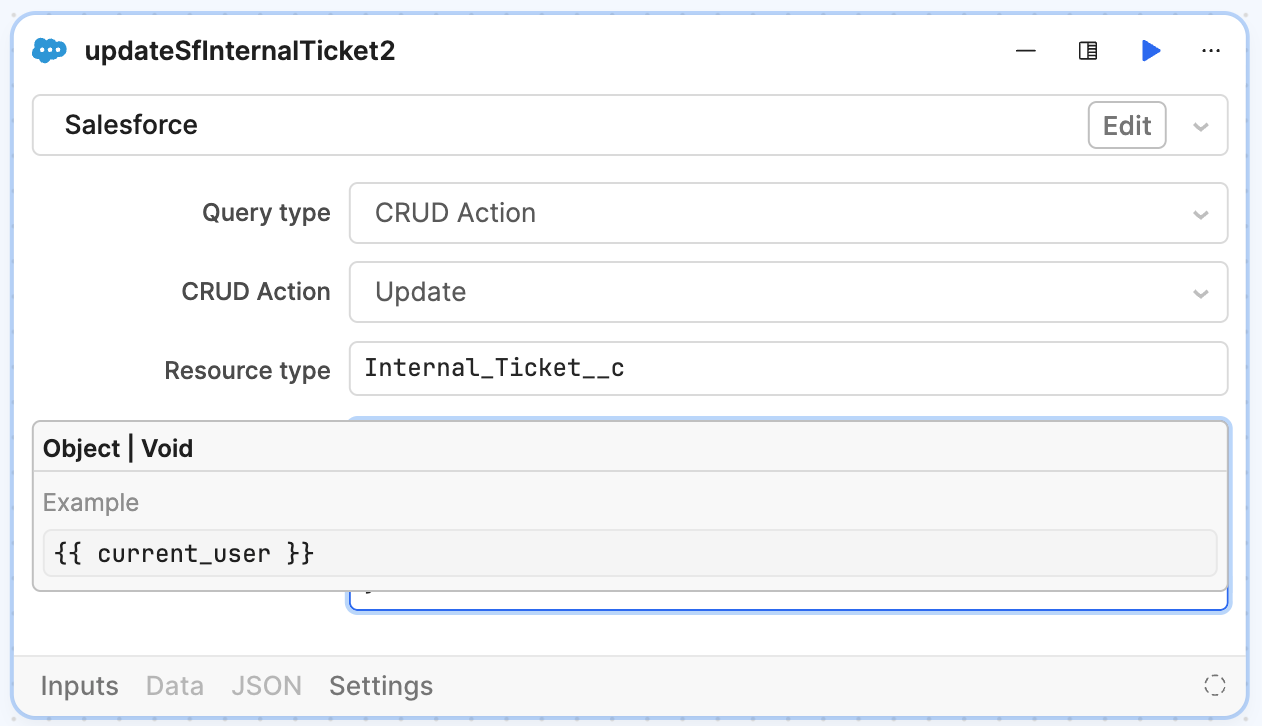
I’m trying to update a resource call in a workflow, and I can’t see the “resource body”. No matter what I do, short of padding the top with blank lines, I can’t see what I’m typing. I don’t recall it being like this a few weeks ago; maybe there was a recent change?!
1 Like
Yeah… This is the other annoying thing that started happening in the last week. Used to be able to just click outside the control to get this preview of the params to go away. Now they are just “stuck”.
2 Likes
Hi all, I am seeing an existing FR for something similar, with the UI blocking the input field for salesforce blocks. On my end it looks like this:
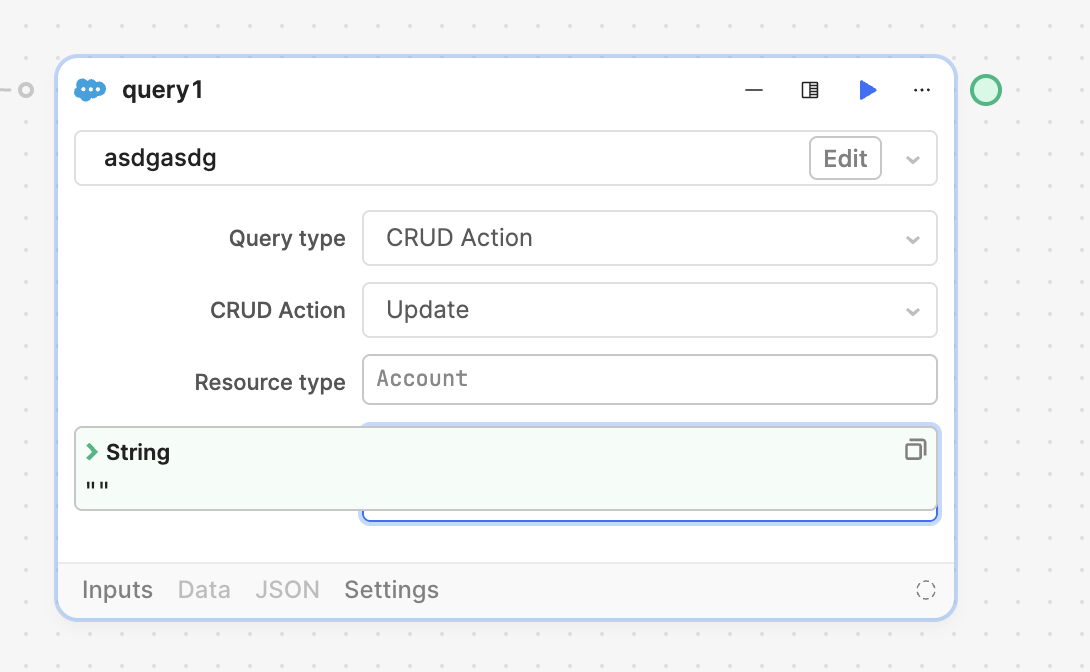
This does look slightly different however and I've forwarded this thread to the workflow team to see what we can do.
I have an object in my mine, which is obviously blocked by the tooltip. That might be why the color and content of the tooltip is different.
1 Like