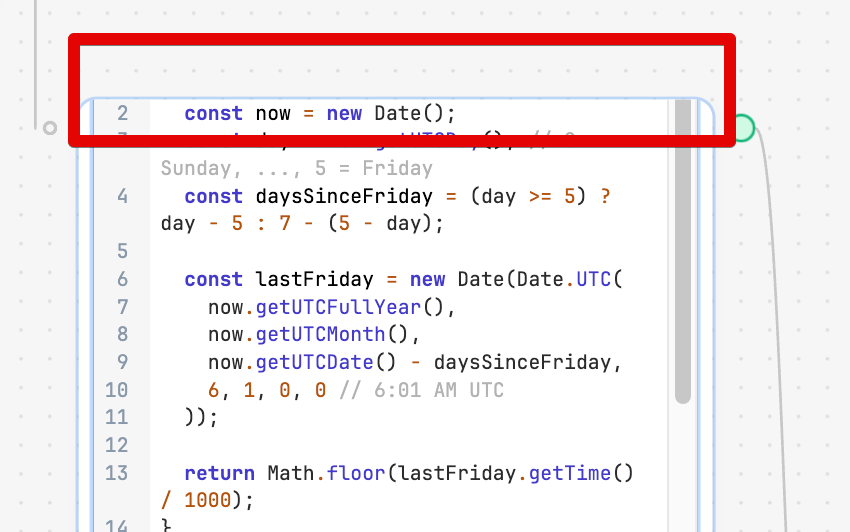
what's going on with the workflow Editor. Suddenly (last week) whenever I run a step in the workflow, the step changes and becomes difficult to use: the header on the workflow disappears and i can't scroll the step to the top or the bottom. The only way to get around this is to keep dragging the step down until the full step is visible with no scroll bar.
1 Like
I thought it was just me! The only workarounds I have found are to refresh the page or drag the block as long as possible though that even has a limit.
Hi @David_Bolen - Thanks for the report. We are aware of this issue and are in the process of investigating it!
1 Like
GREAT! Thanks.
Love this tool. Complex forms with multiple queries - lightning fast….
Dave Bolen, COO | PowderWatts
O: 801-477-7756 | C: 816-492-0467 | davebolen@powderwatts.com
285 N Main St #302, Kaysville, UT 84037

Hi folks,
Just got word that the ticket associated with this issue has been marked as completed.
The fix should be live as part of next release cloud release - 3.323
2 Likes