-
My goal: I have a Task Workflow, which can create various of UserTasks and push Data via Task to the Frontend.
-
Issue: Everytime i run my workflow, my first SQL Query doesn't do what it should do. It's an unprepared Statement (only for Testing, i thought, that wrong quotes are the problem ). But it doesn't return data. If i use the exact same Data as Testinput and triggeer the Flow manually, i get every Data i need.
-
Steps I've taken to troubleshoot: Waiting at Flow begin for a few seconds an d also up to 2 minutes. I created another query. I created a global function
-
Additional info: (Cloud or Self-hosted, Screenshots)
Self hosted
1 Like
Is here anything new?
1 Like
Hey @PhilippKraut ,
Could you share some screenshots showing how you’re passing data from the frontend and how you’re accessing it in your workflow? That will help me understand your issue more clearly.
Also, it might help to check:
-
Whether the data is correctly formatted before sending it from the frontend.
-
If the workflow is receiving the exact keys and values you expect.
-
Any console logs or errors when the data is being accessed.
Sharing these details usually makes it much easier to pinpoint the problem.
2 Likes
I'd be happy to do that, of course, but unfortunately it won't change much.
In my tests, I noticed that you can press the following button in a Workflow History Result within the startTrigger Data
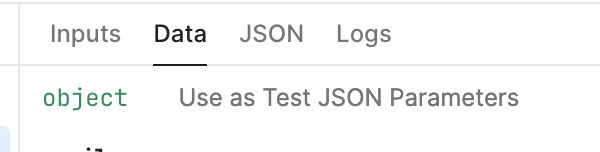
And if i do that, every Query are successfull and give results. But if it works automatically, there are no results in a few queries
1 Like
I understand your point, but it would really help if you could share the full details of both your automatically passed data input and your test JSON data input. That way, we can compare them side by side and identify what’s actually causing the issue — then provide you with a proper solution.
Also, could you please share the exported JSON of your workflow? That would help us assist you better.
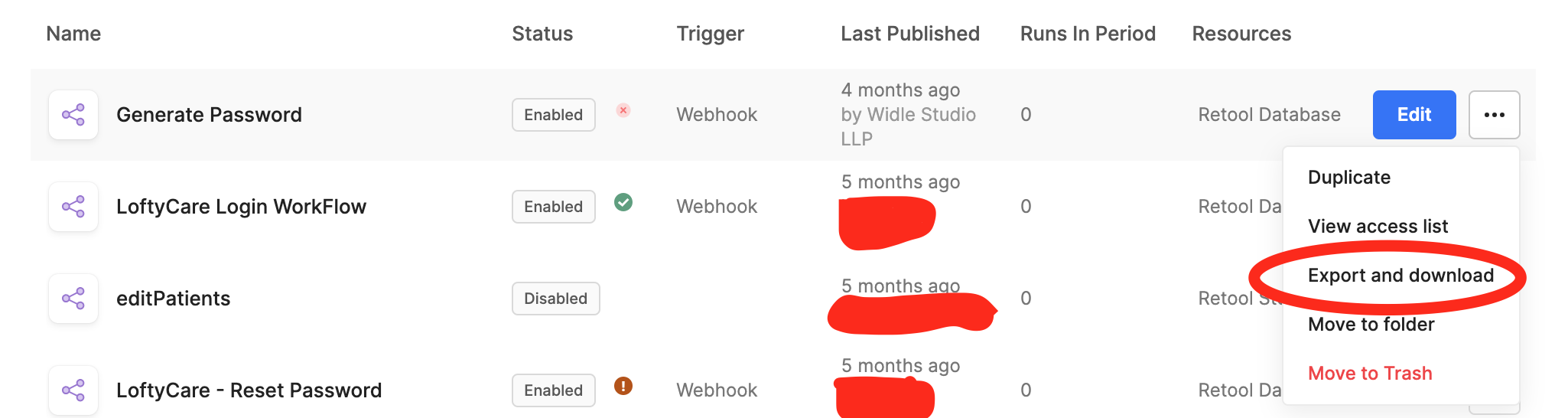
3 Likes
Of course. Here are the screenshots:
startTrigger(automatic):

startrigger(from the json above as test parameter):

The second screenshot worked perfectly
The exported json would expose way to much corporate informations and things like that. And it is way too big to slice them all:
Hi @PhilippKraut,
Thank you for sharing those screen shots.
So just to confirm, when you trigger the workflow (via a webhook or a scheduled time) the first block (an SQL query) does not seem to run and does not pass data to the next block.
But when you are viewing the workflow and manually click the 'Run Workflow' button in the top right, the query block can be seen running in the run history, correct?
Are you able to view the workflow run logs for the automatically triggered runs? Have you tried switching the SQL block from an unprepared statement to a prepared statement? Do any of the other blocks run when the workflow is automatically triggered or do none of the blocks run?
1 Like
Hi @Jack_T ,
sorry, i haven’t updated this post yet. It was only a SQL mistake. I needed a LEFT JOIN instead of a JOIN. If there was no entry i don’t got results
1 Like