-
- The workflow is triggered from a Retool App using a workflow trigger query.
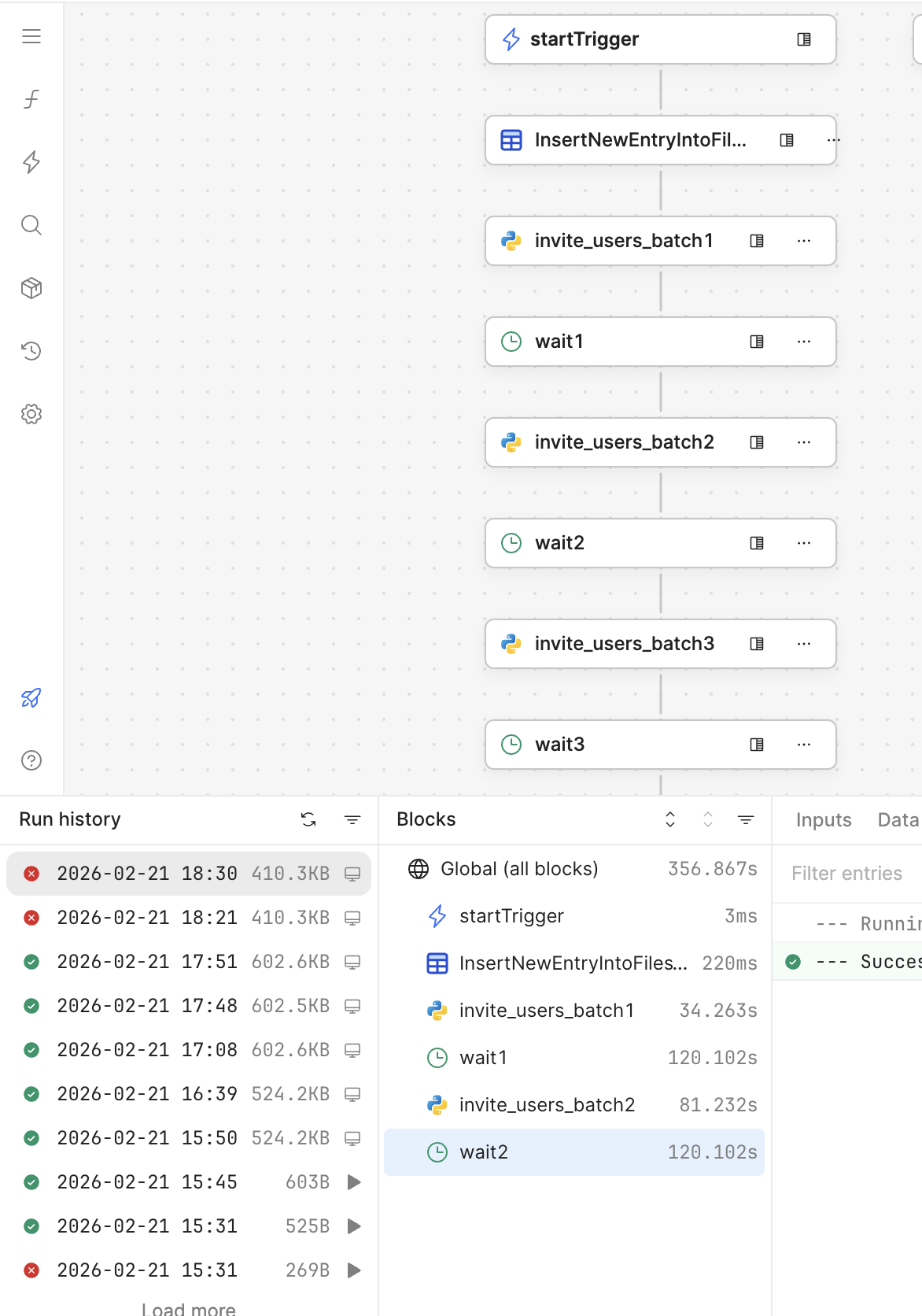
- The workflow starts successfully and runs normally for the first few blocks.
- After running for around few seconds, it stops execution.
- The run is marked as failed in Run History.
- However:
-
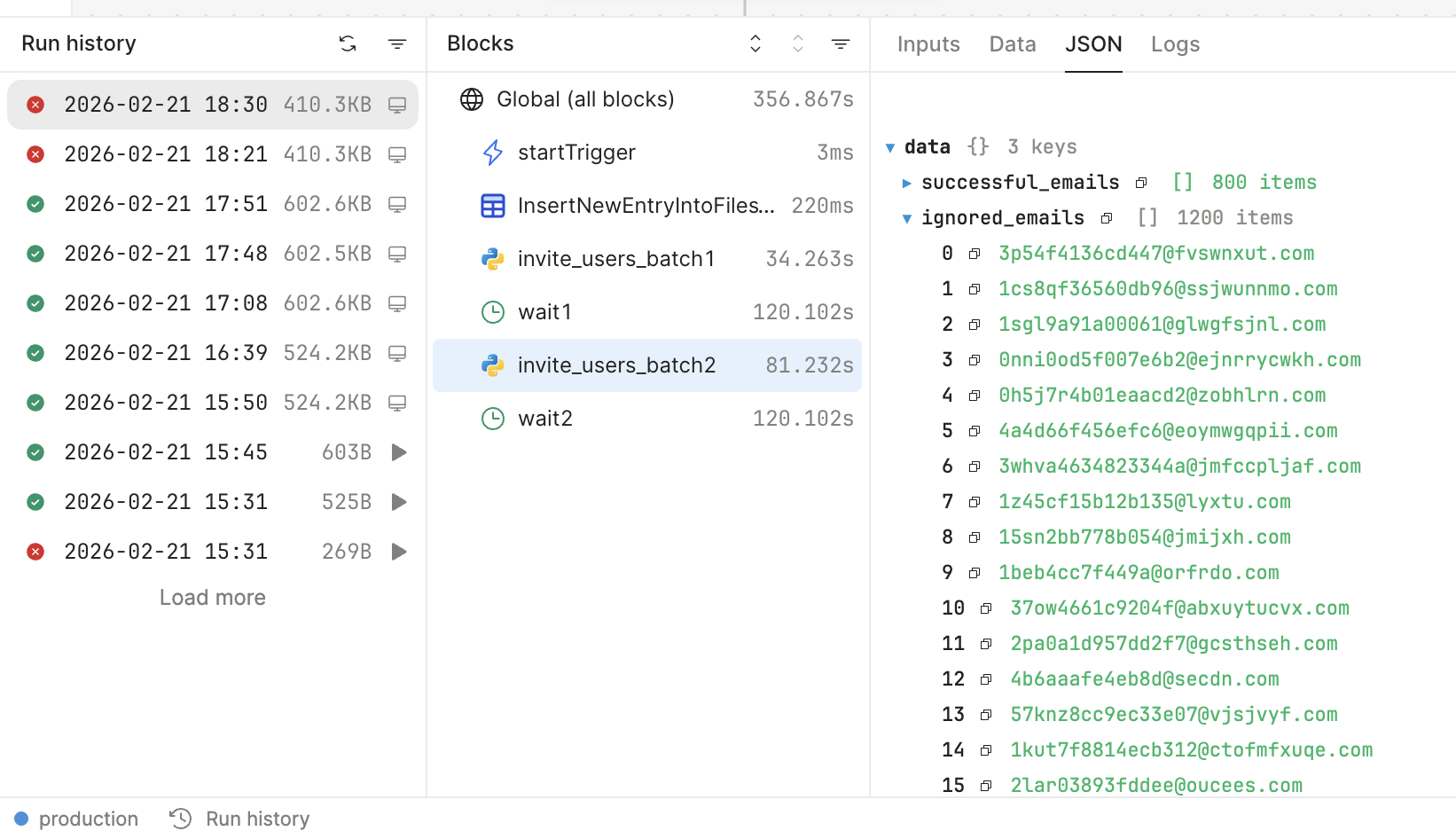
No Python error is shown
-
No block-level error is visible
-
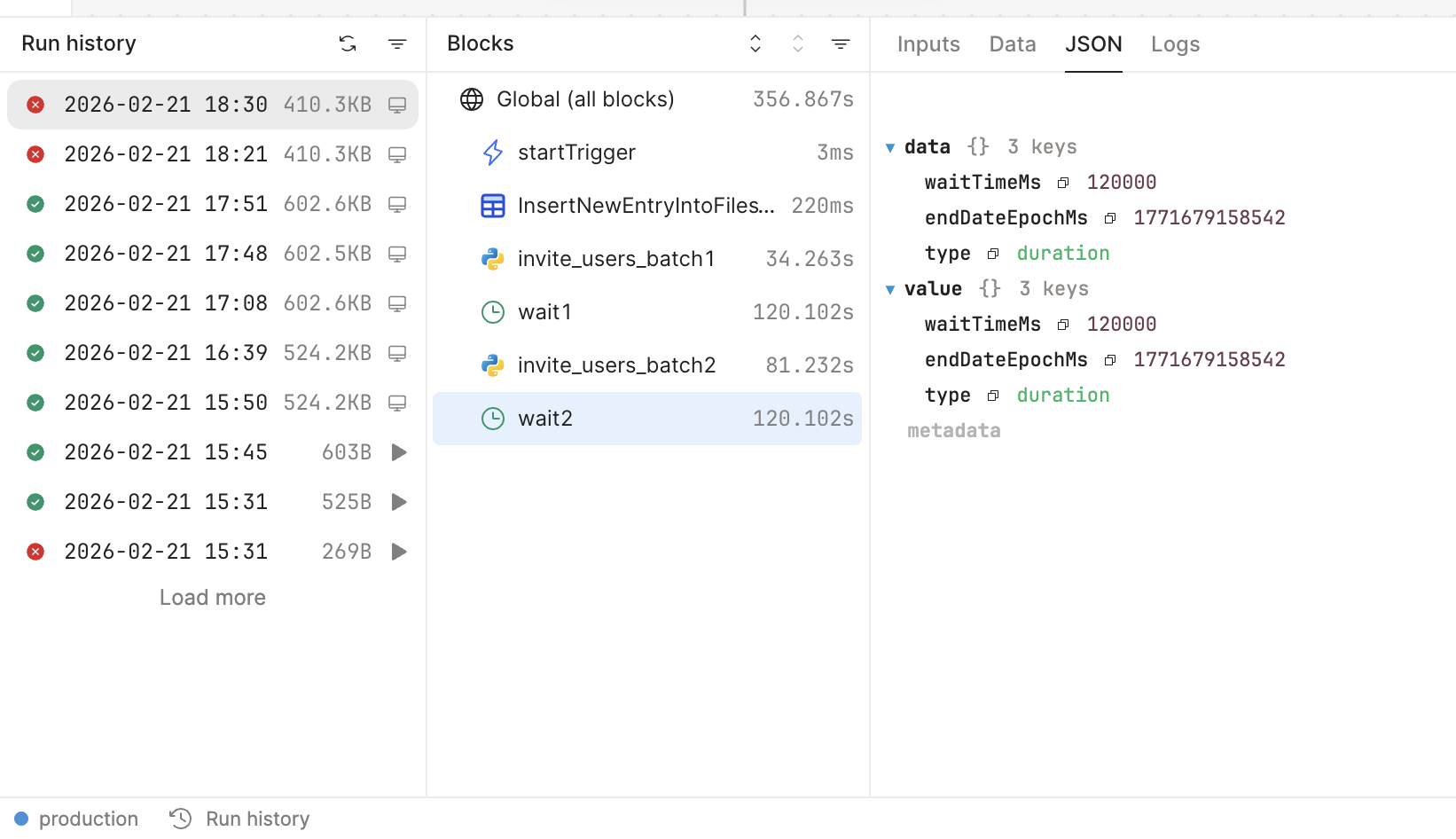
It stops right after a wait block
-
- The workflow never reaches the later blocks.
- I have set wait block time 2 min each
1 Like
Hey @Bhukya_2001, welcome to the Retool Community
From what you described — the workflow running fine initially and then stopping right after a wait block without any visible Python or block-level error — this very likely points to the workflow hitting the maximum execution time limit.
In Retool Workflows, the total runtime includes everything, including time spent inside wait blocks. So if you’re using multiple 2-minute waits, the cumulative runtime can exceed the allowed limit. When that happens, Retool terminates the workflow automatically. Typically you’ll see:
- The run marked as Failed
- No block-level error shown
- Execution stopping right after a
wait - Subsequent blocks never being reached
This can feel confusing since nothing appears “broken” in the logic itself.
Option 1: Remove wait Blocks (Simplest Approach)
If strict 2-minute gaps aren’t absolutely required, you could simplify the structure. Instead of:
Batch 1
Wait 2 min
Batch 2
Wait 2 min
Batch 3
You can move the batching logic into a single Python block and loop through the batches there. If you only need light throttling, a small time.sleep(1–2) between API calls is usually enough.
This keeps the overall workflow runtime much shorter and avoids hitting the global timeout. It’s typically the cleanest solution when you don’t need hard delays between batches.
Option 2: Split Into Multiple Workflows (More Scalable)
If you truly need fixed gaps (e.g., 2 minutes between batches), a more robust pattern is to split the process into separate workflows:
- Workflow A → processes Batch 1 → triggers Workflow B
- Workflow B → processes Batch 2 → triggers Workflow C
- Workflow C → processes Batch 3
This ensures:
- Each workflow stays within the execution time limit
- No long-running single workflow
- Easier monitoring and retries
- A more production-friendly setup
You can pass data between workflows via trigger inputs, a database, or temporary storage.
Summary
This doesn’t appear to be a Python error — it’s most likely the workflow exceeding the allowed total runtime due to cumulative wait blocks.
If you’re looking for a quick fix, Option 1 is usually sufficient.
If this is part of a production workflow and strict timing matters, Option 2 is the more scalable approach.
Hope this helps clarify things. Let me know if you’d like help restructuring it.
1 Like
I believe the timeout for a workflow triggered this way is 15 minutes, so I don't think that's the root cause in this particular case. It's possible that you're running exhausting the run's allocated memory, though, depending on what Python libraries you're loading.
Are you still trying to solve this problem, @Bhukya_2001?
1 Like