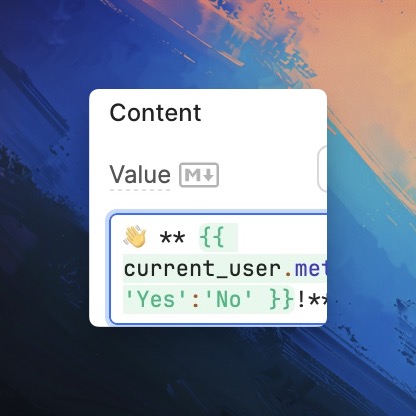
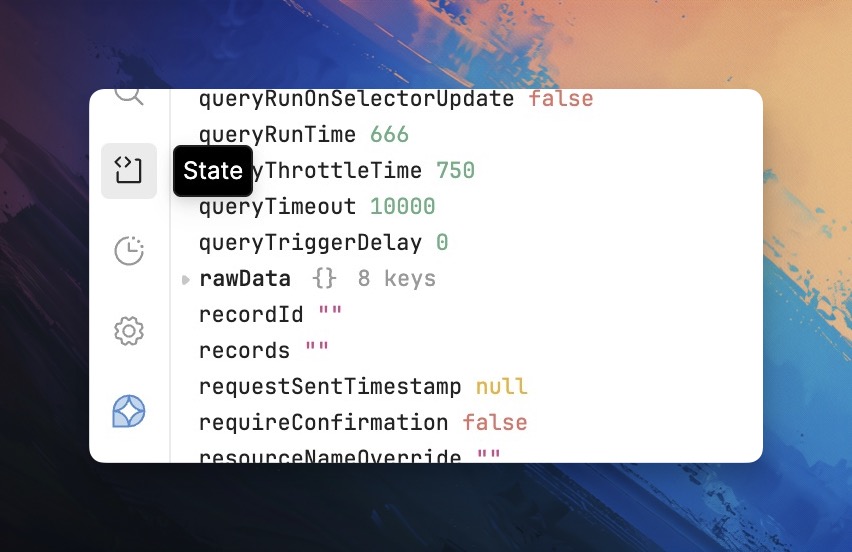
Hello dear community, I even asked this question because today I was using this system object which is called current user. I attach the screenshot. The problem I have is that I do not know where I can see all objects of this sort that are available for me.There is no current user within the tab which is called "state."
Hey @Bogdan_Mind!  The other objects directly available are:
- retoolContext: These are all keys and values that are either provided out of the box or set by you in our account settings that are general information about the current app.
- theme: Keys holding are default or preset values that store your current app themes/styles.
- url: This object stores all the information about the current apps URL query and hash params.
- viewport: Info about canvas size in the current app viewport.
All of this info is also available in retool documentation here 
Does that give you all the information you were looking for?
1 Like
Thank you so much! That is exactly what I was looking for.
1 Like
That's great news! 
Retool can be a lot to ingest at first, but I've found once you've gotten past all the initial configurations of how it's all set up -- it really is the most flexible option, in my opinion, when it comes to how customizable you can make your app using a low-code platform.
1 Like