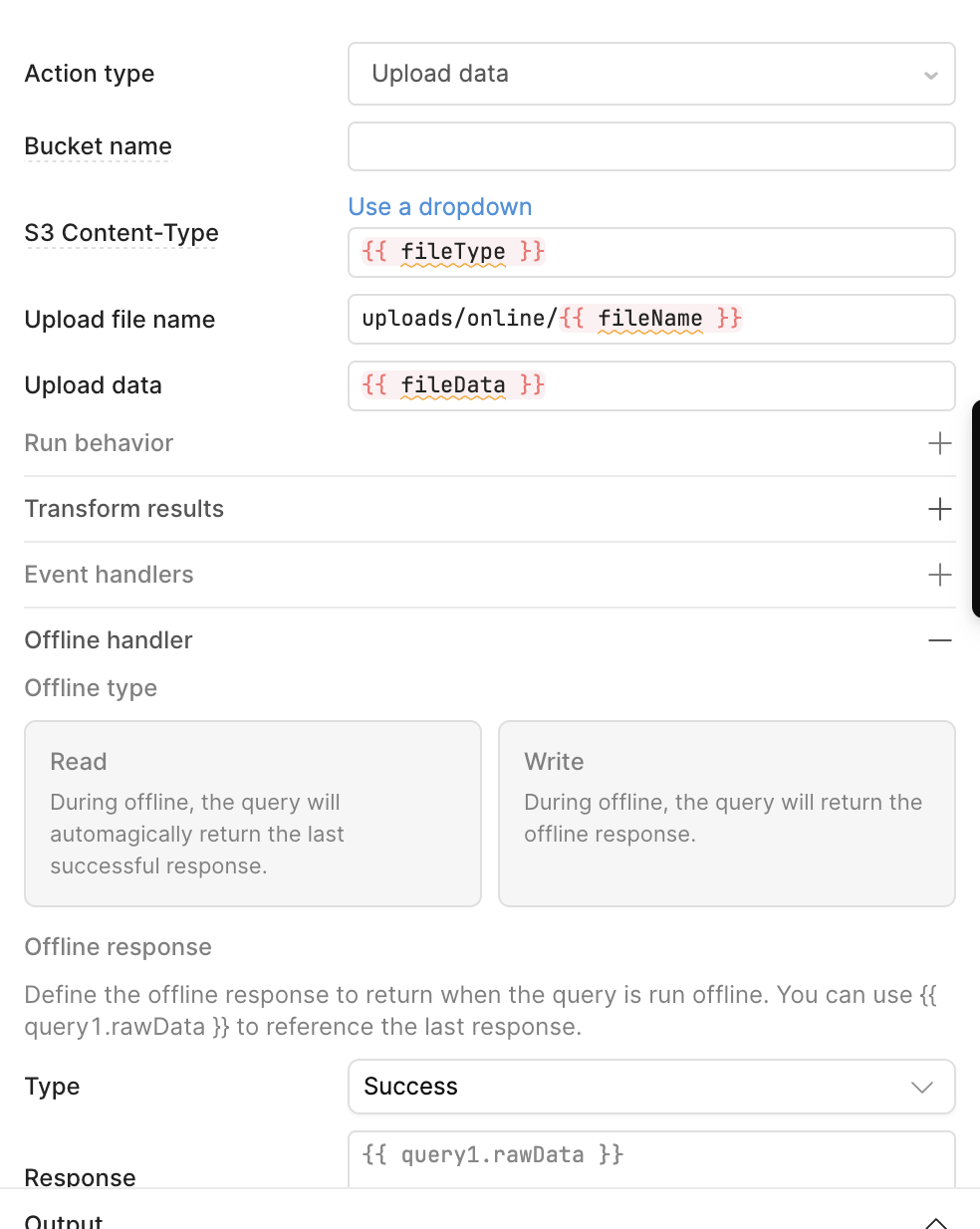
- My goal: I am trying to upload files to S3 using the FileInput component in the mobile application.
- Issue: The issue is exactly the same as this: Upload images to S3 from Mobile Input if I upload a file from a computer, it works fine and I can see the original file in S3. However, when I do the same thing from the mobile application using the same component and logic, I see a
.txtfile in S3 instead of the original file. The.txtfile contains the Base64 file data. - Steps I've taken to troubleshoot: I tried different methods and approaches from the Retool forum, but none of them worked.
- Additional info: This is on Retool Cloud, and here is some code and screenshots.
// prepareFiles js
const files = fileInput.files || [];

const processedFiles = await Promise.all(
  files.map(async (f) => {
    const dataUrl = await utils.getDataByObjectURL(f.uri);
    const base64Data = dataUrl.split(",")[1];

    return {
      fileData: base64Data,
      fileType: f.type,
      fileName: `user_${Date.now()}_${f.name.replace(/\s+/g, "_")}`
    };
  })
);

// Store in variable instead of additionalScope
uploadQueue.setValue(processedFiles);
// startUpload js
// Reset index
currentUploadIndex.setValue(0);

for (let i = 0; i < uploadQueue.value.length; i++) {
  currentUploadIndex.setValue(i);

  // Trigger S3 query (no additionalScope needed)
  await s3Upload.trigger();
}

// Clear queue after success
uploadQueue.setValue([]);
utils.showNotification({
  title: "Upload complete",
  type: "success"
});
// submit
await prepareFiles.trigger();
await startUpload.trigger();
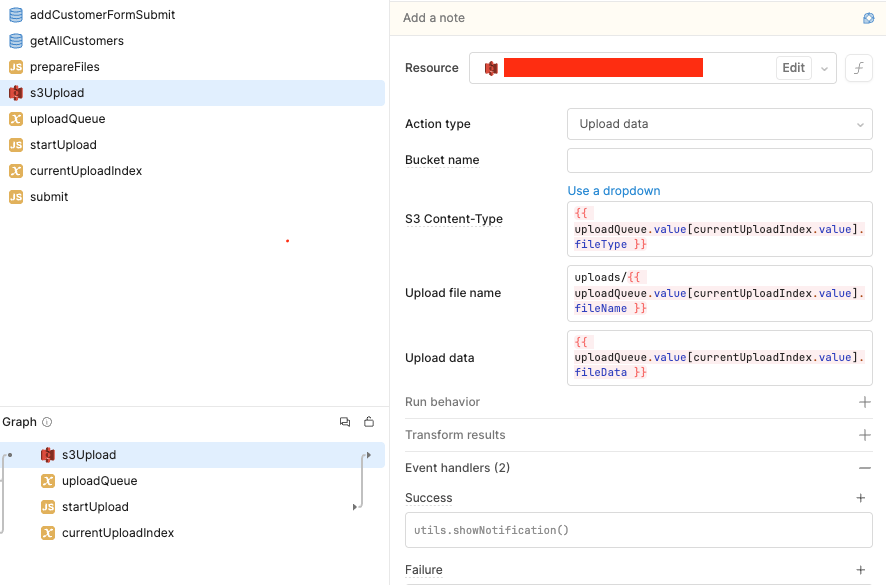

Offline mode is also enabled for this query, as it is marked as an offline write.