I see a lot of posts tagged “google-sheets” but everybody is asking about quirks USING google-sheets, whereas we are knocking on the door and can’t even get in to the party!
My goal: connect to google-sheet in a “shared-drive” (via retool cloud enterprise)
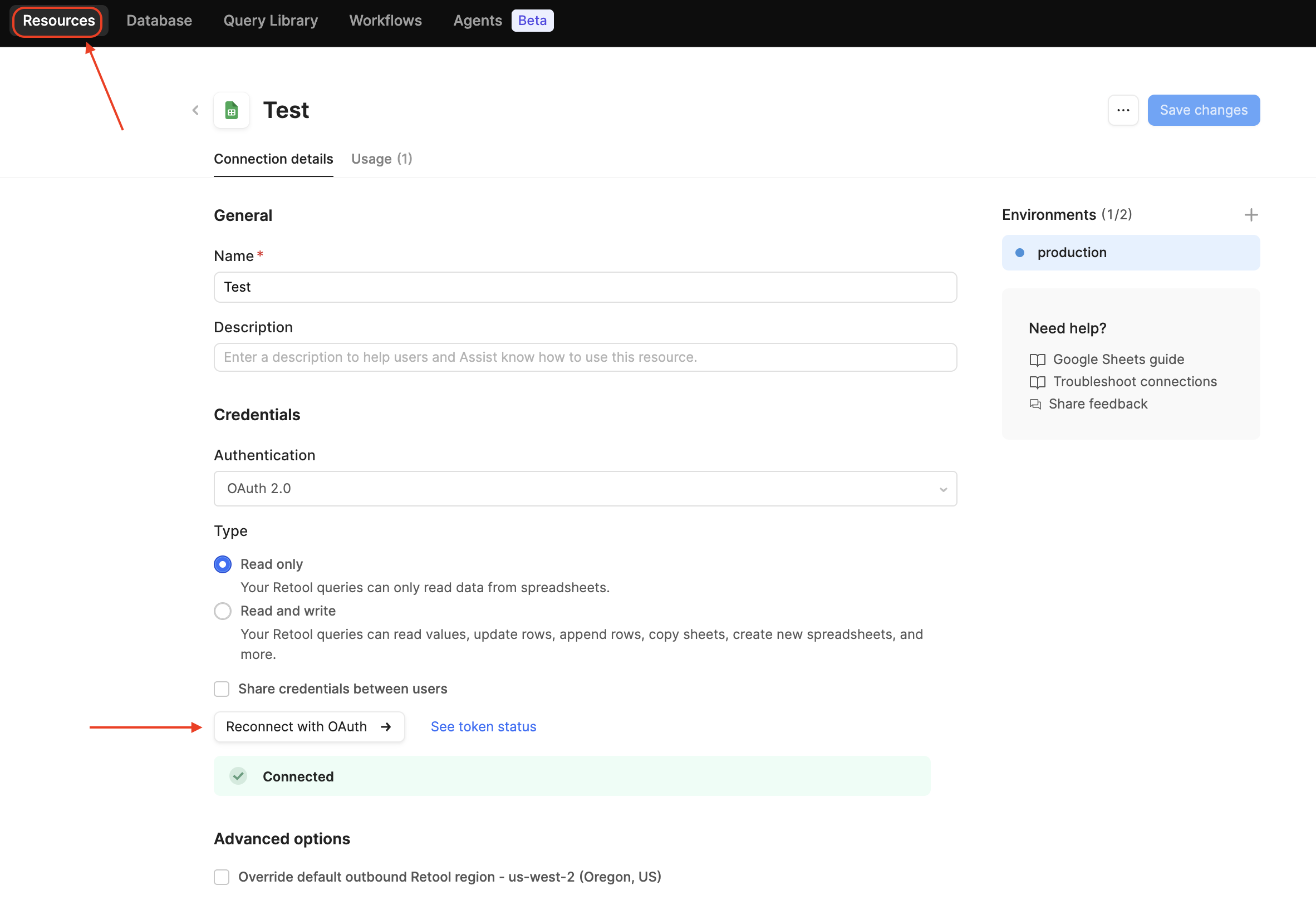
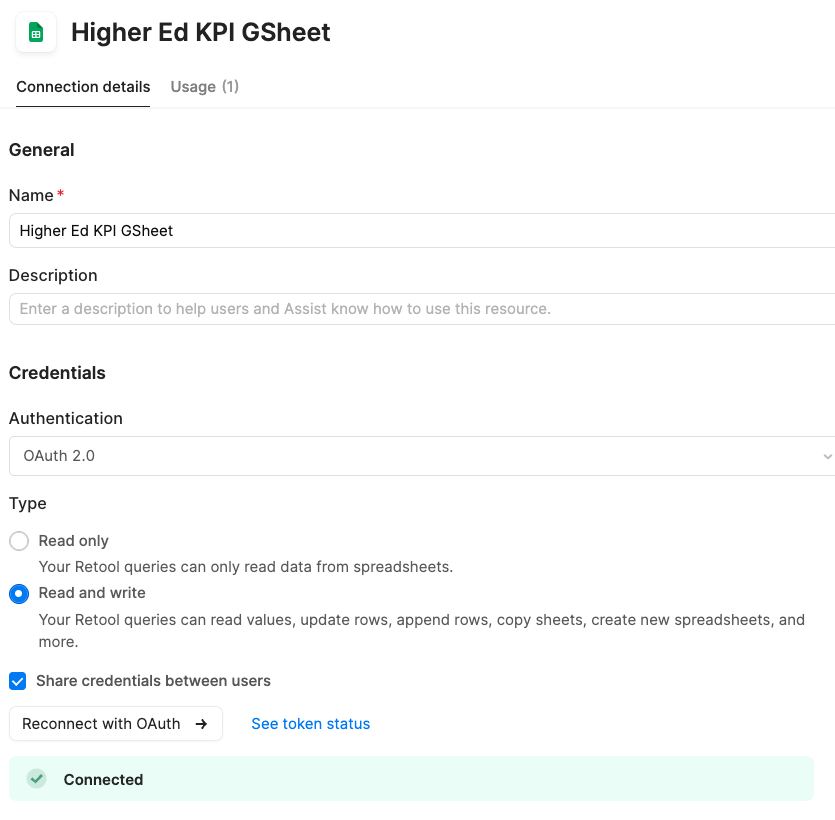
Issue: “re-auth” seems to work fine, but no sheets available to select
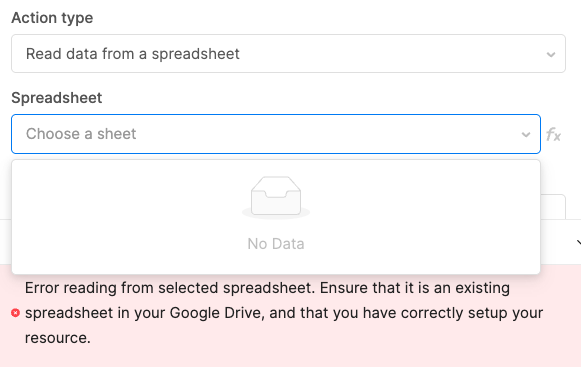
Configuring the google-sheets resource doesn’t have its own “test” button (like an SQL resource would). In the app, we select “read data from a spreadsheet” and then we want to select which spreadsheet:
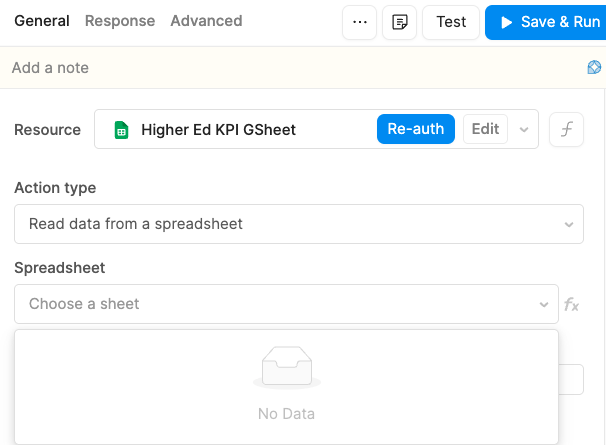
There are dozens and dozens of sheets available to the auth-account. 
With no specified-document of course when we try “save & run” we get this error:
Missing a spreadsheet ID. Select a spreadsheet from the dropdown, or enter a valid spreadsheet ID.
Steps I've taken to troubleshoot: pasted the doc-id (using “FX”)
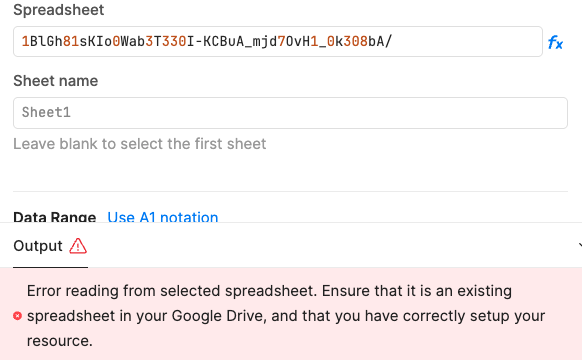
Next we tried pasting a doc-id (of the google-doc) from its URL, being a google-doc on “My Drive”:
Error reading from selected spreadsheet. Ensure that it is an existing spreadsheet in your Google Drive, and that you have correctly setup your resource.
Then we tried taking the doc-id of the google-sheet we really want, and this one is on a “shared google drive”:
{ "error": { "code": 400, "message": "This operation is not supported for this document", "errors": [ { "message": "This operation is not supported for this document", "domain": "global", "reason": "failedPrecondition" } ], "status": "FAILED_PRECONDITION" } }
We are on Retool Cloud enterprise.
Need a whap with a clue stick  Probably missing something simple…


 Of course.