I have an agent that is protected, however on an agent the Test Function button is now no longer available. The button is available when I create a new agent.
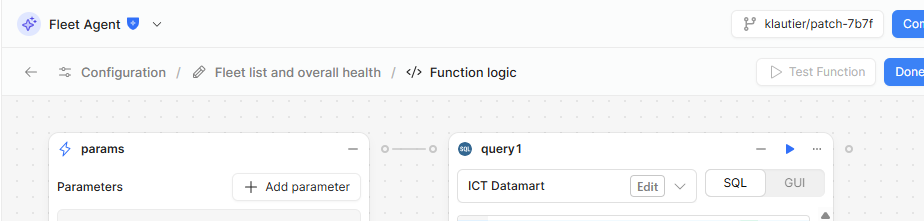
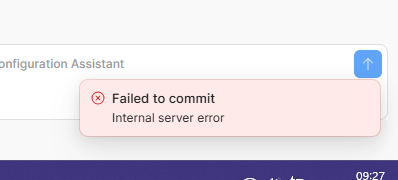
I have also tried adding a new tool to a protected Agent; when I try to commit I get a popup from Retool (bottom, right) saying Internal server error. We are using on-prem, version 3.284.0. I have checked our source control (DevOps) and it is fine, and working in other areas, e.g. apps, and is connecting and deploying as expected from the source control page.
Hi @klautier,
This looks like a bug. I can make a bug report for this.
Do the errors persist if you unprotect the agent?
Are there any additional steps I need to follow to reproduce this besides creating an agent, and then protecting it?
There should be no additional steps to reproduce; we created our agents on the versions, updated to the current version, and then protected.
Hi @klautier,
Thank you for the additional details. Kenny from our team just mentioned to me that he was able to get this sorted with you 
For any other users that encounter this issue, let us know. The solution was to delete and re-create the agent. Somehow the agent in the screen shot had gotten into a corrupted state, but new agents should not have this issue.