Support for XlsxWriter in Python execution blocks
My goal
I’m trying to generate a formatted Excel file from a Python block in a Retool Workflow.
The report requires row-level formatting (background colors, bold text, numeric formats), so I need to use xlsxwriter.
Issue
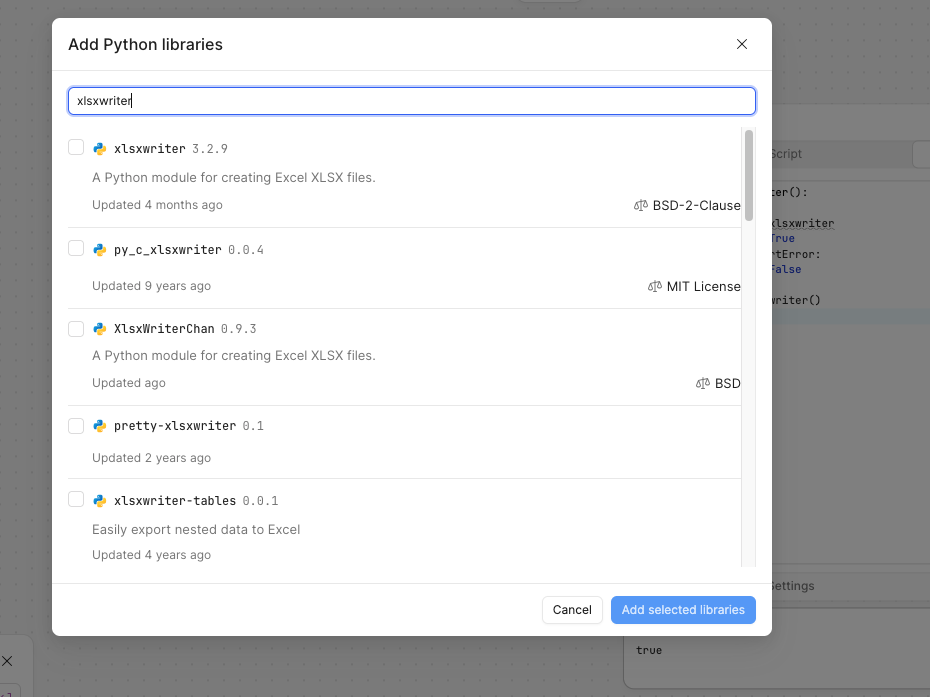
The Python runtime in my Retool workspace does not include xlsxwriter, and I’m unable to add it myself.
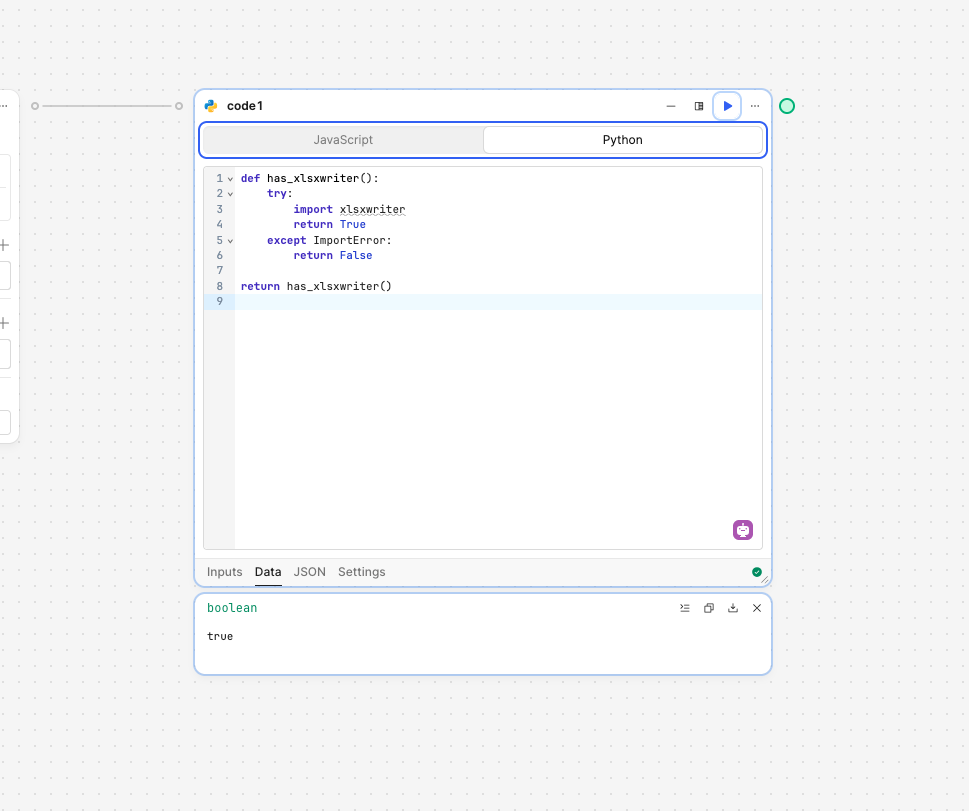
When I try to import it, I get:
ModuleNotFoundError: No module named 'xlsxwriter'
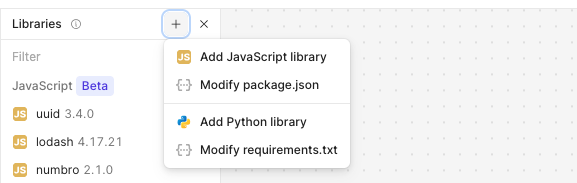
In Workspace / Workflow settings, I only see “Python configuration / Setup scripts”, which allows shared imports but does not allow installing new dependencies. I don’t see any option to manage Python dependencies.
Steps I’ve taken to troubleshoot
-
Confirmed I am a workspace admin
-
Verified that
xlsxwriteris not available:try: import xlsxwriter ok = True except Exception as e: ok = str(e) return {"xlsxwriter": ok} -
Confirmed that
openpyxlis available:{"openpyxl": true} -
Confirmed that:
-
pip installdoes not work in Python blocks -
Setup scripts do not install dependencies
-
-
Checked all Workspace and Workflow settings for a Python dependencies section (none visible)
Additional info
-
Deployment: Retool Cloud
-
Using: Workflows → Python blocks
-
I only see Import / Export from JSON in Workspace settings (no Python dependency management UI)