I responded to you over here, @philipkthomas45, as I believe that is the more relevant topic. 
I have to report that for some reason, when you open a window and exit using the back button, the entire window goes blank. The same thing happens when using the Tab Bar; you have to close the application and reopen it. We're using Android.
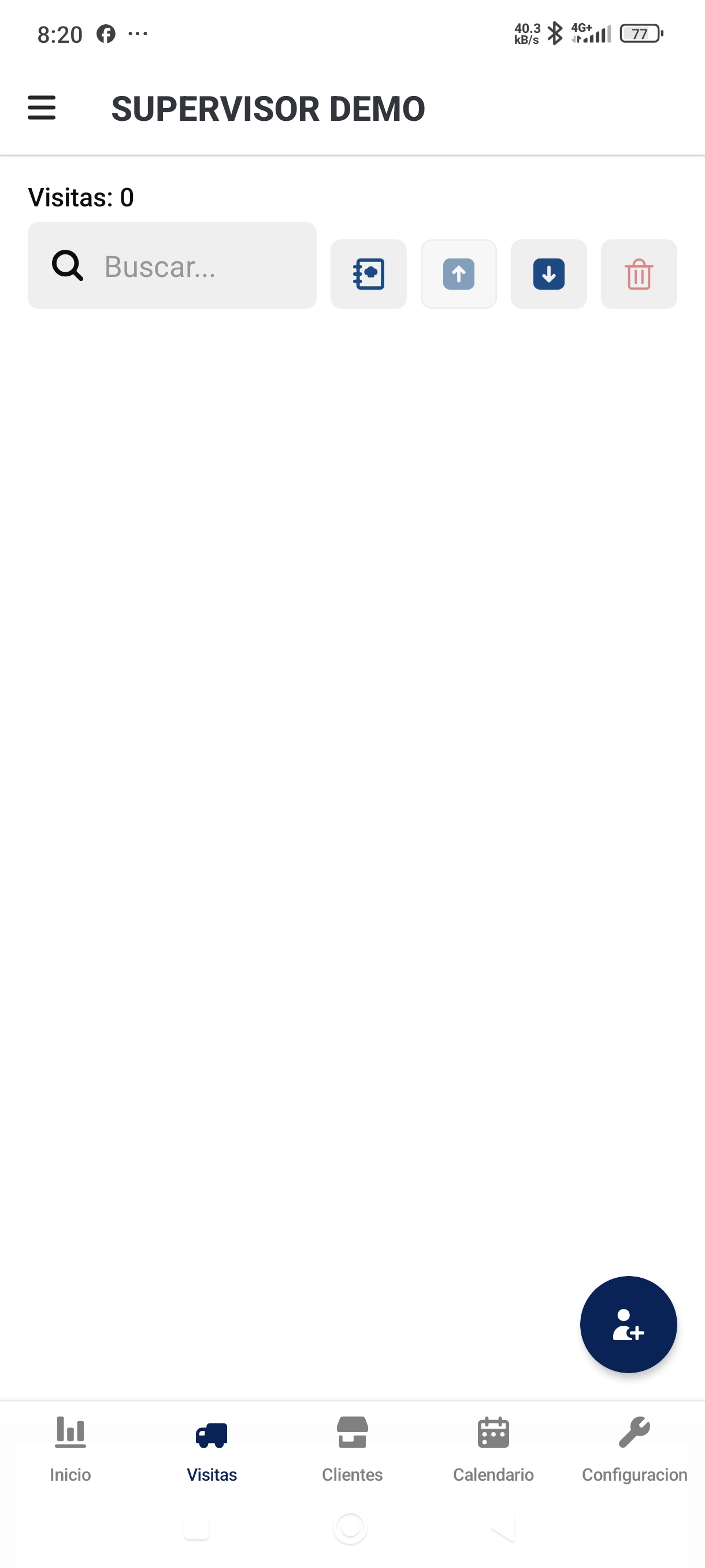
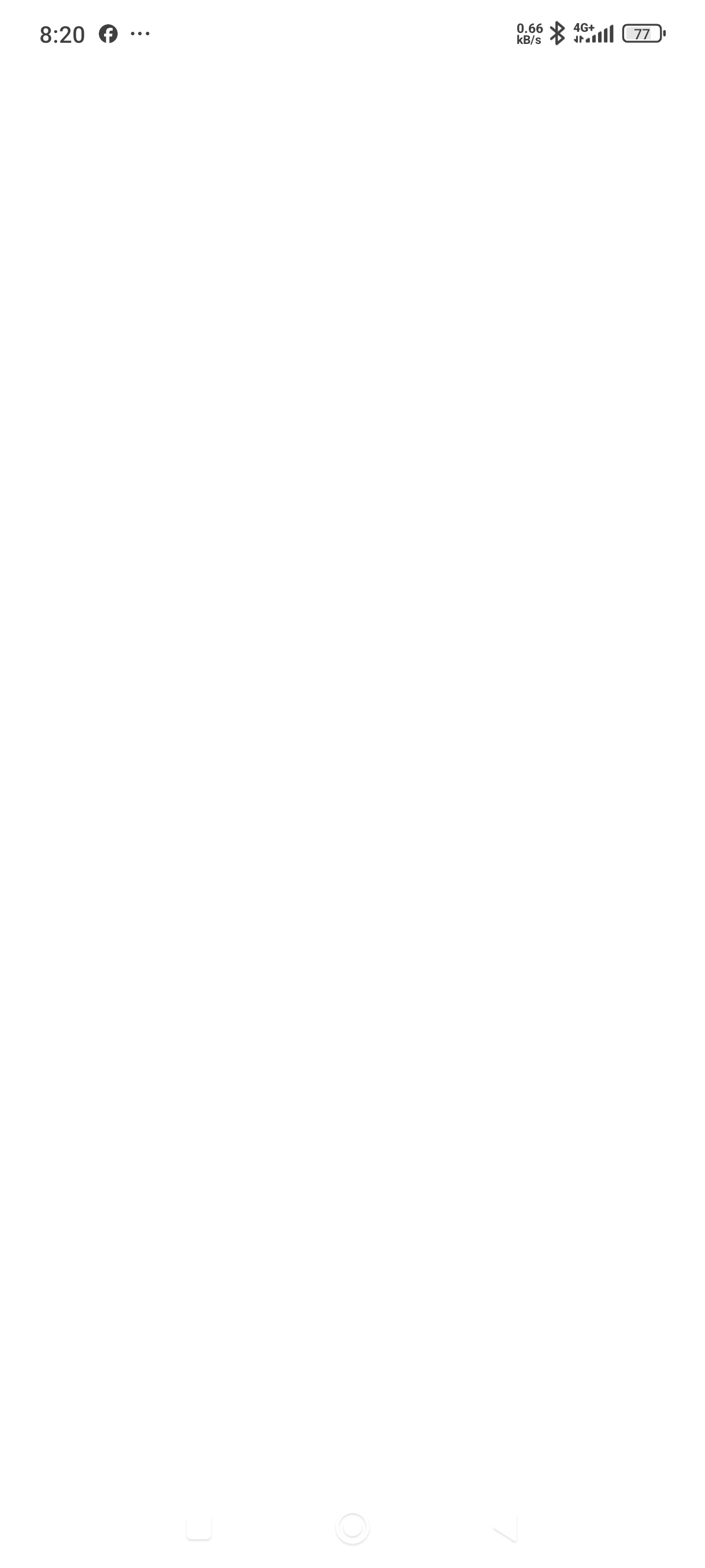
Good luck! We're still grappling with similar issues after reporting almost 9 days ago! 2 updates later and no resolution.
I would recommend asking them for an older version of the Android app, which seems to work fine for us.
I will follow up on this internally, @Jose_Rolando_Lafaurie and @Mohsan_Elahi! Thanks for letting me know.
1 Like
Hey all - the 3.366.0 release is slated to include a fix for the blank screen issue! I expect everything to be considerably more stable now that we've gotten through this planned re-architecture, but I appreciate everybody's patience!
1 Like
I tested the version and it works well on some phones, but the blank screen problem persists on our tablets, which are Galaxy Tab A9.
1 Like
Thanks for that update, @Jose_Rolando_Lafaurie. I'm hopeful that our most recent updates have addressed most of these lingering issues. Let me know if you're still seeing any blank screens or failed queries after updating!
1 Like
Regarding phones, we have not received any further reports of blank screens; however, the problem persists on tablets, even after updating to version 3.367.0.
Are you able to give any additional updates on what you're seeing, @Jose_Rolando_Lafaurie? Some of the issues with navigation getting stuck, in particular, should have been addressed with recent updates.
Since the last two updates, applications tend to display a blank screen during navigation; to resolve this, you have to close and reopen the app. With the latest update, I also noticed that queries are failing—they often need to be executed multiple times. This doesn't happen every time, but I have definitely observed it.
Any news regarding the solution to the problems we have been presenting?
I just gave a more thorough update over here!
Hey @Mohsan_Elahi and @Jose_Rolando_Lafaurie, checking back in here! We recently shipped Android version 4.11.0, and our team has confirmed it should bring some performance improvements. Could you try updating to the latest version and let me know if things feel better? 
Hi @ChiEn
First of all, congratulations on the v4.16 release! I’ve just tested it and the performance improvement compared to the 3.x.x versions is really noticeable – components and animations feel much smoother. Excellent work on that front.
While testing, we came across a few visual inconsistencies I’d like to report:
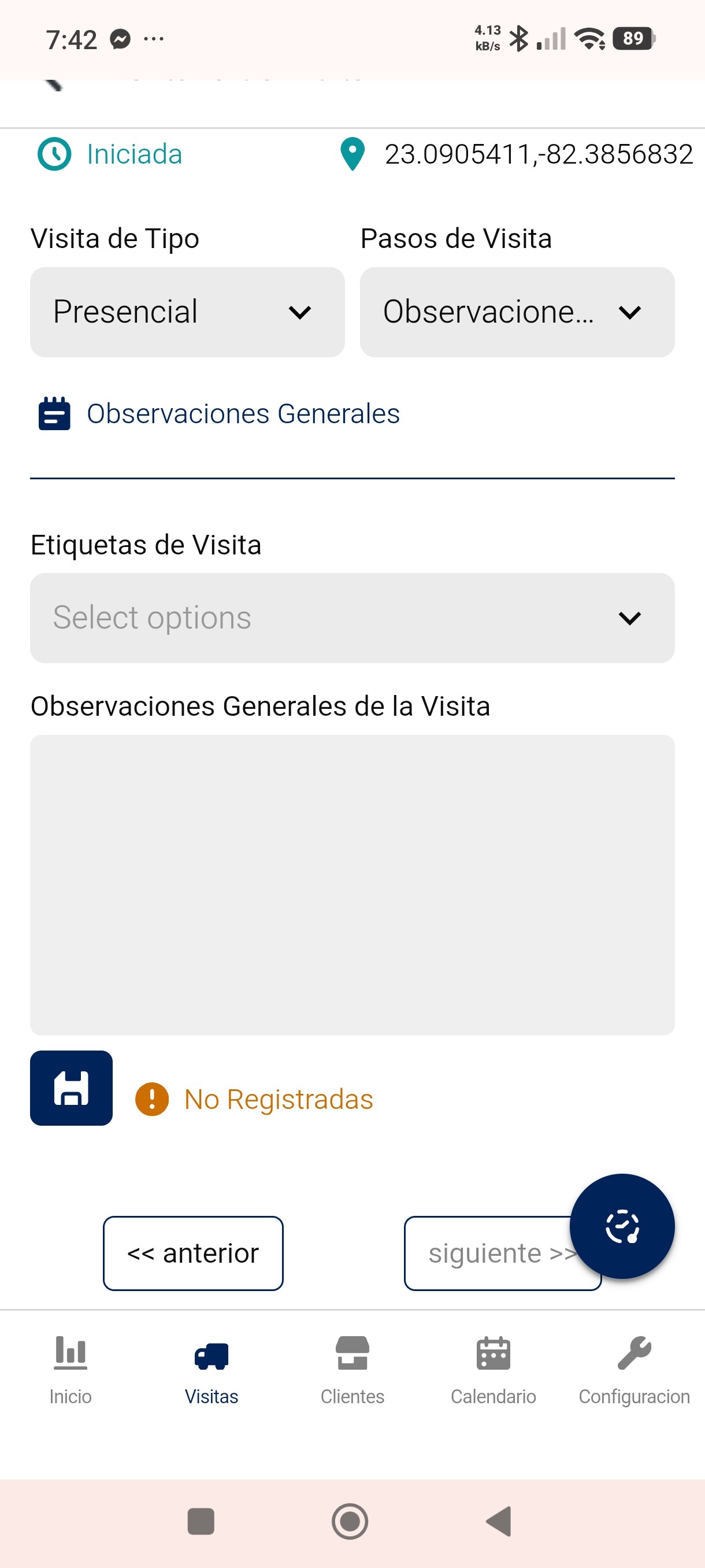
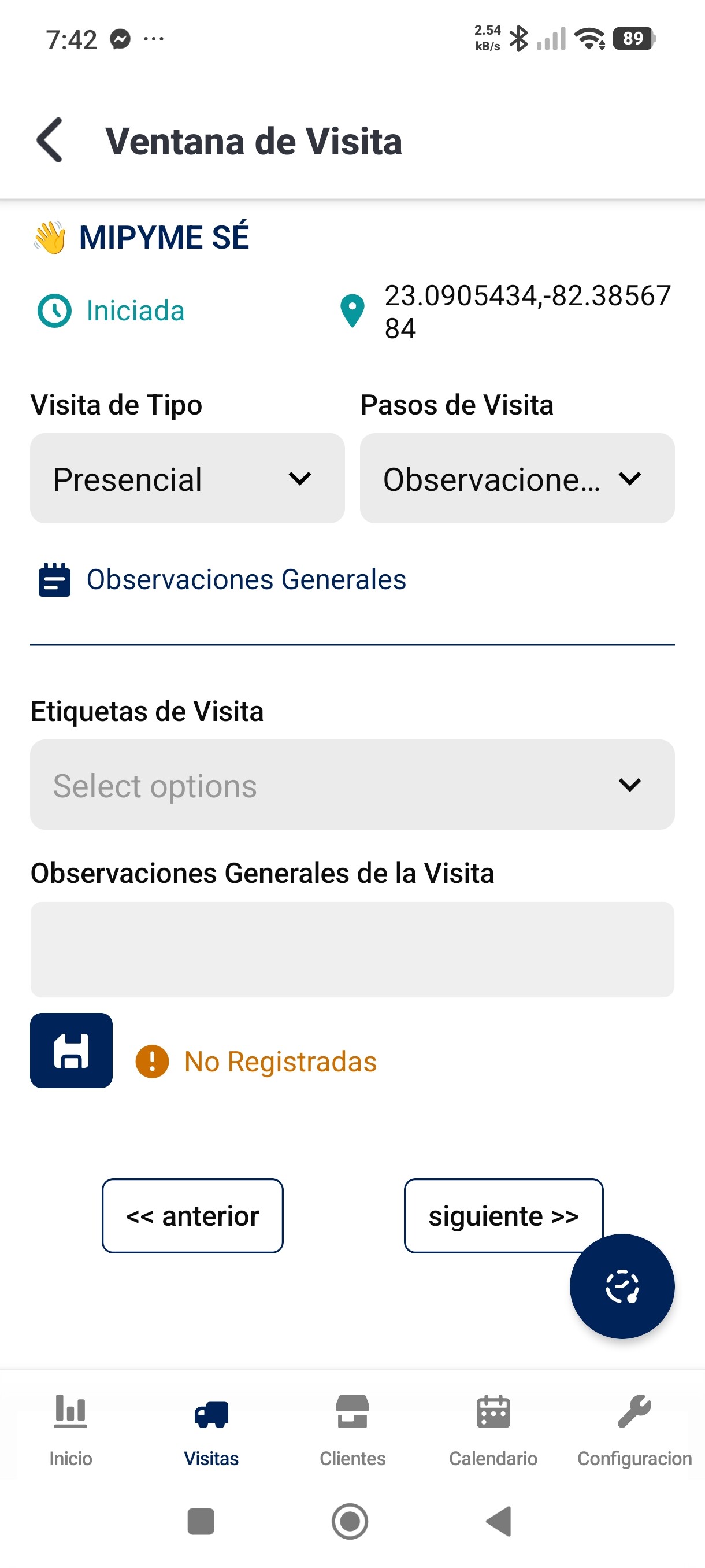
- Textarea component on mobile – On the web it renders perfectly, but on mobile it seems to grow in height as you type, even though the “grow on demand” option is not enabled. It doesn’t affect functionality, but visually it’s incorrect and can be confusing for users.
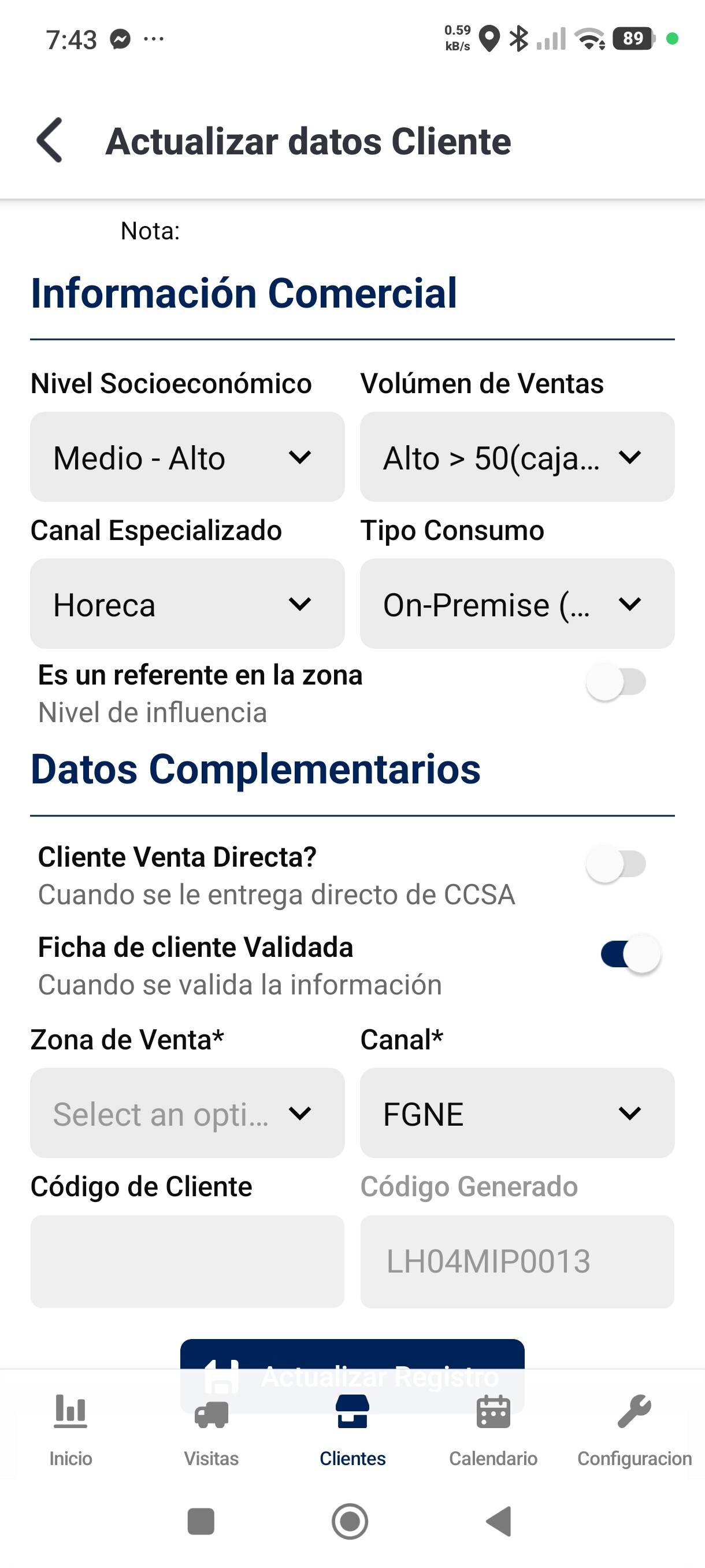
- Action buttons in form windows – In some custom form windows we’ve built, the action buttons at the bottom are being cut off by the navigation toolbar. This creates an unintended clipping effect that impacts the overall look and usability.
- Selection component – The component doesn’t render all options correctly: the last option in the list gets cut off / truncated, making it hard to select or even see.
I’m attaching screenshots that illustrate each of these points for your reference.
Thanks again for the solid update, and please keep up the great work! Looking forward to any fixes or guidance you might have.
Best regards,

Thanks for taking the time to review and report back, Jose @Jose_Rolando_Lafaurie really appreciate the details and screenshots! I've passed this along to our mobile team and will get back to you on this.
1 Like