Hi everyone,
I’ve been trying to build a customer management dashboard using Retool and Supabase, but I keep running into the same issue that’s really slowing me down.
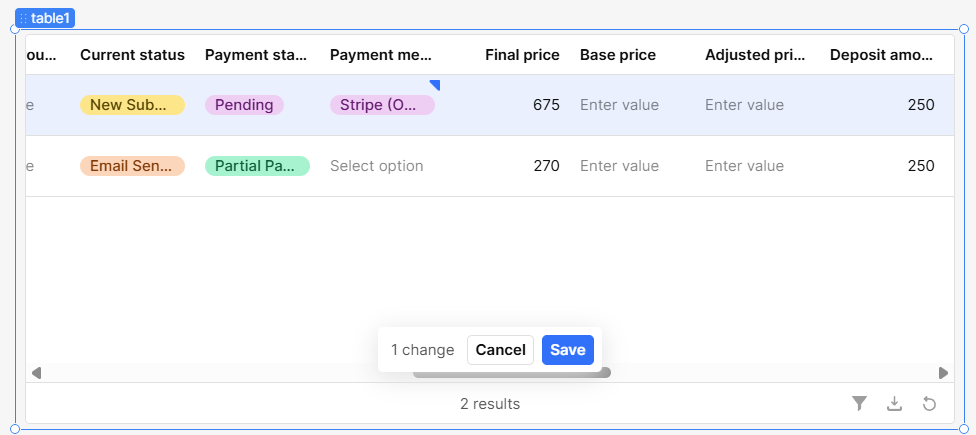
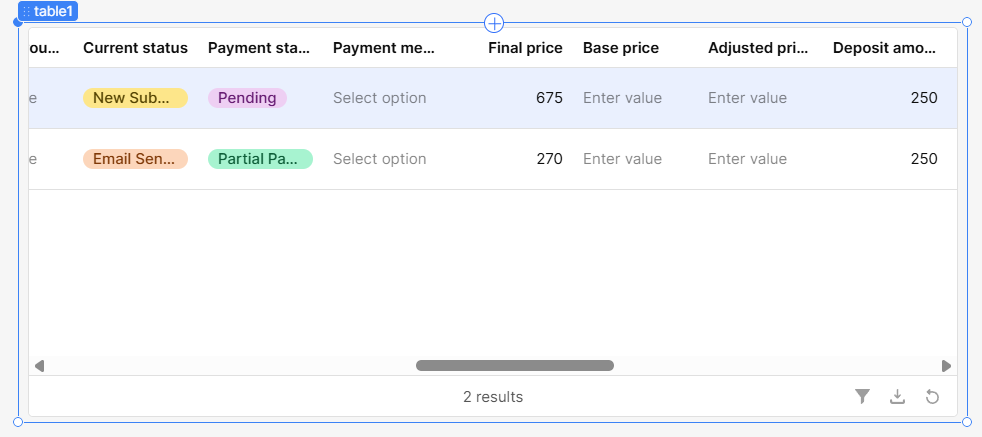
I connected my Supabase database, created a table in Retool, and set up editable columns like “Current Status”, “Payment Status”, and “Payment Method”. These columns use mapped dropdowns. The values load fine and I can select different options, but when I click the “Save” button, the values go back to their previous state — nothing gets updated in Supabase.
Here’s how I’ve set things up:
- The table is connected to my Supabase
customer_requeststable. - I’m using mapped dropdowns with values and labels like
{{ item.value }}and{{ item.label }}. - The
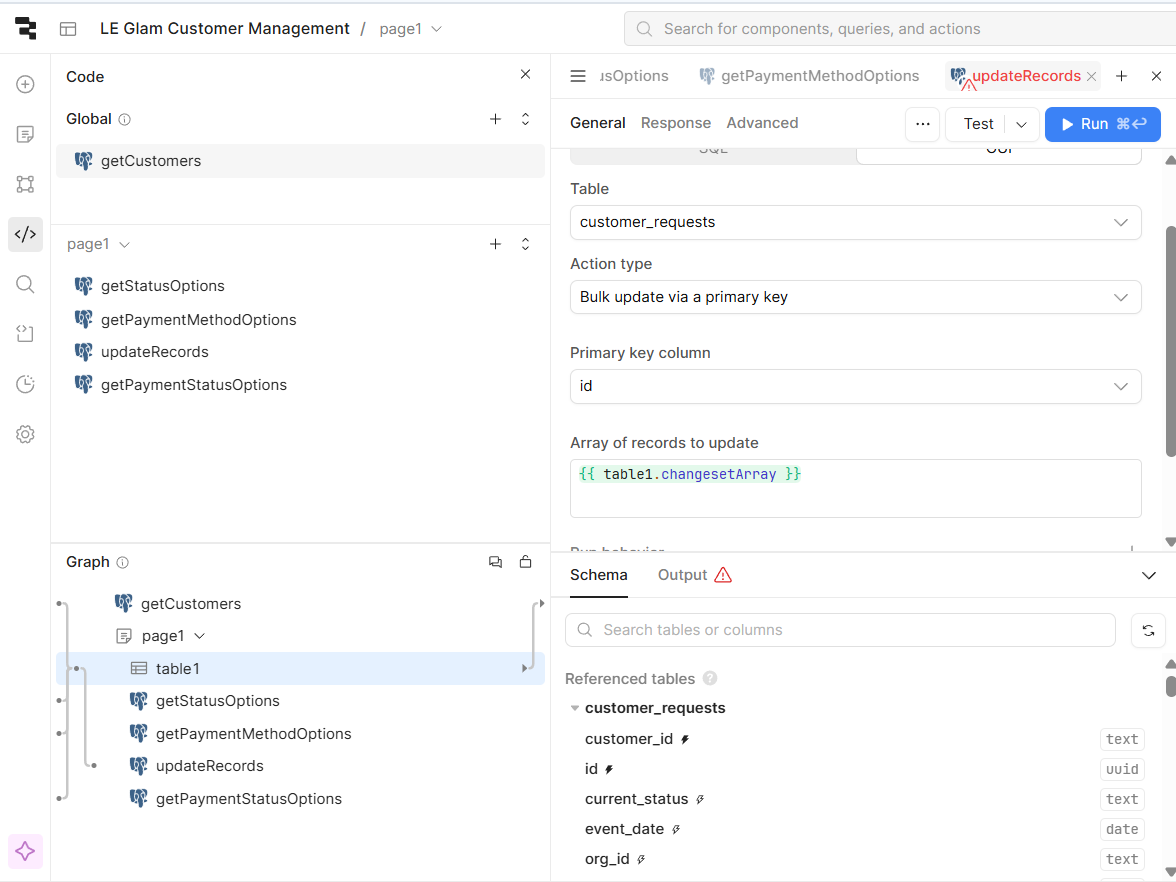
updateRecordsquery uses “Bulk update via primary key” and is triggered by the table’s Save action. - The records to update are set to
{{ table1.changesetArray }}and the primary key iscustomer_id. - After editing a cell, it shows "X changes" and the Save button appears.
Everything looks like it's working — but once I hit Save, the values just reset and nothing changes in the database.
I’ve tried:
- Rebuilding everything from scratch (twice)
- Rechecking the query config and bindings
- Manually running the update query (it works fine)
- Watching the console/network — no errors
- Following community docs and examples
Still, I can't get Retool to save these edits. It's super frustrating because this should be one of the most basic things to work — change a value, click save, update the DB.
I also saw this post and it sounds similar. Is this a known issue or am I missing something obvious?
If needed, I can share a screen recording or the app export. I just want to understand if this is something on my end or a bug in Retool.
Thanks for any help.