One of the apps I'm trying to protect relies on a query in the query library, so I need to protect the query library query so I can protect my app. However, I cannot get the protected query library query to show up in the uat space. Am I doing something wrong? Is the naming I'm seeing in my PR expected?
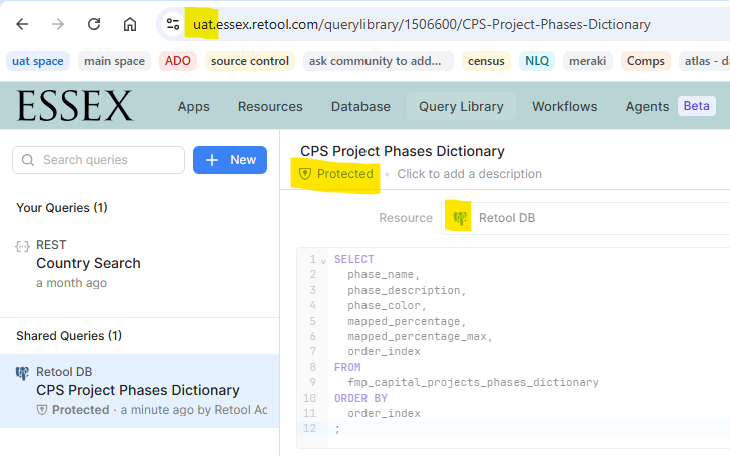
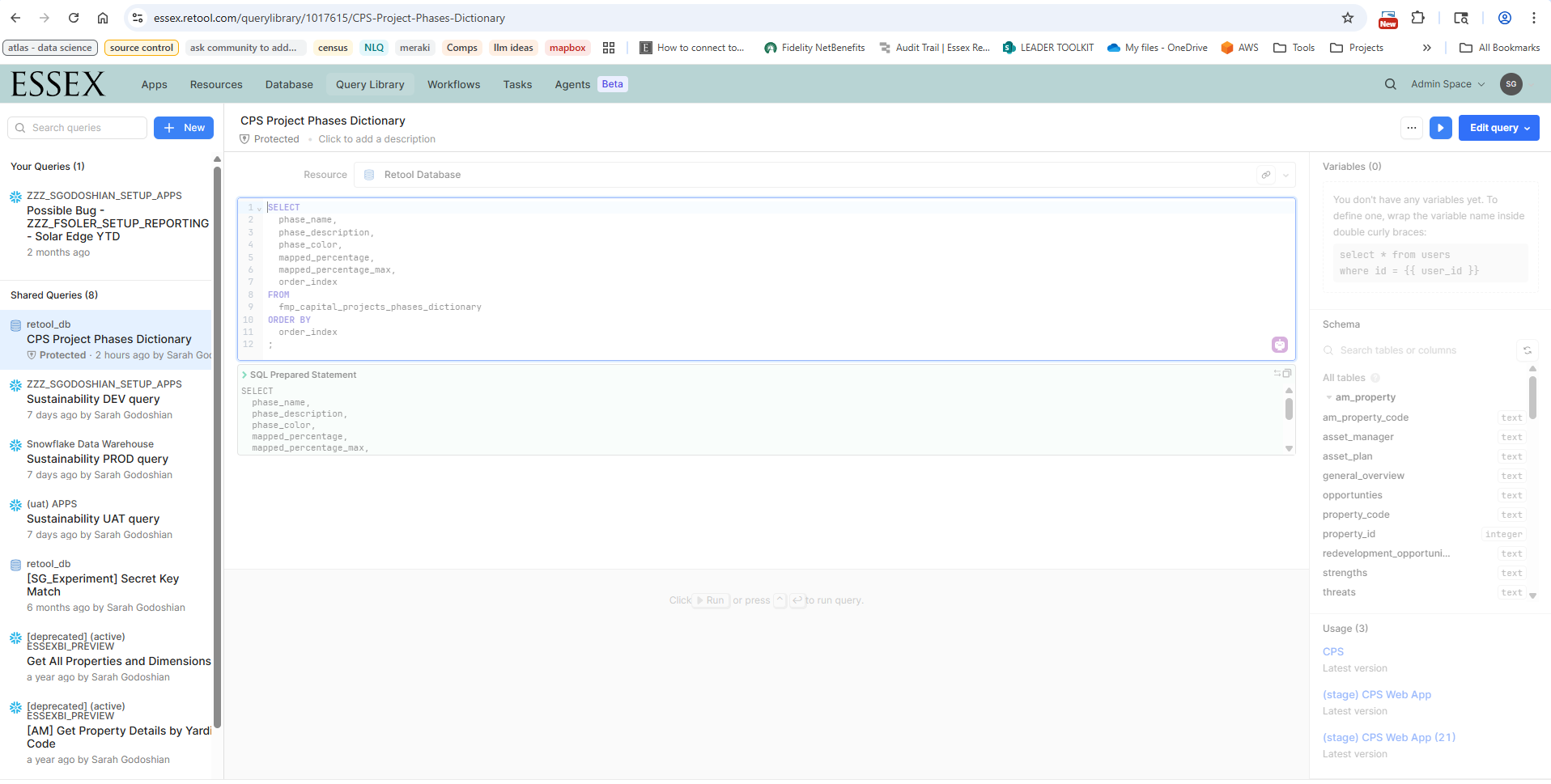
My goal: protect a retool db query in my main space and use it in my uat space
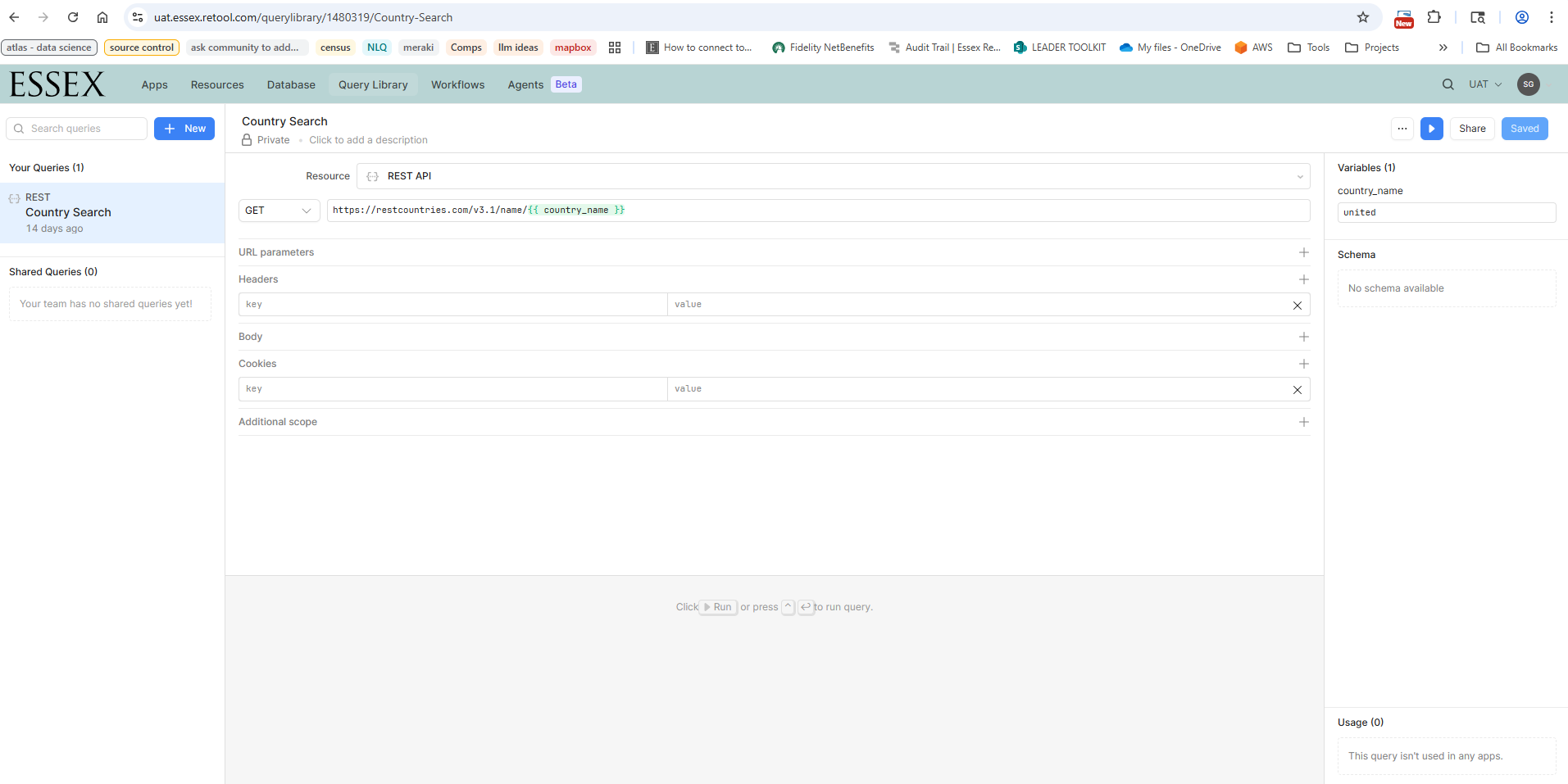
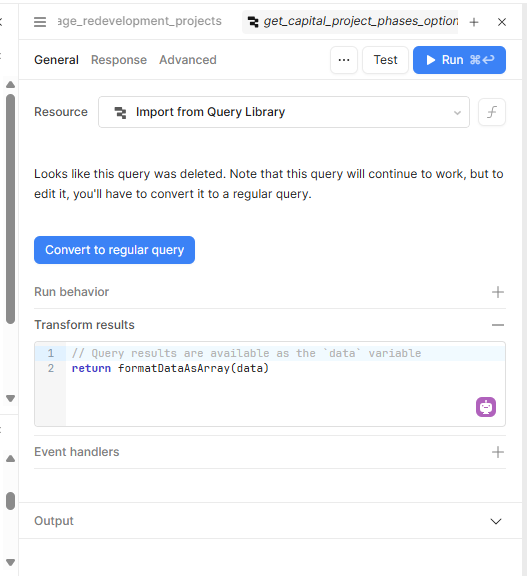
Issue: after syncing uat with main, the query does not show up in uat
Steps I've taken to troubleshoot:
ensured retooldb is in sync between main and uat spaces (fmp_capital_projects_phases_dictionary exists and is the same in both spaces' retoolDBs)
used only alphanumeric characters and spaces in the query name
ensured that the uat branch of code is in sync with the main branch of code and that the query is in the uat branch of code
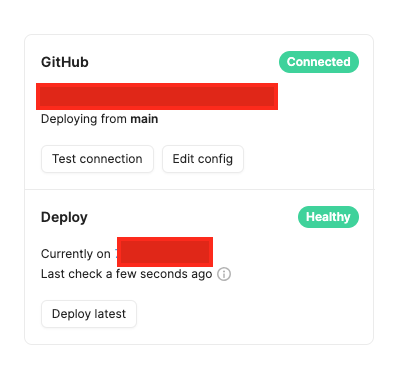
ensured that source control deployed the latest in the uat space
Additional info: enterprise cloud
Screenshots:
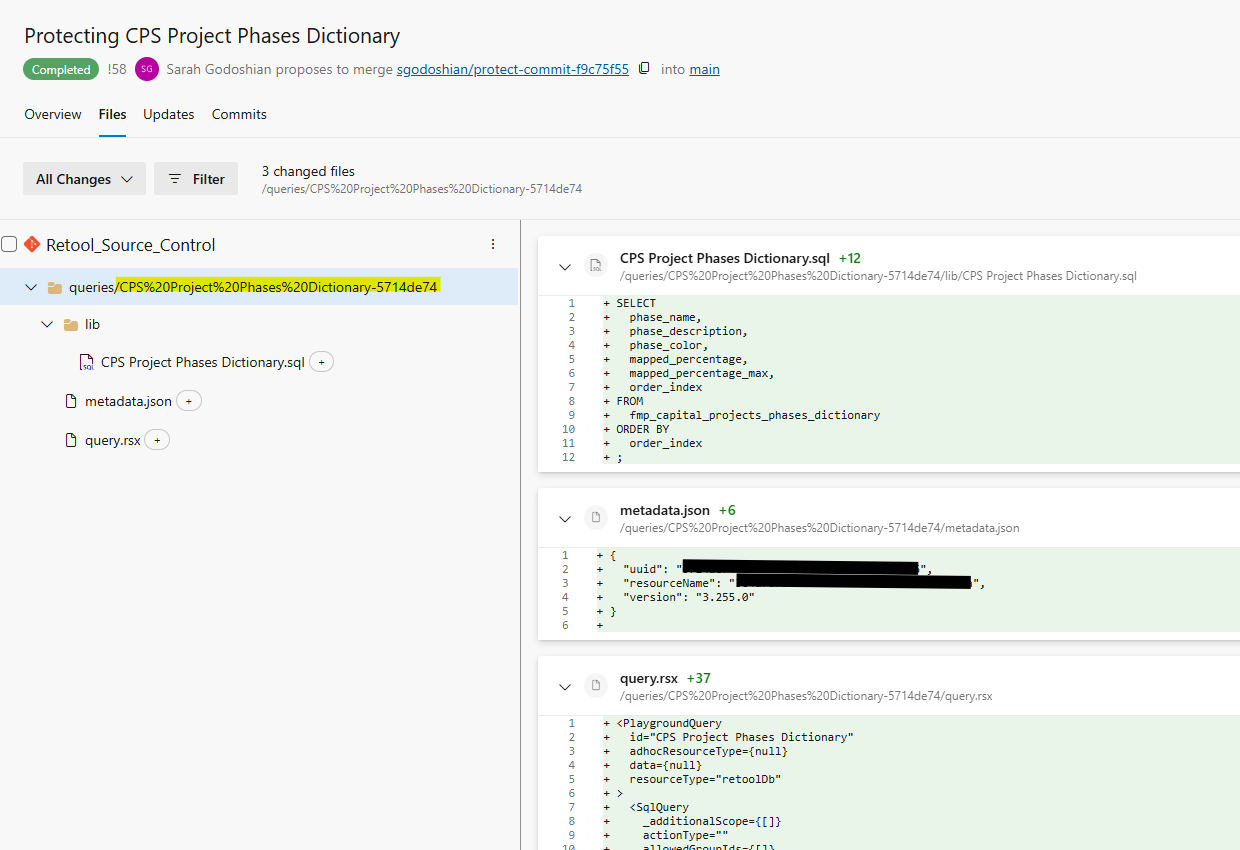
PR to protect query
I notice that when creating the PR to protect the query, there are characters added to the folder name. Is this expected?
The root cause of the issue is that syncing Query Library queries via source control only works if the corresponding resources are also synced - which isn't currently possible for RetoolDB, in particular, as each instance has its own distinct version.
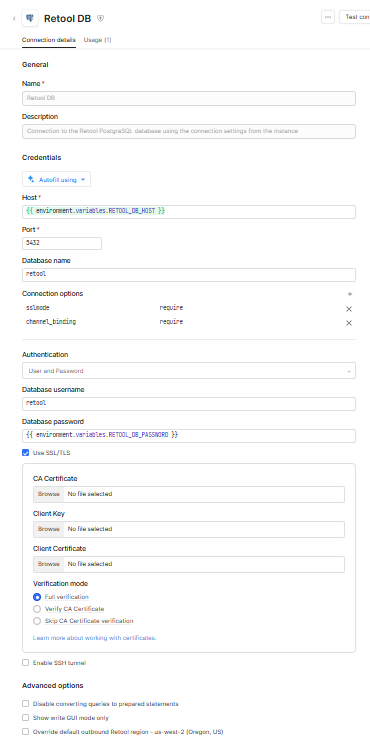
While not perfect, the simplest workaround is to configure a separate Postgres resource using the RetoolDB connection string and sync that across spaces. The big drawback of such an approach is that both versions of the query would hit the same database, which isn't always desirable.
Hi @Darren ! Just checked the logs and confirmed I see what you expected
[2025-08-21T18:54:01.335Z] Deploying queries.
[2025-08-21T18:54:01.335Z] Deploying query: "CPS%20Project%20Phases%20Dictionary-5714de74".
[2025-08-21T18:54:01.366Z] Failed to deploy CPS%20Project%20Phases%20Dictionary-5714de74 because no matching resource was found
[2025-08-21T18:54:01.404Z] Failed to deploy query: "CPS%20Project%20Phases%20Dictionary-5714de74".
[2025-08-21T18:54:01.404Z] No queries deployed.
Hi @WidleStudioLLP ! I tried redeploying, and it redeploys successfully, but it doesn't sync my query
Following up on this idea to set up a postgreSQL resource for the Retool DB, and using that resource for my query library query- that appears to functionally work:
Successfully configured PostgreSQL resource for RetoolDB
Successfully ran a query library query using this new PostgreSQL resource
Before I go to the trouble to protect things and test it out whether this will allow me to protect and sync a query library query across spaces via source control, I got curious about the persistence of the RetoolDB hostname...
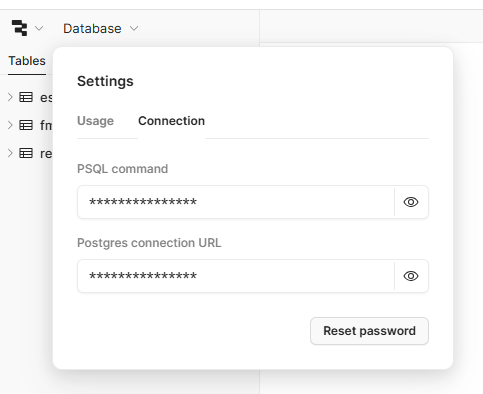
Can anyone confirm whether this hostname is persistent and static for the lifetime of my Retool account? And same goes for the hostname of the RetoolDB for my spaces. Specifically, I’d like to know:
Will this hostname remain the same through restarts, scaling, or maintenance performed by Retool?
Under what conditions, if any, would the hostname change?
Glad to hear it! As far as the permanence of your hostname is concerned, Neon - our DB provider - does indicate that it is stable for the lifetime of the project. Only direct mutations by the project owner can modify the connection string.
As an aside, I'd recommend taking advantage of connection pooling if you plan on utilizing this dedicated resource fairly widely. The provided compute resource otherwise has a hard cap on direct connections.
…and you want to protect a Query Library query against the Retool Database and sync it across spaces, the key is:
Don’t use the built-in RetoolDB resource for your query. Instead, create a separate PostgreSQL resource pointing to your Retool Database and use that.
Process
Go to your Retool Database and note down the connection settings.
Create and set configuration variables for the hostname and password (note: @Darrenrecommend taking advantage of connection pooling if you plan on utilizing this dedicated resource fairly widely)
Set up a new PostgreSQL resource in Retool using those config variables.
Test the connection, confirm it works, and protect the resource.
In the query library, create your query against this new PostgreSQL resource.
Protect the query.
Cherry-pick the change into the branch for your other space, merge, and confirm the query syncs successfully.
This way, your protected queries referencing RetoolDB can move cleanly between spaces through source control.


 will try it! Thank you!