This is a guide to consuming values from a Retool App, and passing them into a Retool Agent via the in-app Agent Chat component.
Context
Agent Chat components need to be connected to Agent Queries that use JSON mode, and these Agent Queries must have inputs provided in the following structure:
{
  "action": "invoke",
  "messages": [
    {
      "role": "user",
      "content": "hello world"
    }
  ]
}
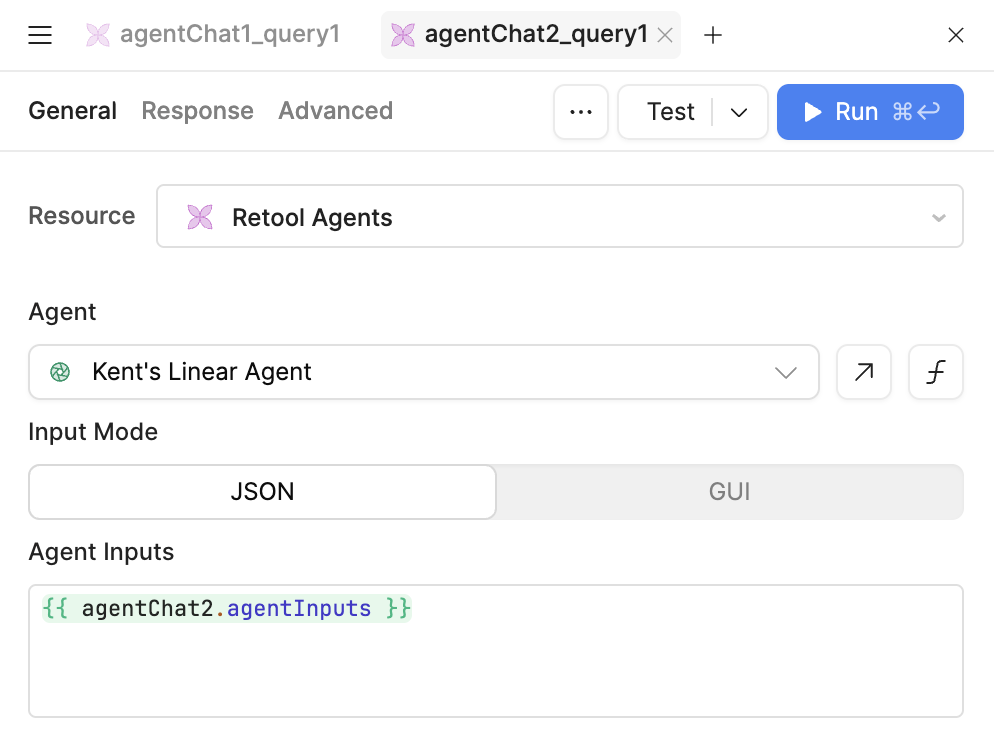
All Agent Chat components natively expose this format via their agentChat2.agentInputs property. This allows you to use an Agent Chat with and Agent Query out of the box with no configuration:
Adding parameters
However, if you want to pass additional parameters from your app into the agent, you will need to modify the agentChat2.agentInputs object. Specifically, you will need to append one (or more) messages to the start of the context with the parameters from the app that you want to pass in.
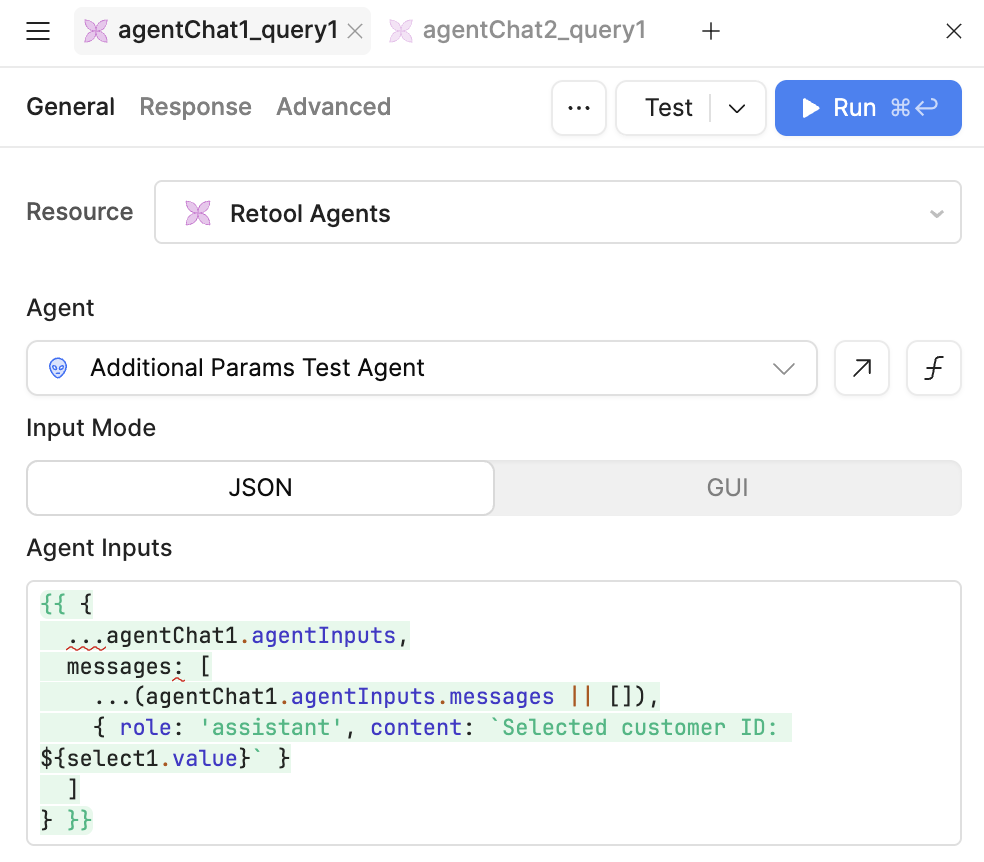
For example, if you have a select1 component in the app that allows a user to select a customer, and want to pass the customer_id into an agent, you would need to construct the following object in your Agent Query:
{{ {
  ...agentChat1.agentInputs,
  messages: [
    ...(agentChat1.agentInputs.messages || []),
    { role: 'assistant', content: select1.value }
  ]
} }}
or, in context:
The reason that this is necessary is that the single Agent Query must be able to do two things:
- trigger the agent, and
- poll for the result of the Agent execution.
The Agent Chat component achieves this by modifying the shape of agentInputs depending on whether it is triggering a query or waiting on a response.
Specifically, agentChat2.agentInputs switches between the following two payloads:
// for invoking
{
  "action": "invoke",
  "messages": [
    {
      "role": "user",
      "content": "hello world"
    }
  ]
}
// for polling
{
  "action": "getLogs",
  "agentRunId": "uuid..."
}
Therefore, if we want to construct an object with additional parameters (like those from other in-app components), we must add them to these objects while preserving the overall shape of the objects.
We can use the following structure to solve this problem for arbitrary additional inputs we want to send to the agent:
{{ {
  ...agentChat1.agentInputs,
  messages: [
    ...(agentChat1.agentInputs.messages || []),
    { role: 'assistant', content: hereYouCanReferenceAnyComponentProperty.value }
    { role: 'assistant', content: youCanAddAsManyOfTheseAsYouLike.value }
    { role: 'assistant', content: `You can prepend values with text: ${likeThis.value}` }
  ]
} }}