Hello, I'm a rookie  I'll ask some questions to the community during the learning process, I hope you can help.
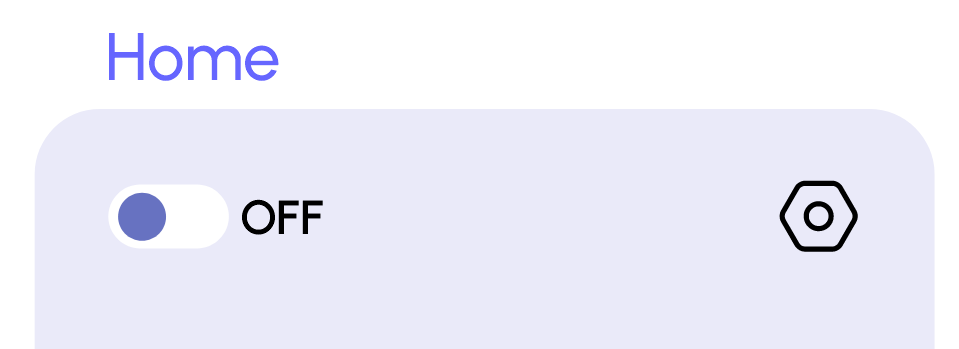
I want to add a radio button ON - OFF button, can you please teach me how to do this.
Hello, I'm a rookie I'll ask some questions to the community during the learning process, I hope you can help.
I want to add a radio button ON - OFF button, can you please teach me how to do this.
Hey @Ayhaner — welcome to the Retool community!
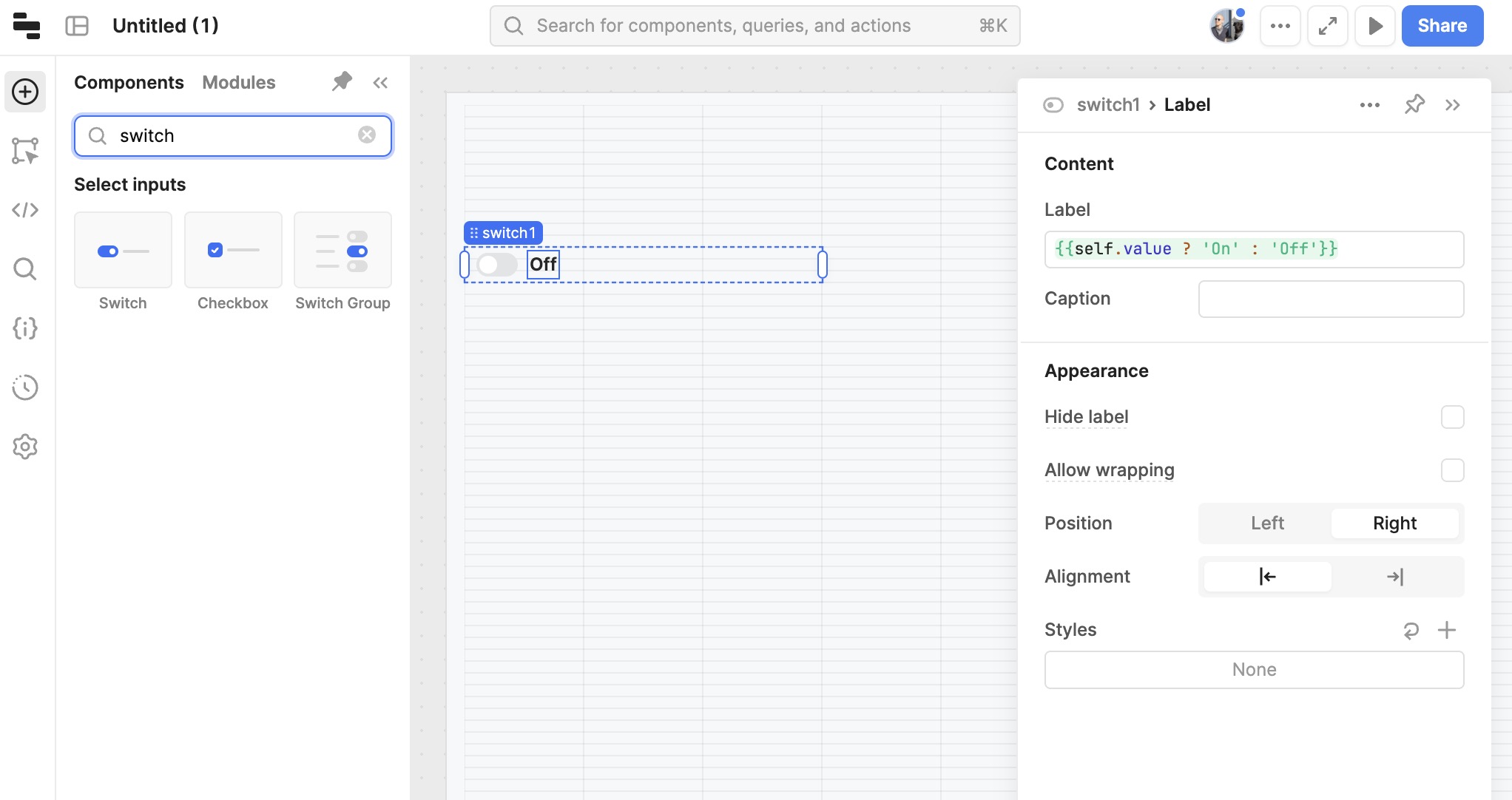
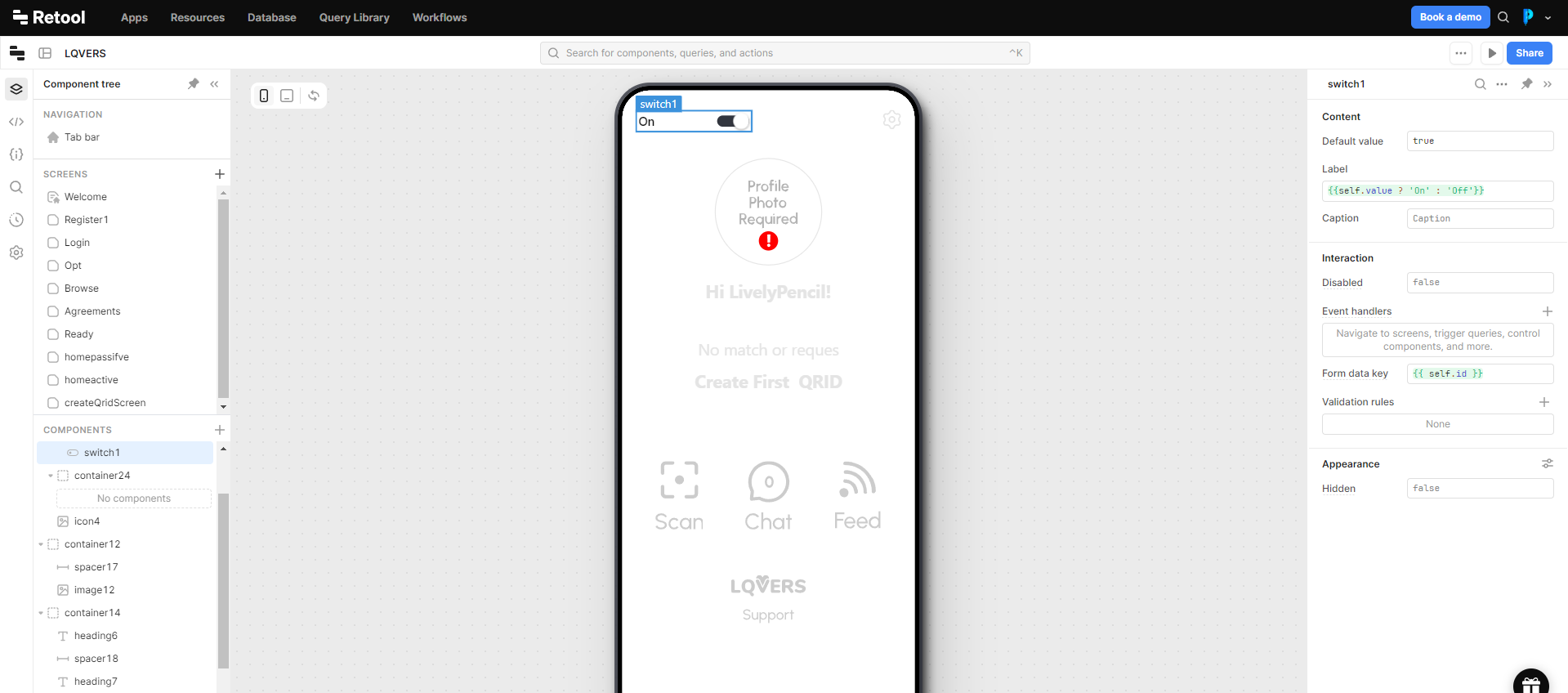
Retool has a Switch component that you can use for this. Here's an example of it in action.
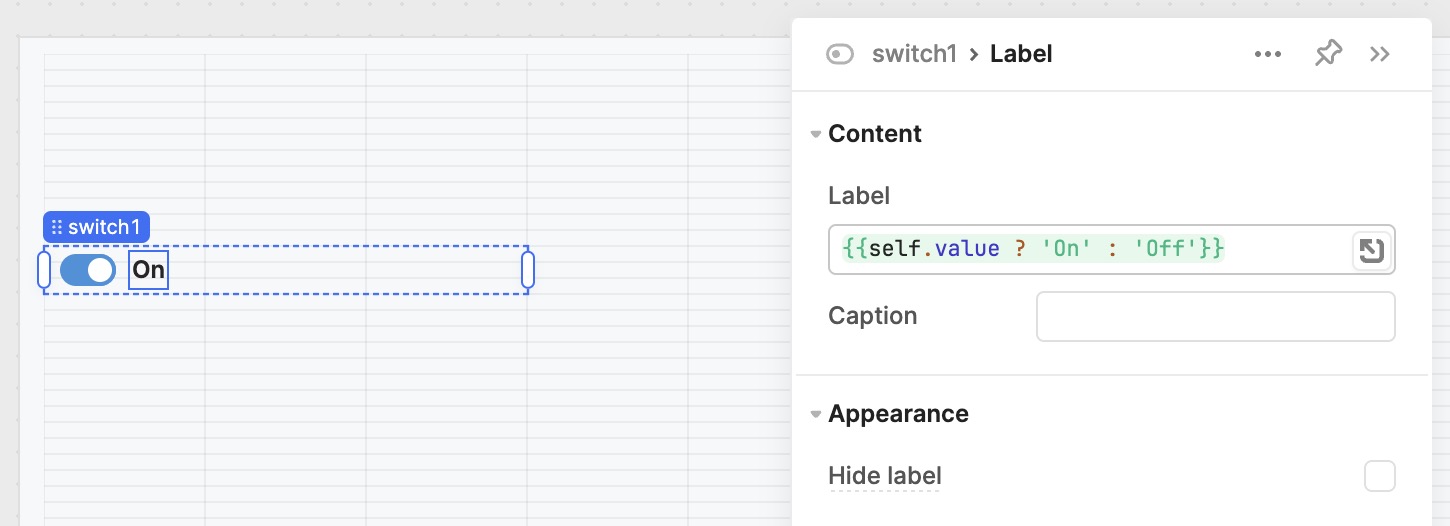
In your design, it looks like the label text is meant to be dynamic depending on the value of the switch. You can use this code in the label property of the switch to do the same thing in Retool:
{{self.value ? 'On' : 'Off'}}
Thank you very much.
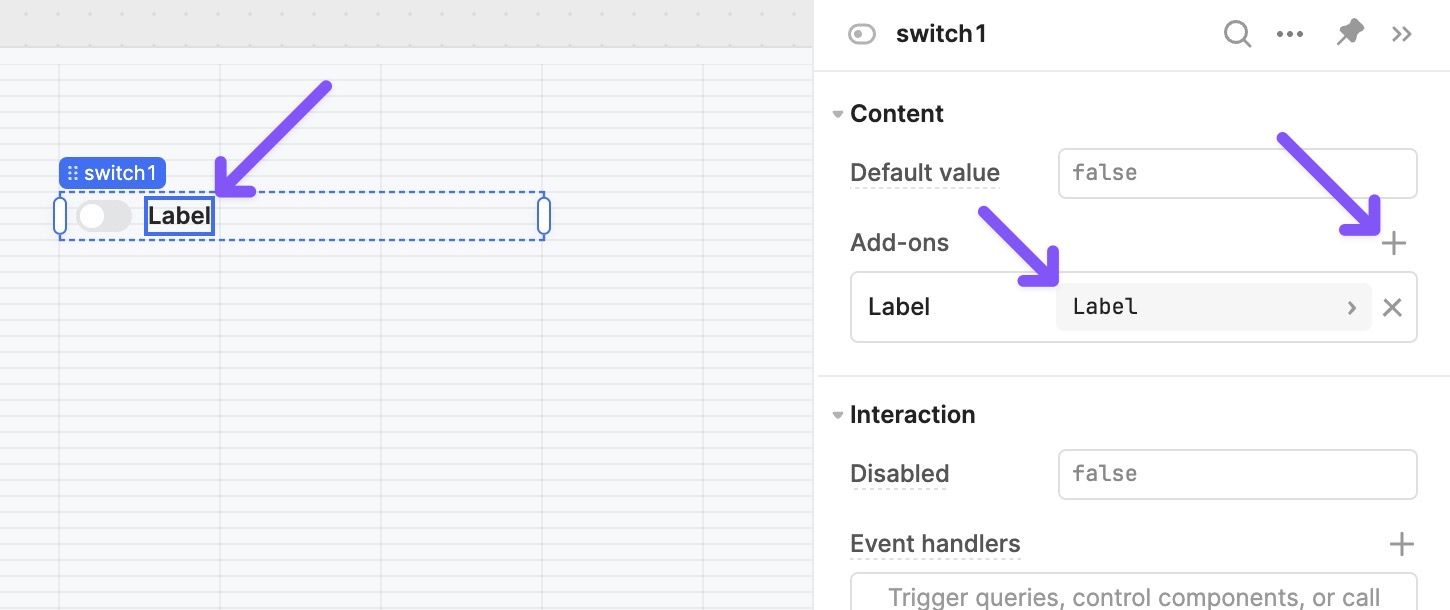
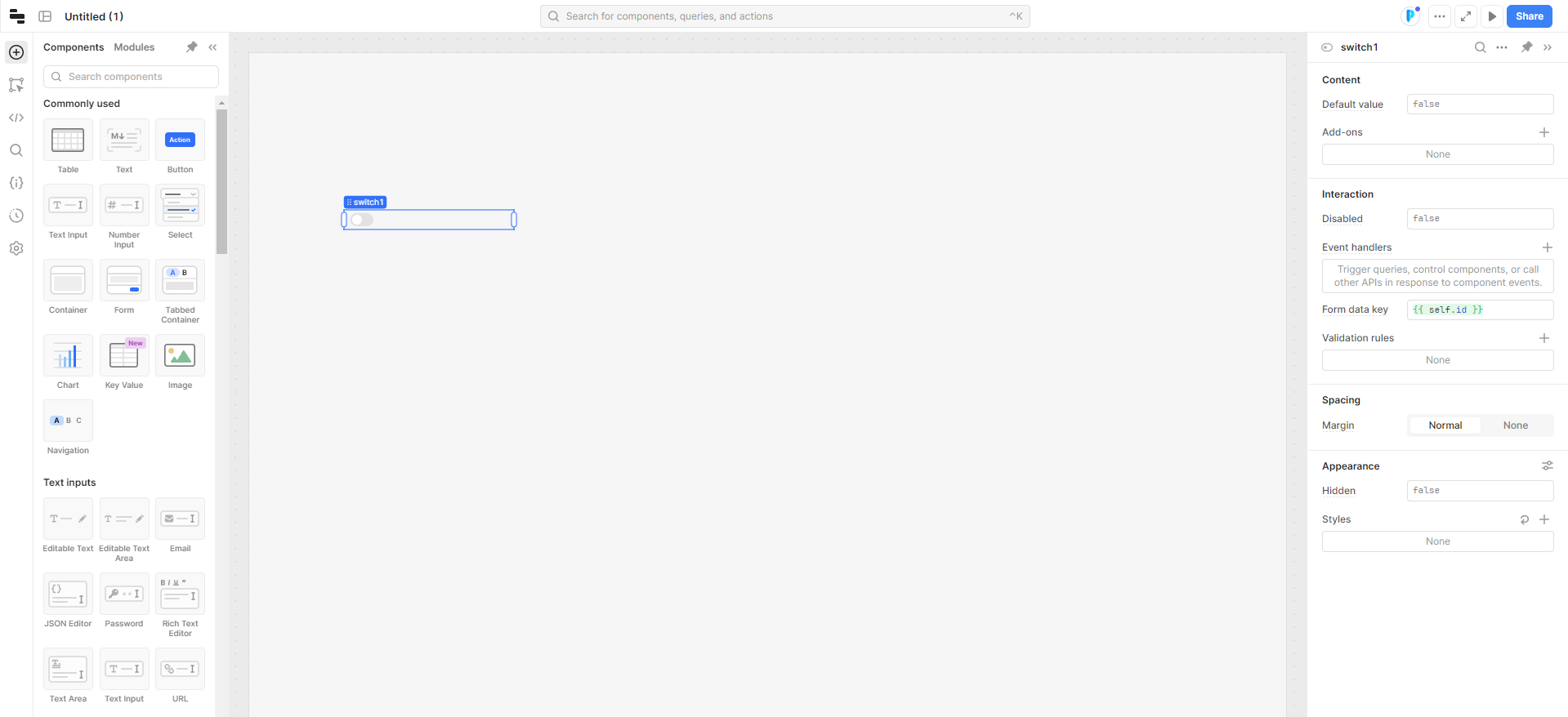
Hi @alex, I found the relevant component and added it but I can't see some settings. In the screenshot you sent there are more settings options. Is this because I'm using the free plan?
To access the settings for the label (which is a sub-component of the switch component) you will need to click on one of these three areas:
Label text in the right hand sidebar (we call this section the Inspector)+ button in the Add-ons section in the Inspector and add a label