I need to connect multiple databases to one table. UNION all (tables have different columns), and JOIN doesn't work (tables duplicate the values from other table for each row, and skip some rows from other tables)
I tried this query, but it doesn't work properly (rows are missing)
SELECT
    a_table.*,
    b_table*,
    c_table.*,
    'license' AS record_type
FROM a_table
INNER JOIN b_table
    ON a_table.id = b_table.license_id
INNER JOIN c_table
    ON a_table.id = c_table.license_id
As an output I only have 2 rows in my Retool table (2 rows from B table combined with A table), but tables A, B, C contain 5 rows in total vs 2
It looks like the issue may be coming from the way the joins are defined.
When you use INNER JOIN, the query only returns rows where a matching record exists in all joined tables. If any table is missing a match for a given a_table.id, that row will be excluded entirely. This is likely why you only see 2 rows instead of all 5.
A couple of things you might try:
Switch to LEFT JOIN
If you want to keep all rows from a_table and only join data where a match exists in b_table or c_table, try:
SELECT
    a_table.*,
    b_table.*,
    c_table.*,
    'license' AS record_type
FROM a_table
LEFT JOIN b_table
    ON a_table.id = b_table.license_id
LEFT JOIN c_table
    ON a_table.id = c_table.license_id;
This ensures all rows from a_table appear, even if b_table or c_table don't have a match.
You also need to make sure you provide proper alises to columns in b_table and c_table that have identical names within a_table, otherwise they won't come up in your results
The best approach really depends on the table structure and whether you're trying to merge related rows or just combine datasets. If you share sample table structures and expected output, it’ll be easier to give a precise query.
Huge thanks for the help and super quick answer!
Other tables now also visible in the ReTool table
Just out of curiosity, will it be possible to output the values without "blending" 2 tables together? e.g., show rows for table A,B, and C separately? Currently, with JOIN, they are "blended" (meaning, if table A has 1 row and table B has 2 rows as an output, I will have 2 rows that will contain information from both A and B tables instead of 3 separate rows)
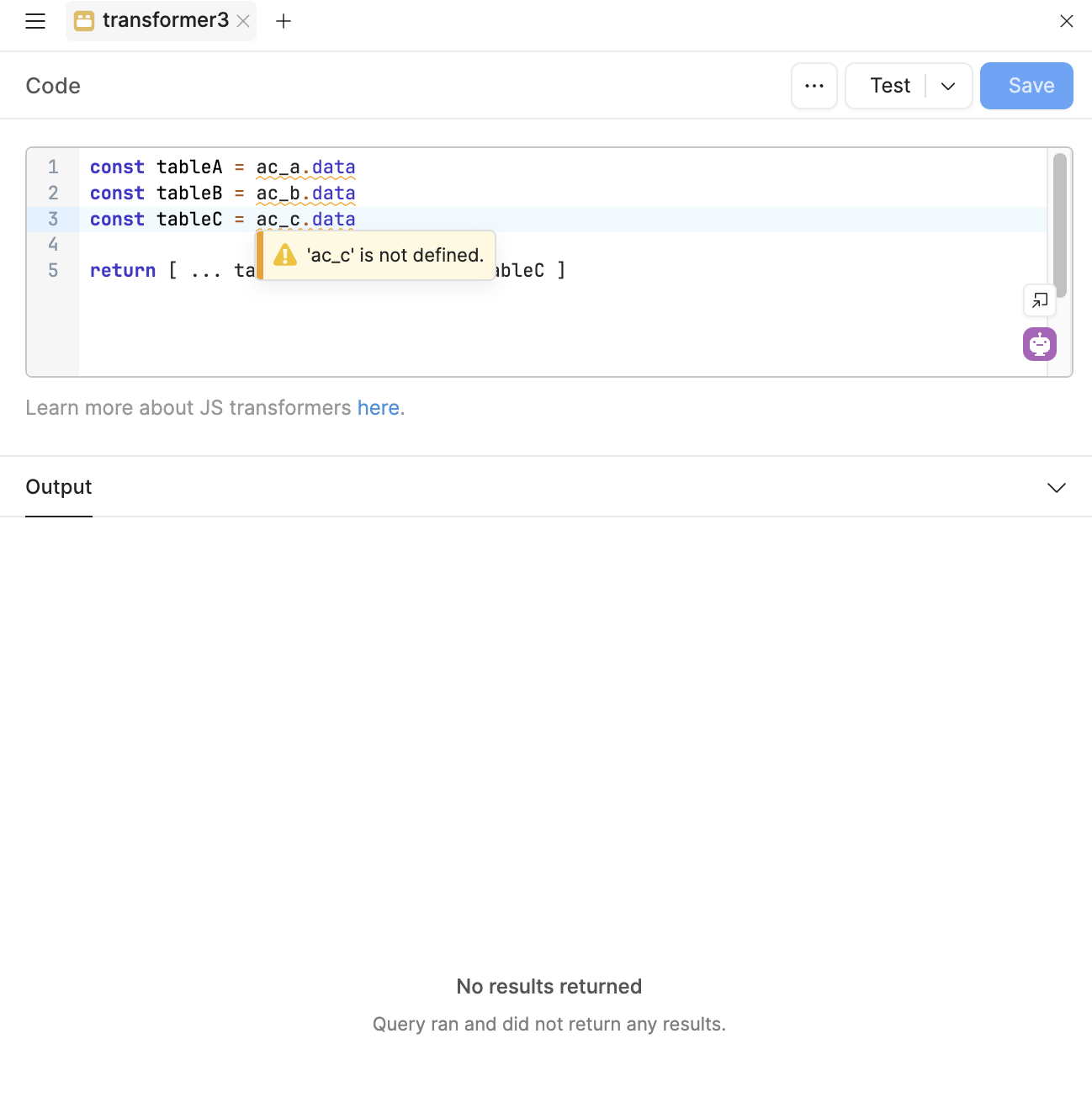
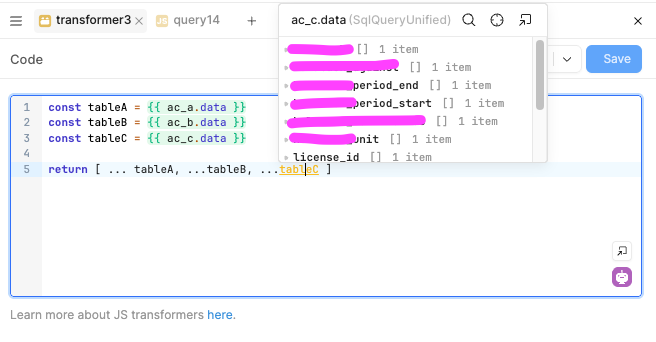
I tried this before, but for some reason, I have "...is not defined" for each data query (query exists, fetch the data from table, and have outputs on a query level overview, so looks like there is no issue with single query)
You haven't added formatDataAsArray(data) to your queries' transformers. You can do it directly in the transformer though, e.g. {{ formatDataAsArray(ac_a.data)}}