Putting cost infront of the other elements.
Unfortunetly i rebuild the app with modules to be more modular.
Now problems appear left and right, is this modules thing already ready for productions.
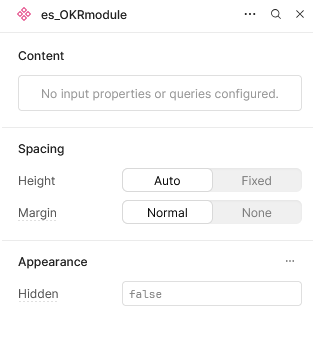
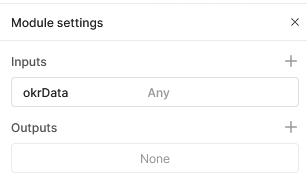
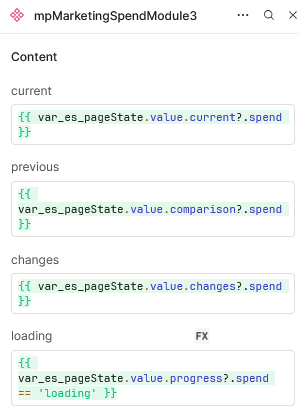
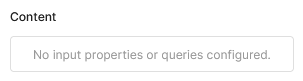
Seconding this. I'm seeing the same issue with modules inputs ('No input properties or queries configured'), noticed it yesterday. I can see that the inputs that were previously set up are still working (can view them in the State panel). Seems like its impacting all modules on all apps for me.
Have also tried refreshing, logging in/out, and switching to incognito. I'm on Chrome, Retool Cloud version (Retool version 3.258.0).
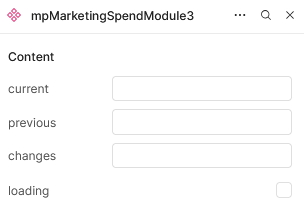
Hey folks - Just confirmed the modules missing inputs in the editor is a bug that rolled out yesterday, we're working to revert and will ship out a fix. In meantime, you should see them pop up if you just search for the module again when adding a component. Thanks for letting us know, I'll confirm once we roll that back!
Starting the roll out now, though you shouldn't be blocked since just searching for your modules in the component panel should load the inputs that are missing from the module in the editor.