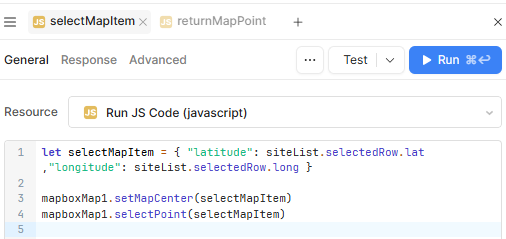
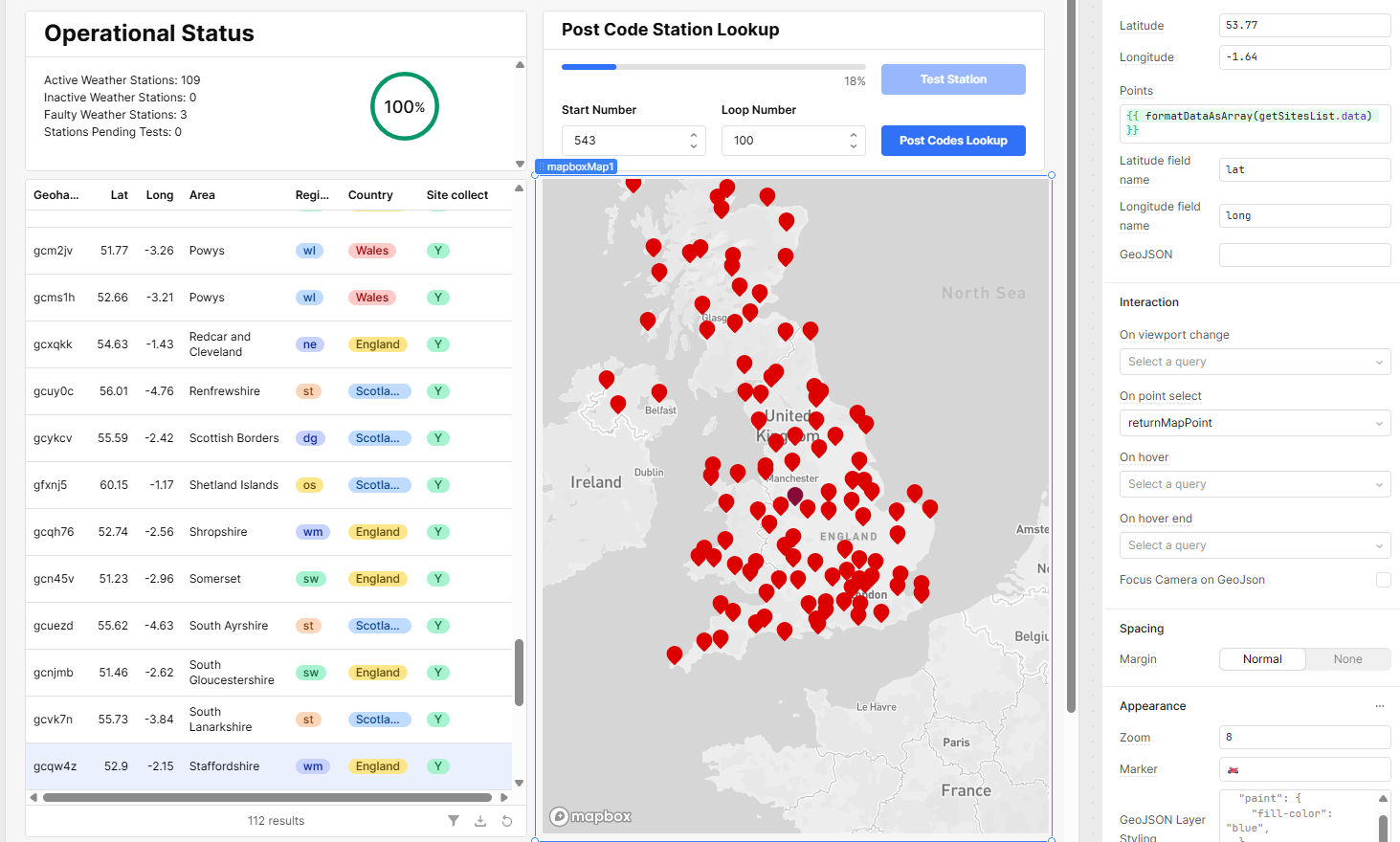
My goal: Select a row in a table and have it select the item in map, and highlight in dark red
Issue: I am sure it is being selected.
I have the following code and it is triggered by row selection in the table. It runs and the map is centered where I would expect. But the point is not highlighted in dark red.
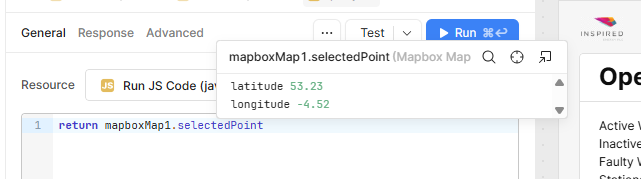
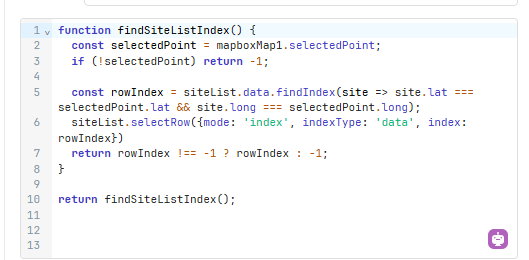
I have the following code which sort of works. Selecting a point on the map highlights it dark red, the table row selects, then the colour on the map reverts. Selecting it again makes the point highlight permanent
I built a test page with nothing but the map and a table. And have successfully achieved a list selection that updates the Map, and a Map selection that updates the list.
Now, I now need to either
rebuild all the other queries and components that are need on the test page that works,
or
work out the differences between the two pages for the map/list components.
If I find the wrinkle I will update. If not I’ll delete the post later in the week.
Hi @Footsore, I looked into this and tried to recreate the bug, and ultimately found out that using non-default field names causes the selectPoint function to not work. So if you go back to your original app and change the field names to "latitude" and "longitude", it should work.
If it causes issues with your original dataset, you may have to use a transformer to create new column names before sending them to the mapbox and table components.
Also, I've added this to an internal ticket to include a warning for this on the component inspector.