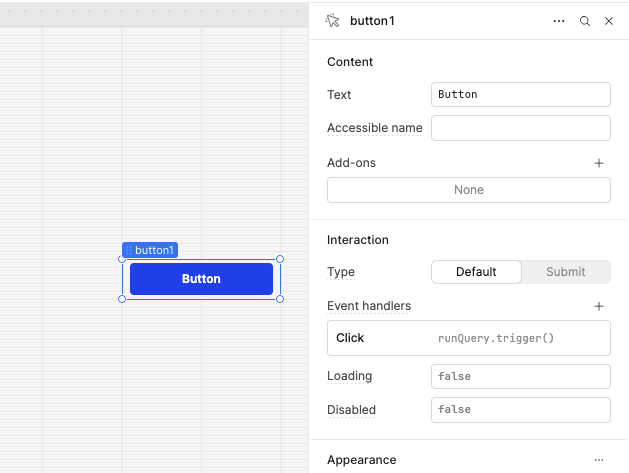
A pattern I have used extensively in the past seems to be failing on me now.
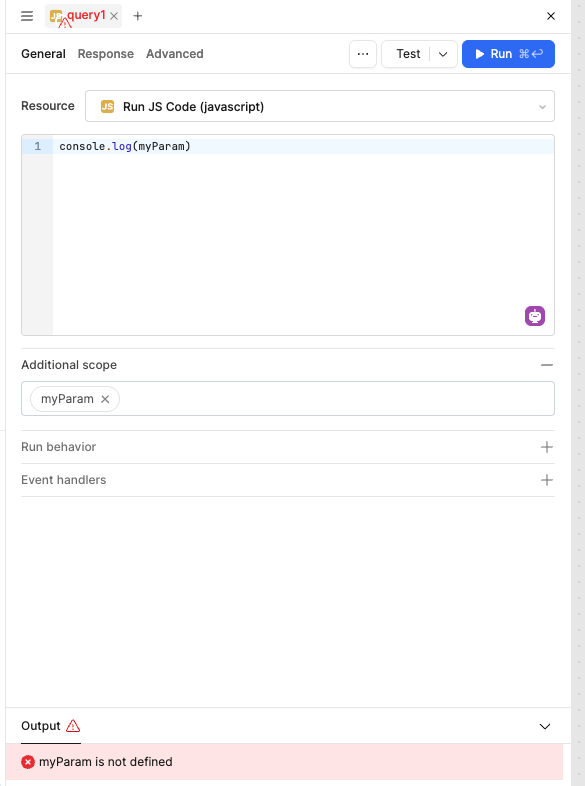
I am trying to pass a parameter into a JS Query via additional scope and whilst the code completion in the query editor recognises the parameter, when I try run or test the query its says the parameter is not defined. See below for simplest example.
When using additionalScope, you need to pass the variable into that scope at the time you trigger the query.
In your example, you’re using the variable myParam. If you trigger query1 directly, it tries to access myParam without it being defined, which results in the error:
myParam is not defined
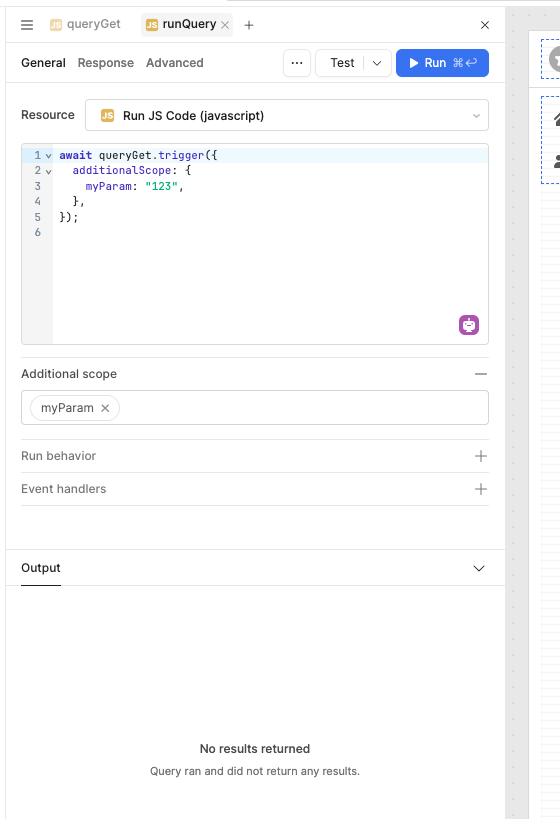
To avoid this, you’ll need to trigger the query from another query and pass myParam through additionalScope.
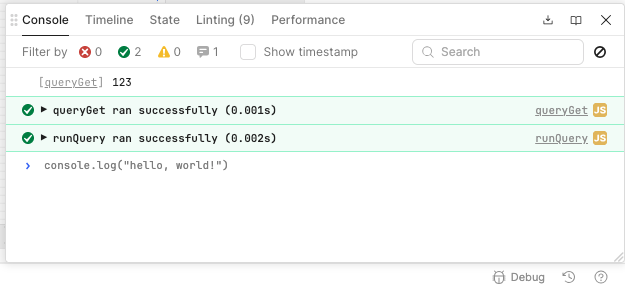
For example, I created a query called queryGet, where I simply log the value of myParam. Then, from another query (called runQuery), I trigger queryGet and pass the required data into additionalScope.
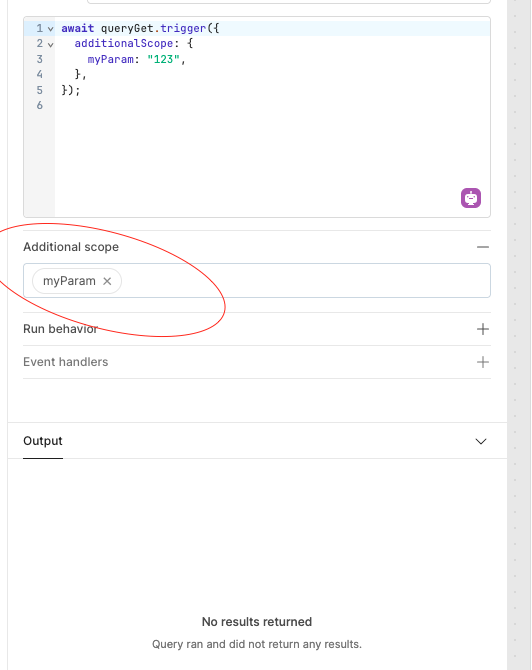
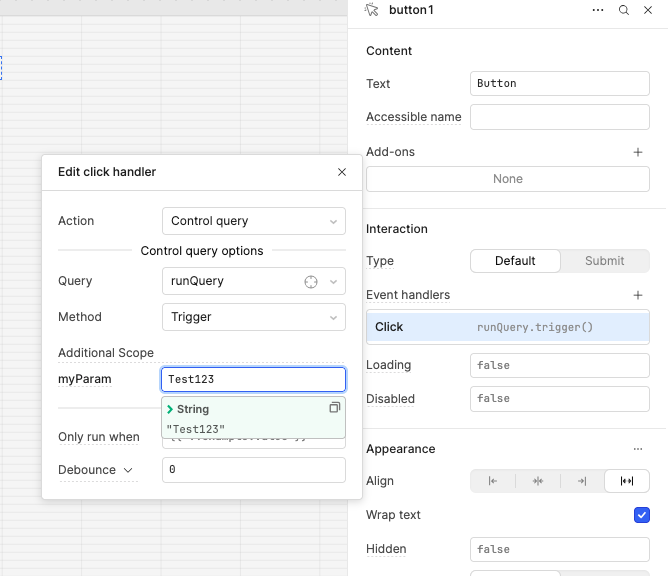
In another way you can also pass the data into the additional scope from the event handler or in button where you can pass the data in it like this you have to pass the key into the additional scope of the query like i pass into the runQuery
Thanks so much for your response - that all works. I appreciate your effort.
I guess the answer is that once you declare additionalScope variables for a JS Query you cannot really test that query’s functionality in isolation (ie using Test/Run) without triggering the query from another component or query. I couldn’t find a way to pass sample data into the definition of the query itself.
Yes that is correct, when testing, it is a bit tedious to have to hook the query to a trigger where additionalScope is passed in programmatically from another query as shown in @WidleStudioLLP's example.
We are working on a project for Retool Functions that will be able to take in arguments from the query panel window which will effectively allow for the functionality you are describing. I can add your +1 to the ticket on that project!