Most Retool inputs have the option to show a 'clear' button, which empties the input value. It would be quite useful to also have a 'reset' button that changes the input back to its initial value, and possibly some kind of highlighting option so a user can easily see which inputs they've edited (I often have to build complex forms with prefilled data, so I usually manually add reset buttons to each input, and change the border colour of an input if it's been edited, so users can more easily see how far along they are).
Hi @TerryD, I agree the reset button would be useful, and certainly would save time and effort from manually creating your own reset buttons. We have an open ticket for this so I'll add your +1, but I did see another workaround that you could use.
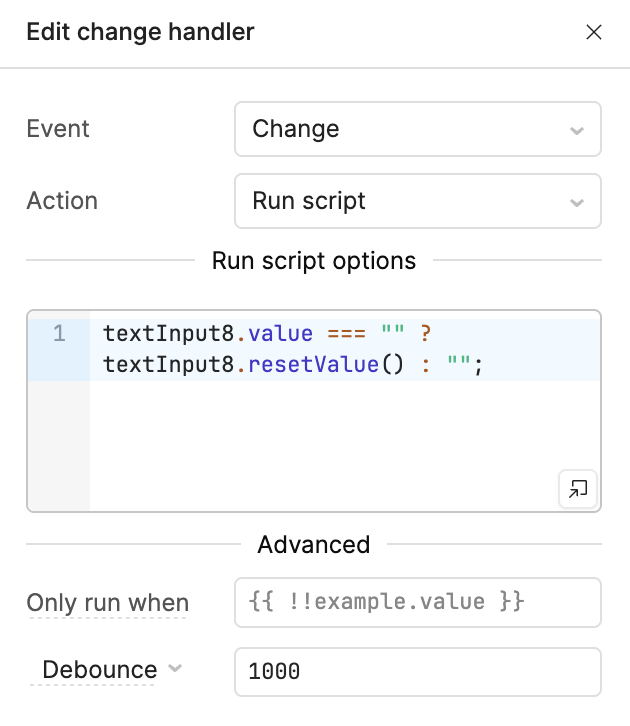
Rather than creating other buttons, you could put an onChange event handler that resets the value if the input is blank. Note that this would not allow you to have blank values, so you would need a 1 second debounce to let you delete the default value and change it to something else, especially for text inputs. Here is what it might look like: