How to edit generated column in Retool Database

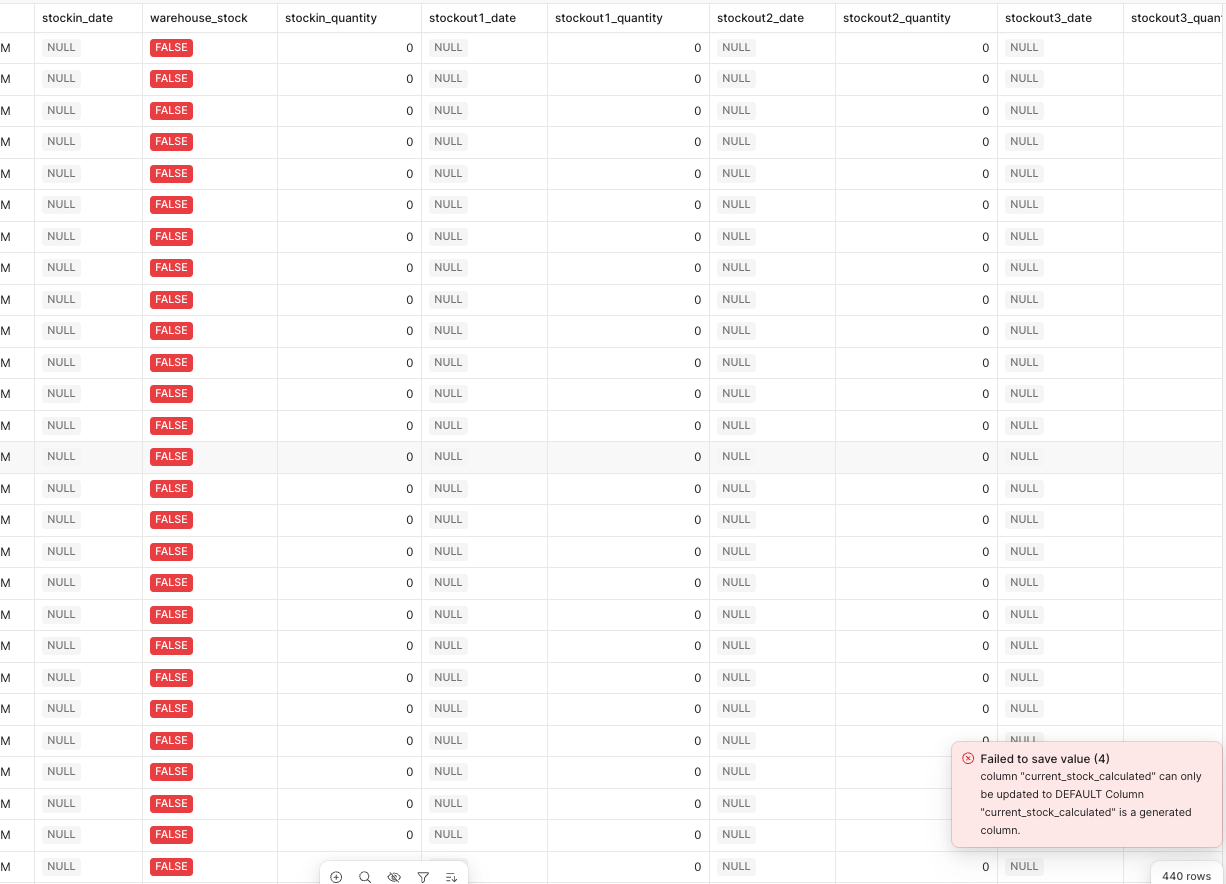
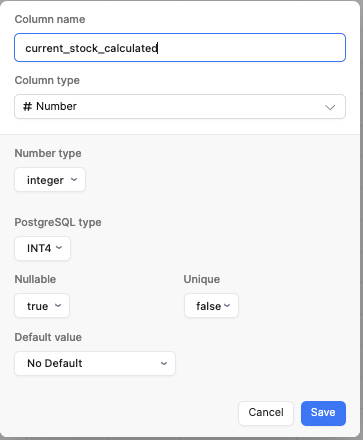
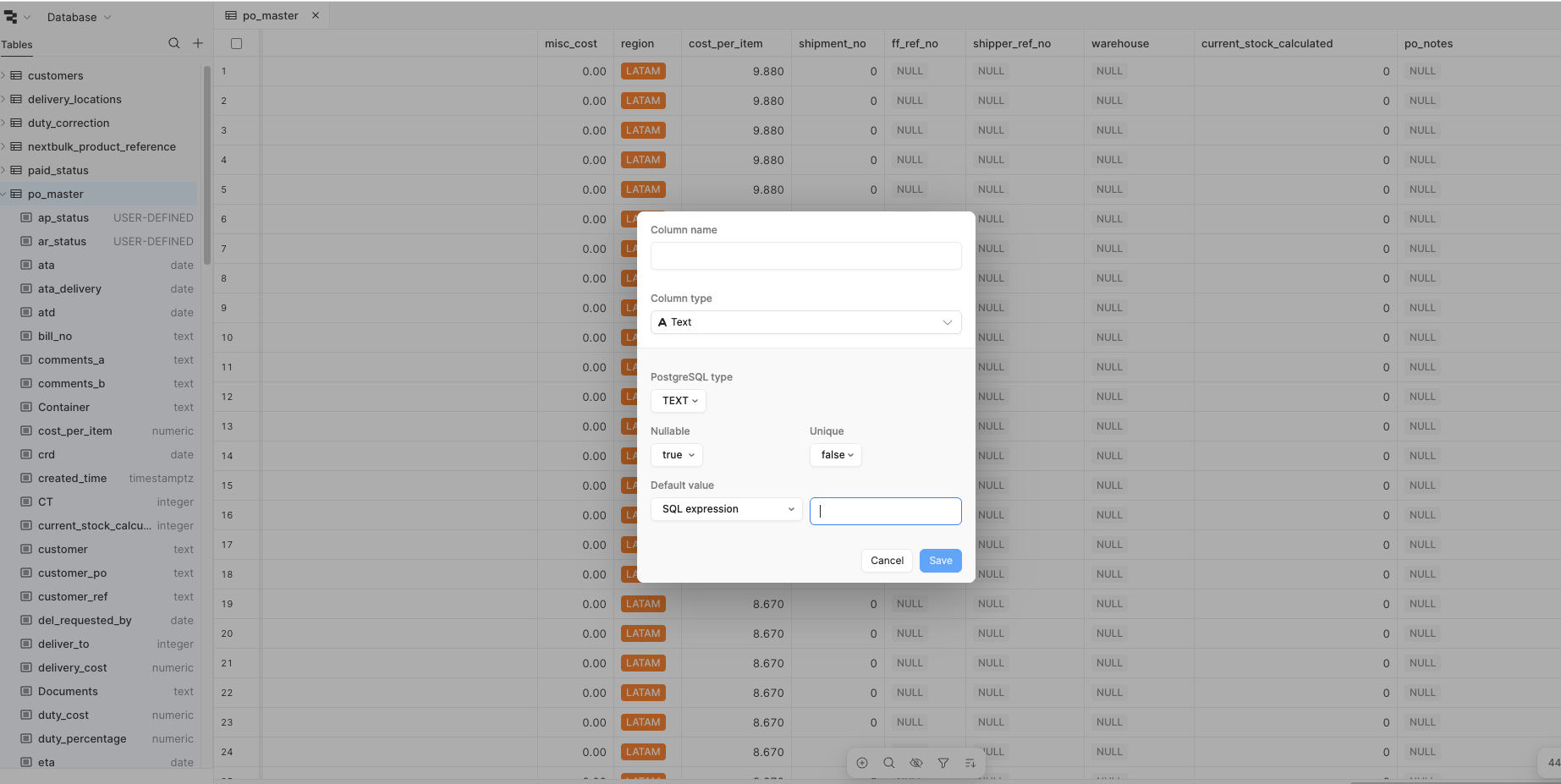
I have a question about the a generated column I have created a while back in the Retool Database. The issue is that I cannot edit this generated column, nor can I see what the current formula is for it. The column 'current_stock_calculated' is what I am trying to edit, but when I pull up the settings it doesn't show anything. I know however that it is generated because when I try to manually insert a number, it gives me an error.
Any help is appreciated.

  1. My goal: Edit generated column
  2. Issue: Cannot edit or even see my script for default value
  3. Steps I've taken to troubleshoot: Access the retool database and tried to edit the settings for column
  4. Additional info: (Cloud or Self-hosted, Screenshots)

Hey @Alen_Ramic !

its quite a bit hidden but you can actually find the raw sql of your tables to do a schema migration. This might have what you need

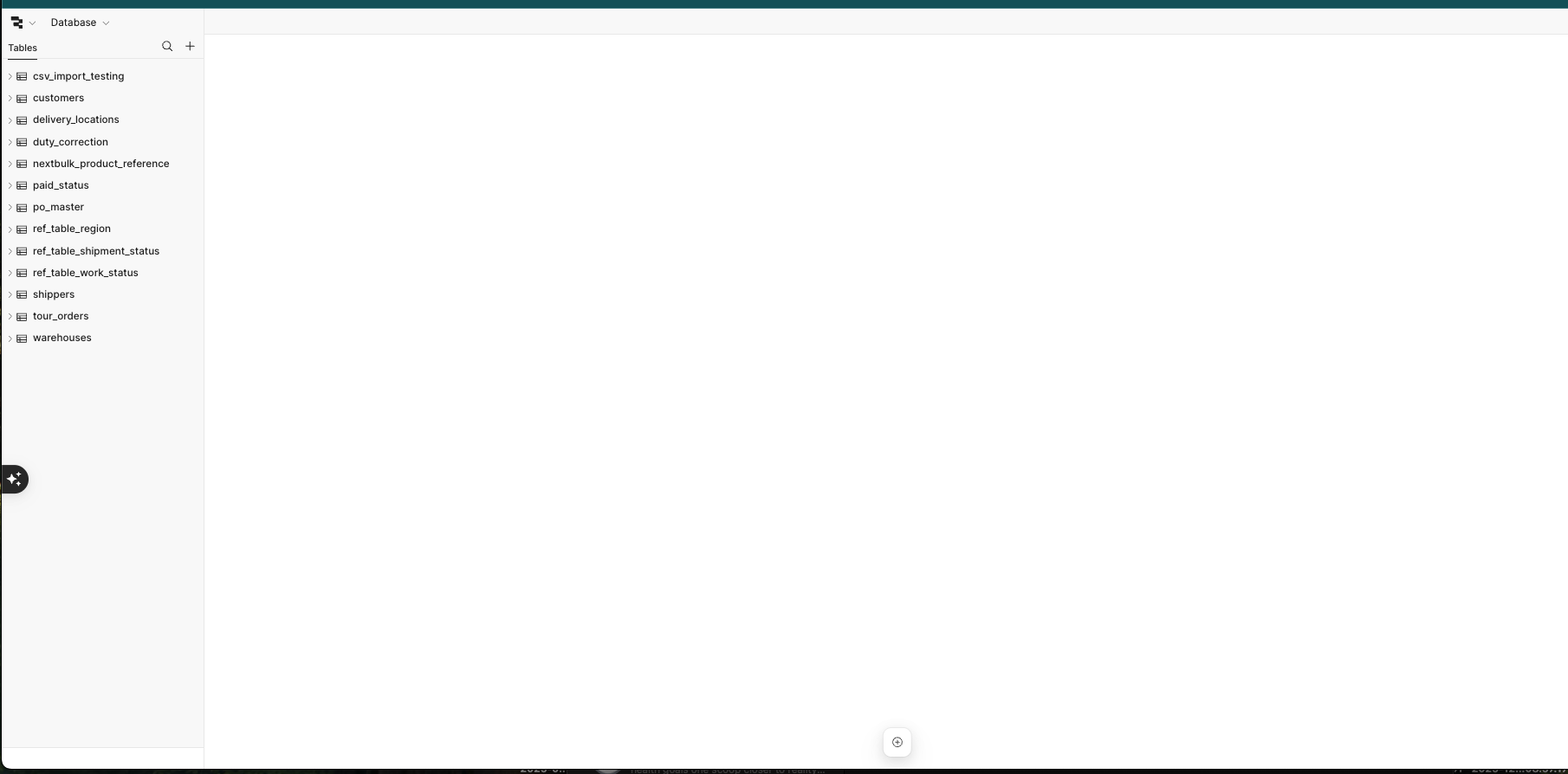
  1. Go to the Retool DB (from your screenshot)
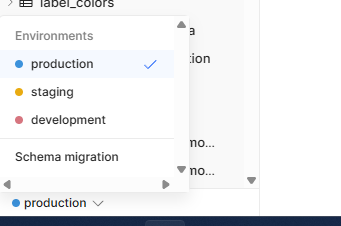
  2. in the bottom left corner you should see the env you’re in (likely production – see my screenshot)
  3. click schema migration
  4. on the new modal that pops up, click “New Migration”
  5. from there you can toggle it to SQL and you should be able to see information about your table

Let me know if that works!

Hi David,

I cannot see that toggle in the lower left corner. I can see by the link that the environment is production.

@Jack_T - is there a way to access this if you’re on teams or free version then?

I am on the free version. Perhaps I don’t have access to this? Would I then be required to delete the column and start over again?

I imagine yes, you could likely pay to upgrade for a month, take a look, and then downgrade? There may be a free trial you could use to do it for free

Hi @Alen_Ramic and @DavidD,

Let me check to see if this could be a permissions issue.

@Alen_Ramic How did you first create the column?

If you could share your method for creating the generated column that is using a formula, that would be incredibly helpful for me to reproduce this!

Hi Jack,

It’s been a while but I believe I added it by simply clicking add column in the retool database screen. Then I put an sql expression that takes numbers from other columns to come up with a total. Now I simply would like to edit that column formula.

Ah I see, thank you for sharing that @Alen_Ramic

This seems like a bug in the Retool Storage UI where it should be showing you the formula that is generating the value but for some reason it isn't.

The good news is that under the hood Retool DB is just a Postgres DB and we can use Postgres commands to get the info we need directly from a Retool Storage query and change the settings to make the column different as needed.

In PostgreSQL, you can query the default value expression for a column using the pg_attrdef system catalog, which stores column default values.

Here are a few ways to do this:

Method 1: Using pg_attrdef directly

SELECT pg_get_expr(d.adbin, d.adrelid) AS default_expression FROM pg_catalog.pg_attrdef d JOIN pg_catalog.pg_attribute a ON a.attrelid = d.adrelid AND a.attnum = d.adnum JOIN pg_catalog.pg_class c ON c.oid = a.attrelid WHERE c.relname = 'your_table_name' AND a.attname = 'your_column_name';

Method 2: Query information_schema

SELECT column_default FROM information_schema.columns WHERE table_name = 'your_table_name' AND column_name = 'your_column_name';

Method 3: See all defaults for a table

SELECT a.attname AS column_name, pg_get_expr(d.adbin, d.adrelid) AS default_expression FROM pg_catalog.pg_attribute a LEFT JOIN pg_catalog.pg_attrdef d ON a.attrelid = d.adrelid AND a.attnum = d.adnum JOIN pg_catalog.pg_class c ON c.oid = a.attrelid WHERE c.relname = 'your_table_name' AND a.attnum > 0 AND NOT a.attisdropped AND d.adbin IS NOT NULL;

The pg_get_expr() function is important here because it converts the stored internal representation of the default expression into readable SQL.

Using psql's \d command: The simplest way is often just to use psql's describe command:

\d+ your_table_name

This will show you the table structure including default values in a human-readable format.