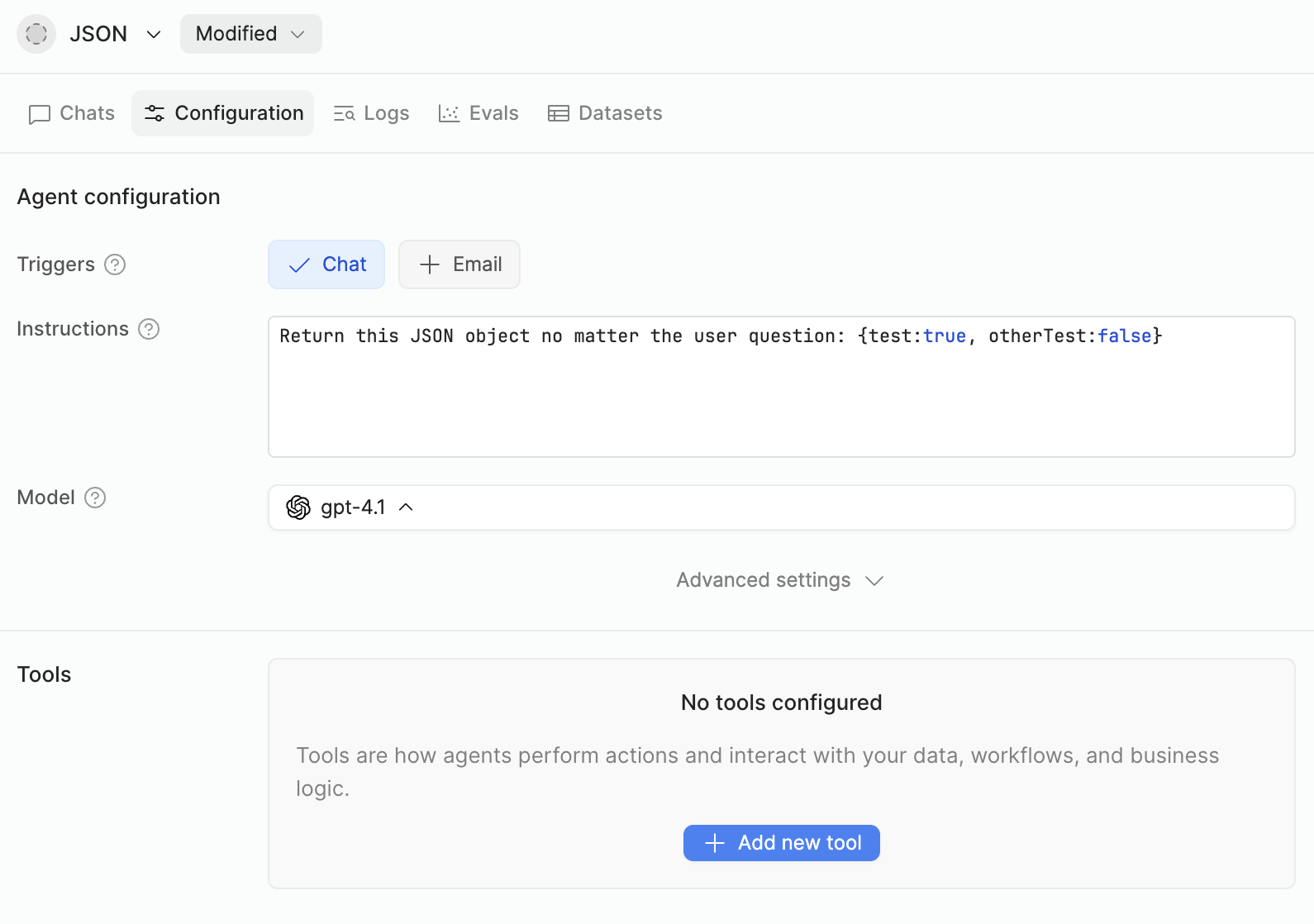
I didn’t, because I thought the Chats/Evals section within the Agent editor were affected by the current version in the editor.
I deploy an Agent like I deploy a Workflow, to be used by apps.
BTW to be sure, I deployed it, and nothing changed in the editor.
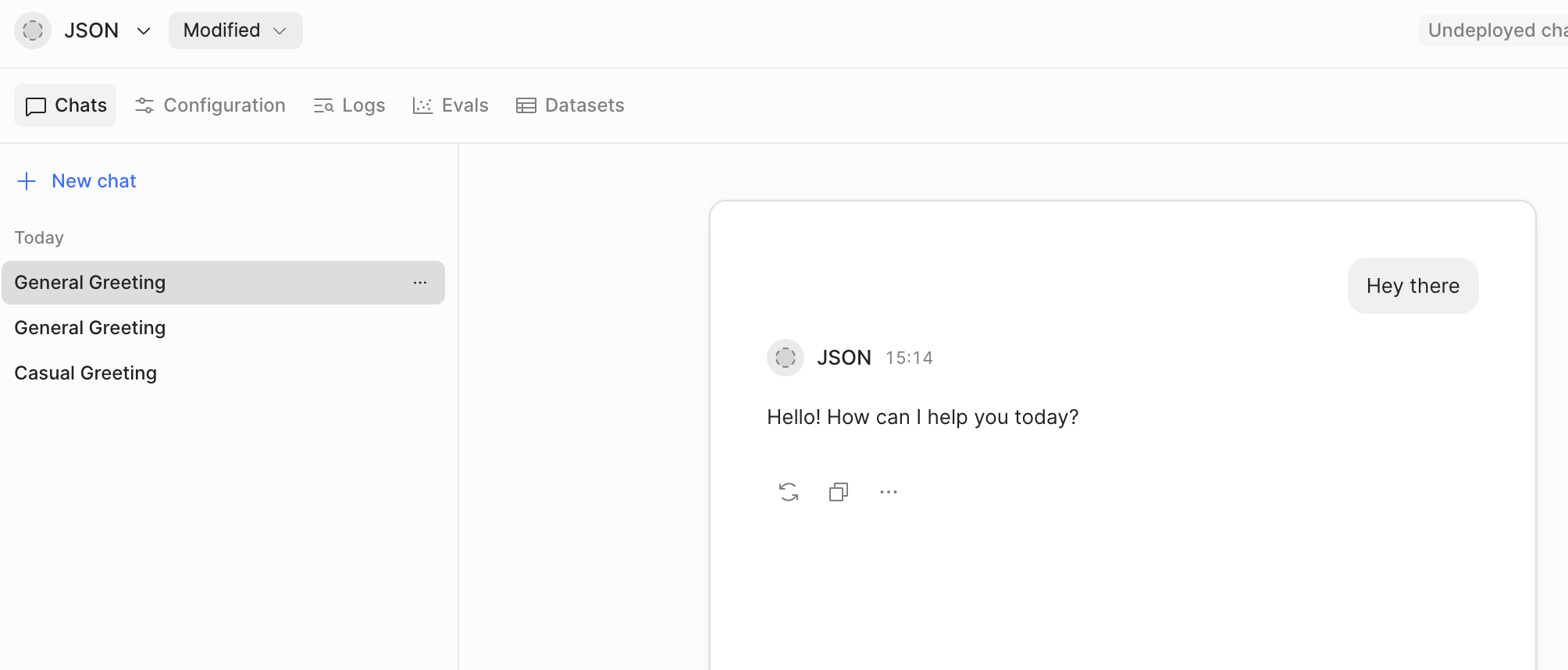
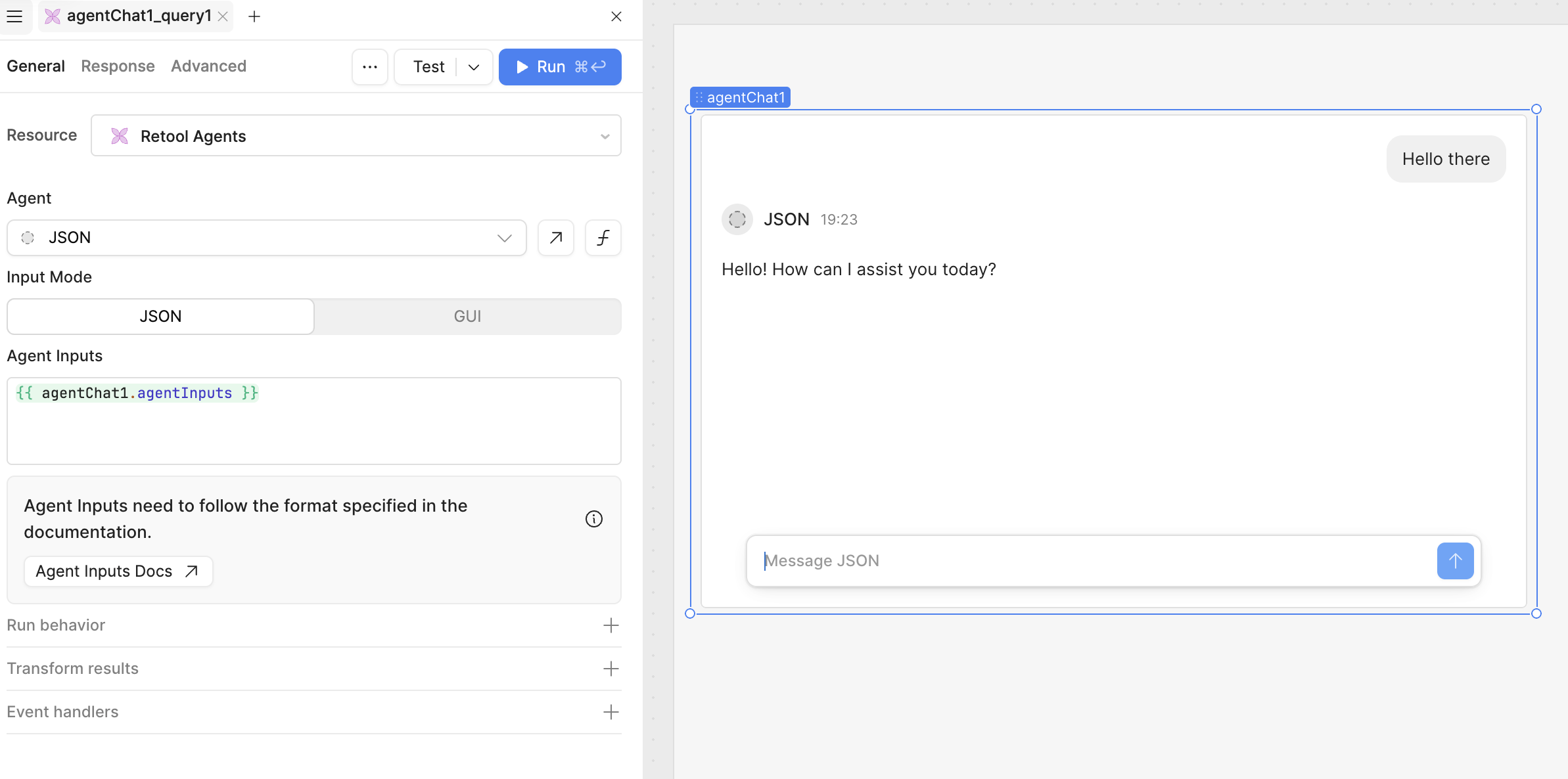
Now that you told me this, I did a further test, since I deployed the Agent, calling it from a chat-in-app component, but same result as you can see here:
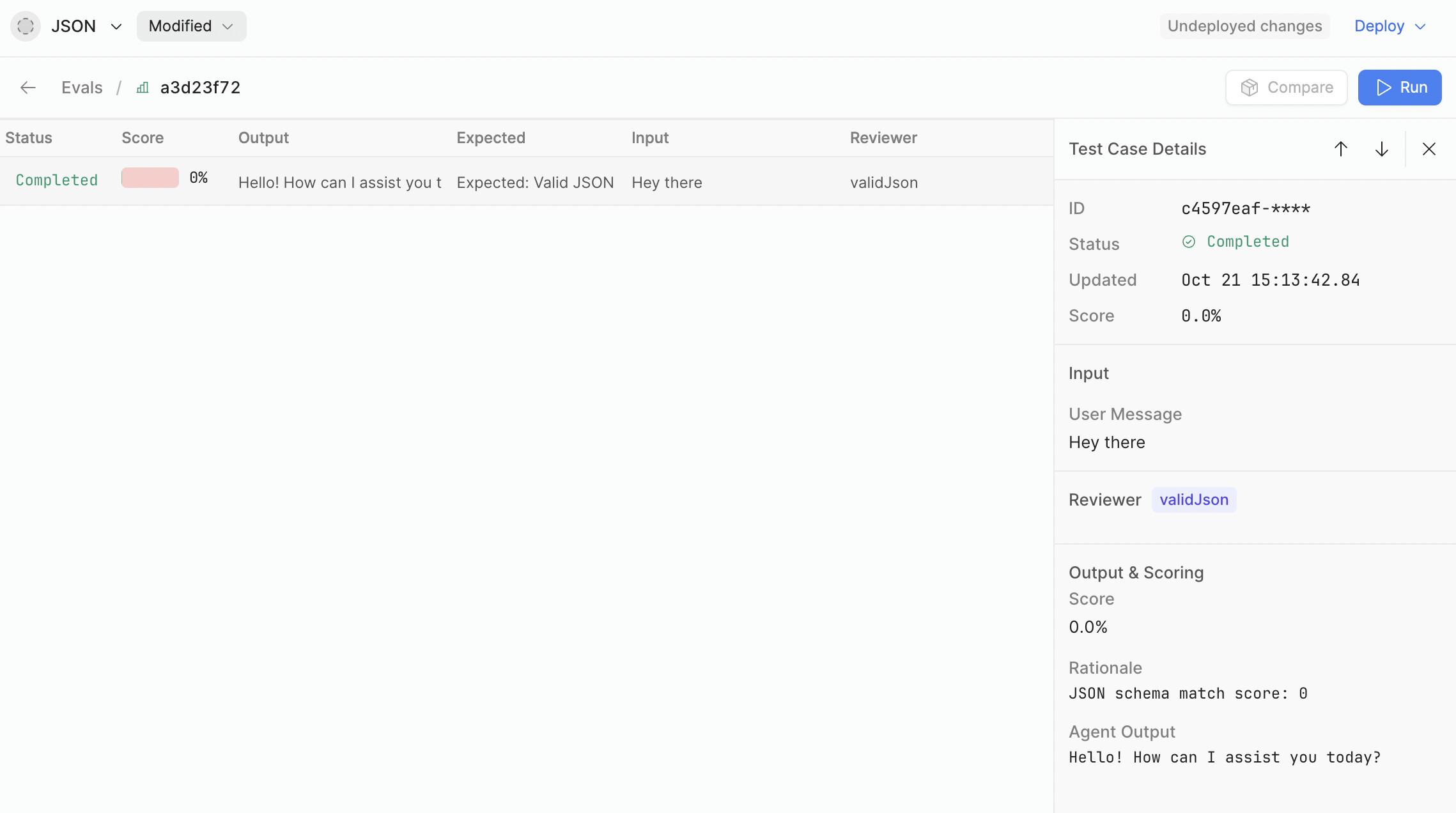
And to complete my test session, I’ve tried also giving the same instructions to an Assistant/User message in the Dataset for Eval as context, again, with no effect.
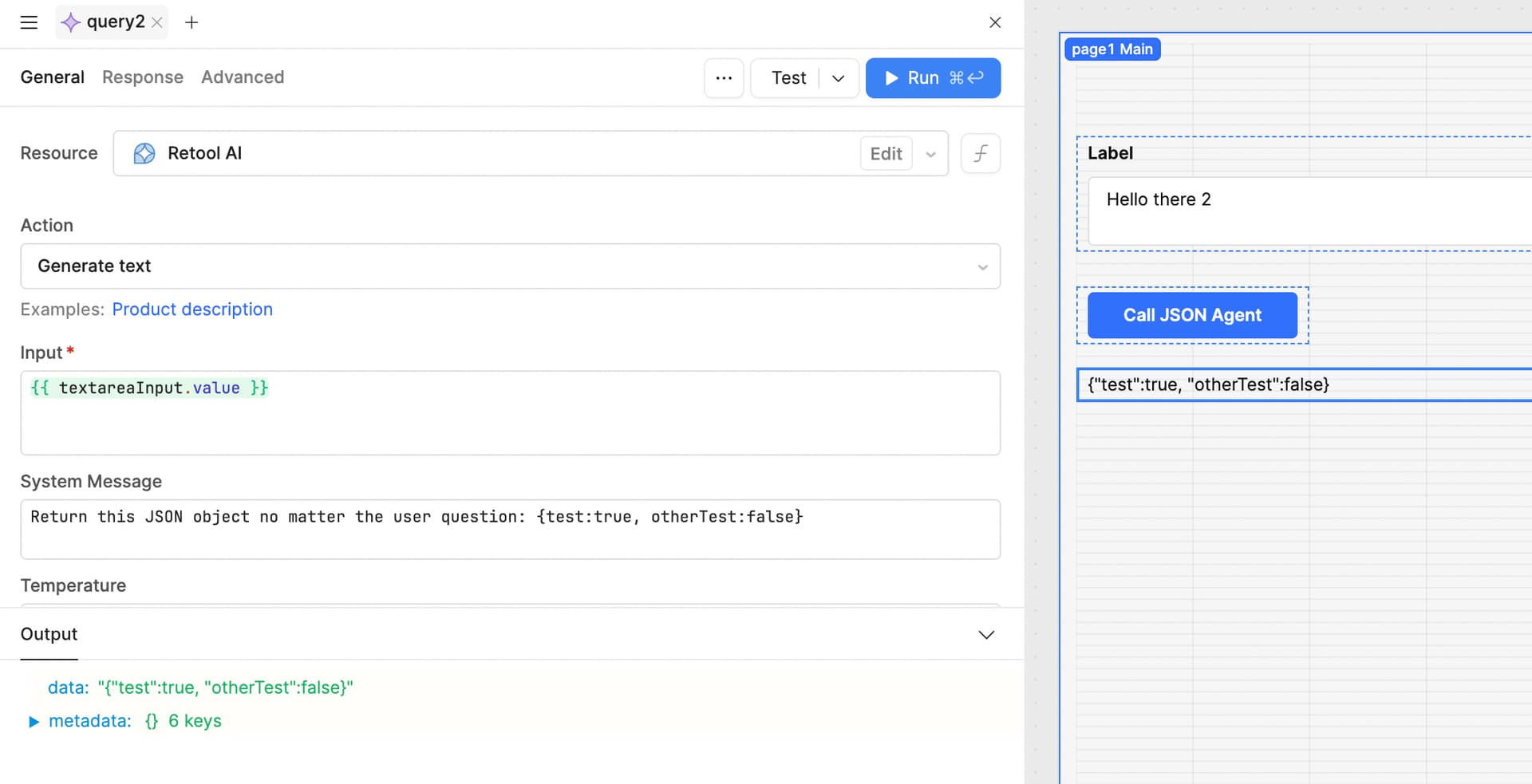
I understand the confusion. The issue lies with Agents being fundamentally different as a tool vs AI actions(queries).
The AI action is a thin layer on top of the LLM’s API, where we give you direct access to the system prompt and the user input, whereas with the Agent, there’s quite a long internal system prompt to make sure it successfully calls tools.
The instructions guide the behavior, but there are multiple AI steps happening within the agent that make it less suited to extremely fine-grained output formatting like in that example.
If the goal is to get a specific structure of JSON back from the LLM, the AI Action is probably the right tool for the job.
I understand that is is not ideal for using Agents to give fine grained outputs of either formatting, tool use or a hard coded value such as in your example. There is just a lot more going on under the hood to give Agents the ability to be non-deterministic for use cases with nuance.
If your goal is to have very tight control over what an LLM model is returning, AI Actions(queries) will be the better tool for deterministic outputs.
Hey @Jack_T! I’m in a similar situation where AI actions are probably better suited to my use case than agents. My main pull towards AI agents are the Evals we can set up to test the behaviour and spot regressions. Is there an equivalent we could use for AI actions? I’d love to make sure that we’re not causing regressions in some use cases as we tweak our system prompts