Let us know if you still need assistance, @mdsmith1!
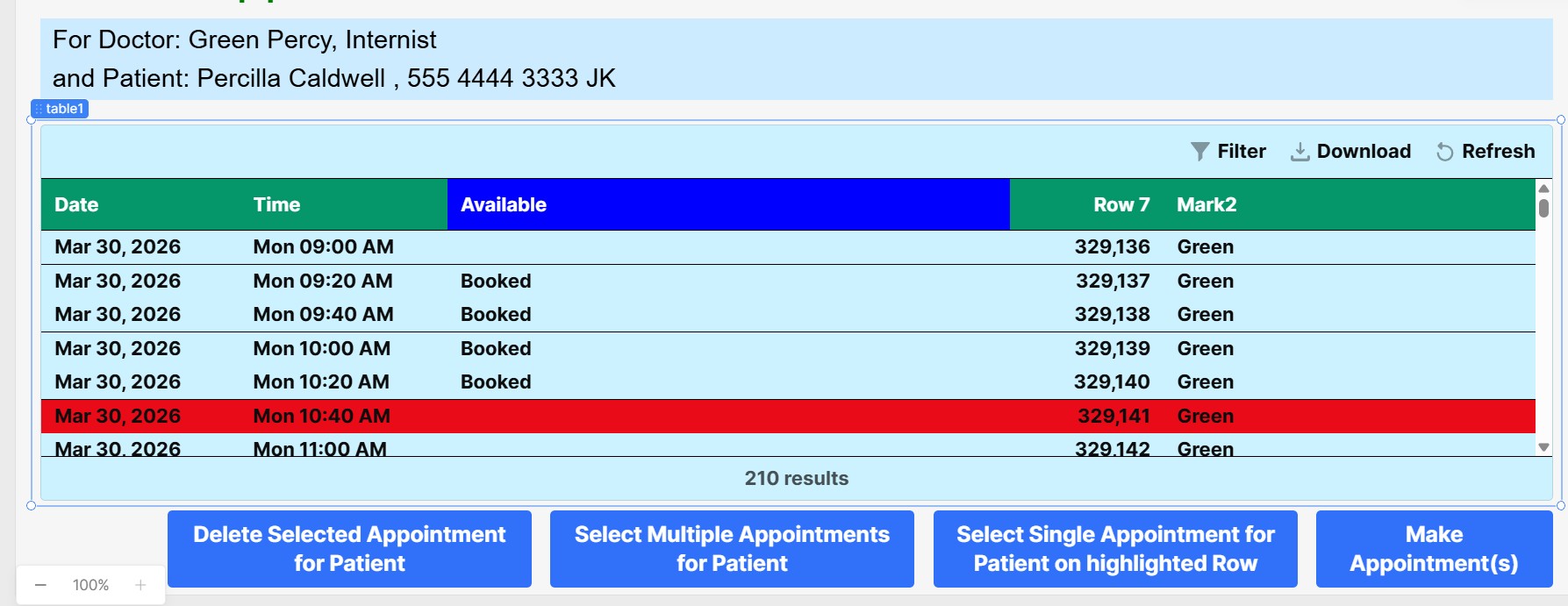
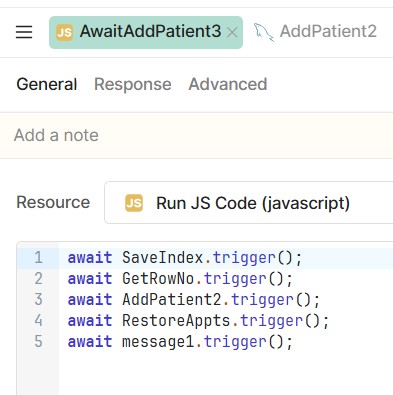
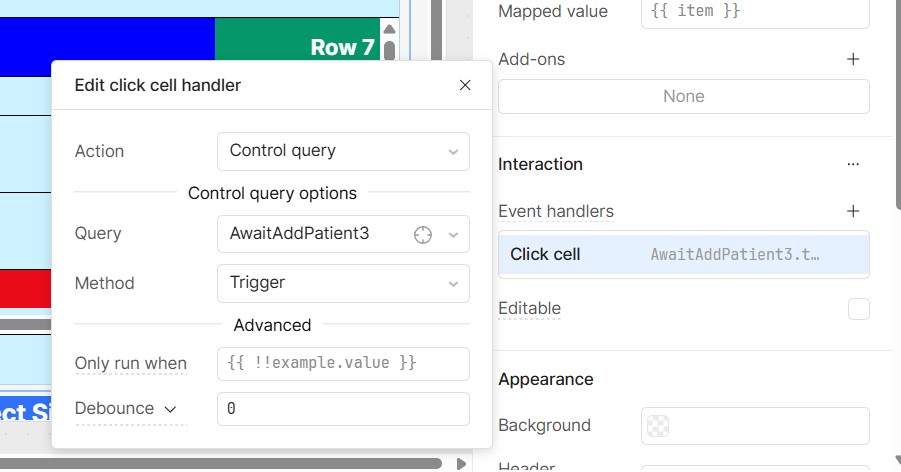
At first glance, it definitely looks like you have everything configured correctly. The only thing I might double check is that the onClick event handler is correctly set on the Available column.
That's a broad question! I'll share a simple example:
In this clip, I define a new event handler on the Enabled column, specifically, that listens for clicks. When the handler is triggered, it fires off some fun confetti - but only if currentRow.enabled is true.
In your particular case, I think the queries that you're triggering probably don't know which row was clicked. That's where currentRow comes in - you can pass it to the triggered query as additionalScope.
I'm pretty sure we've invited you to Office Hours before, but I'll offer once again! These kind of problems are almost always easier to solve in person.