Hey team! Looking for the ability to be able to capture a zoom event on a plotly chart in hopes I can preserve the zoom on a rerender.
I have a chart in which the user can pick a start date down to the fractional second. When the user picks a new time, the chart is rendered again to move the vertical line indicating the start time. However, since it was rendered again, the original zoom lost.
I have searched through these forums and saw that a lot of the zoom events aren’t exposed, but just hoping to see if there was a workaround or something that I am missing.
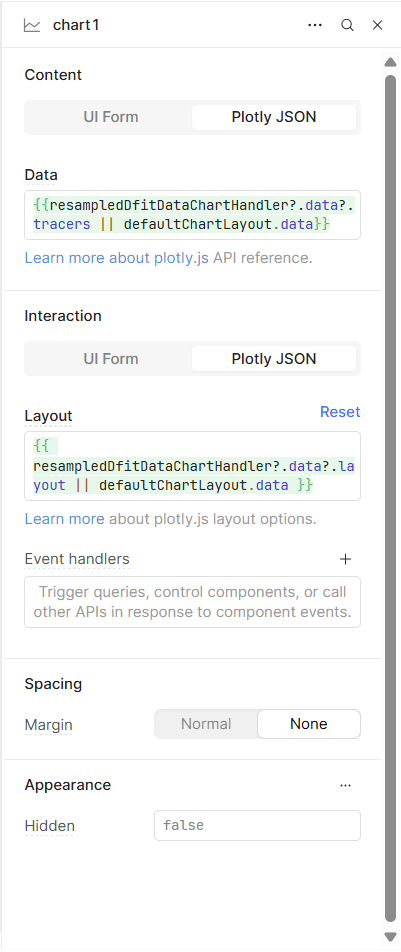
Exactly which component are you using? A screenshot would be very helpful as well.
I was looking at the Event Handlers and it seems we do not expose a 'zoom' option, but I can definitely make a feature request to have a click+zoom event handler to then bind to events.
Hey Jack, thanks for the reply. I am using the Chart component but using the Plotly JSON options to dynamically pass my chart data in. Having the zoom events exposed would be great for my situation.
My usage would be a user can zoom in, select a specific date, this chart updates a line on the chart, but instead of having to do a full re render which causes the zoom to reset, I would be able to ‘save’ whatever zoom is currently in use and reuse it on the re render.
Yes, you can do this without manually saving the zoom.
Since you're using the Chart component with Plotly JSON, just add the uirevision property to your layout. That tells Plotly to keep the current zoom and UI state when the chart updates.
Add this to your layout:
{
  "uirevision": "keep-zoom"
}
As long as "keep-zoom" doesn’t change between renders, Plotly will preserve:
Sorry for the late reply, just now getting back to this on my list of things. So I tried this solution and it seems to work, but I think for my specific needs, I might require something else.
Currently what is happening is I have a date input. When this date input is updated, the value gets updated in the database and an ‘onload’ function gets called that rerenders the charts. (this includes refetching from the database the fresh values).
To clarify, this is what is drawing the vertical lines. Imagine I am picking ‘start times’ for certain calculations. I have a flow of data points and we have the ability to select a time in that flow to pin point a start time. I update the start time in the DB and the charts render the new vertical line.
I might be wrong, but I think what is happening, because I am updating the DB, fetching from that DB and hydrating my data sources, it’s passing over the uirevision.
Because the uirevision works when I click a button that simply rebuilds the page. I don’t lose my zoom, but as soon as I update a value and the tracers have to be updated, I lose said zoom state.
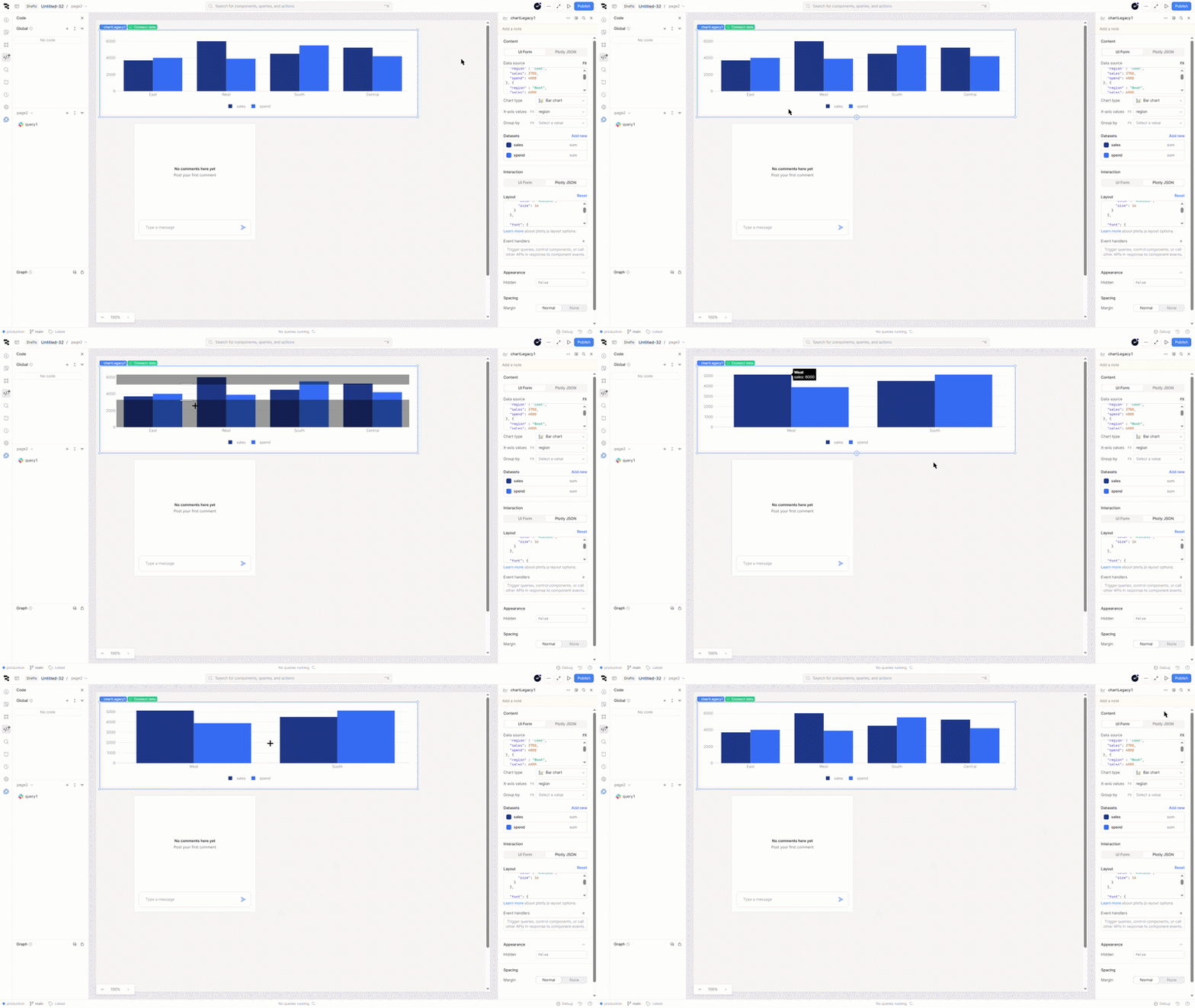
I was looking for you component to reproduce this issue and could not find it at first. But I believe you may be working with our chart component on an older version of self hosted Retool.
I found that our Legacy Chart has the same side panel UI as shown in your screenshot. This component is deprciated.
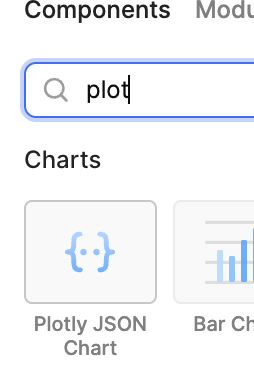
If you are able to upgrade to a newer/the current live stable version of Retool, you will have access to our Plotly JSON Chart. I did some testing and it appears that this component will maintain the zoom level through page refreshes and new data coming from a query re-run!